





Weebly Form Builder app

Create online forms on your Weebly website to collect leads, receive inquiries, and run surveys capturing valuable data faster and helping your business grow.
  • 4.8 rating
  • 10,000+ reviews
  • Free plan available
  • AI-Powered
No credit card needed
Online Form Builder widget for website

Trusted by over 3,000,000 small businesses, agencies and top global brands worldwide

Create your Form Builder app

Configure your Form Builder and add it to your Weebly website for free!
  1. 1. Customize the template
  2. 2. Create your form
  3. 3. Add it to your website

Screenshots

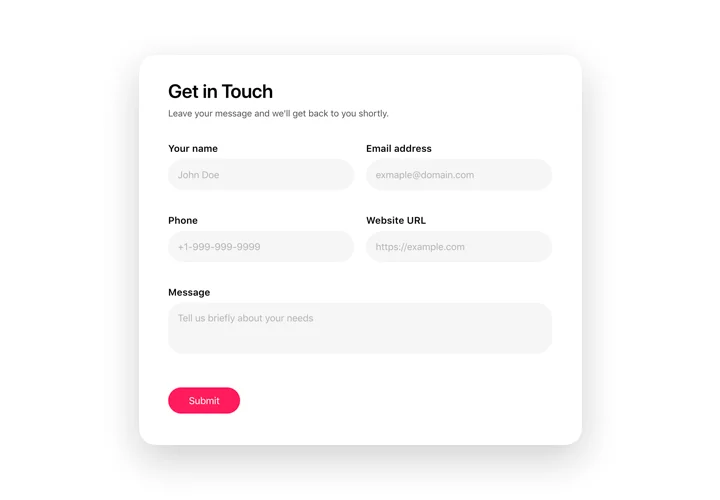
  • Create an inviting contact form with rounded style and compact fields grouping

    Create an inviting contact form with rounded style and compact fields grouping
  • Make use of more than 20 diverse input elements and break them into manageable steps
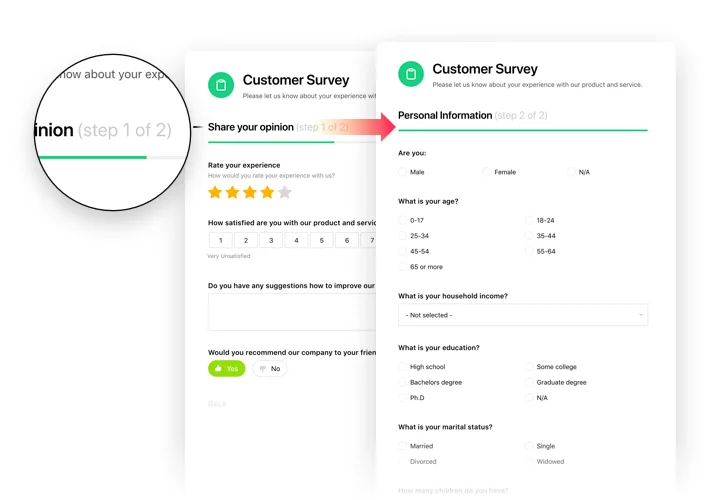
    Make use of more than 20 diverse input elements and break them into manageable steps
  • Add ratings and scales with comments fields to shape surveys and collect feedback
    Add ratings and scales with comments fields to shape surveys and collect feedback
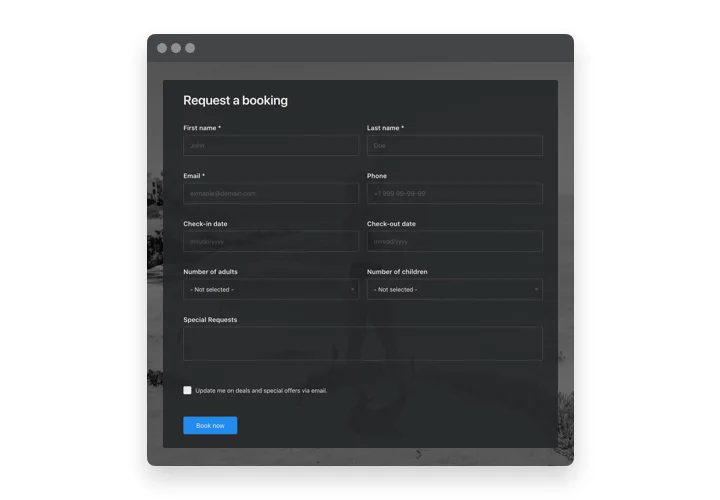
  • Arrange drop-down fields with placeholders and embedded calendars for easy and fast filling in

    Arrange drop-down fields with placeholders and embedded calendars for easy and fast filling in
  • Enjoy a flexible interface with styles and custom colors to fit into any website concept
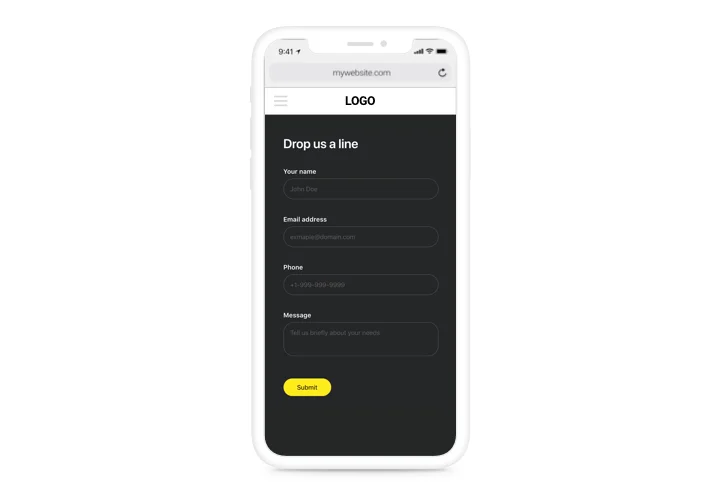
    Enjoy a flexible interface with styles and custom colors to fit into any website concept
  • Allow your users smooth experience from any device
    Allow your users smooth experience from any device
1 / 6

Custom form builder for Weebly

The Form Builder by Elfsight allows you to create a weebly sign up form, weebly order form, weebly registration form, or any other type of filling form you may need. With this universal app, you can easily receive feedback from your customers through surveys, rating requests, and other variations. The form framework can be defined and styled to capture more information from your customers. No matter what type of information you require, be it ideas, assessments, reservations, or purchases, our Form Builder will enable you to create a suitable filling form. Our responsive design and array of predefined elements ensure that your form will be easy-to-use for your clientele and attractive for you.

Gather clients’ opinions, receive bookings and requests of your site audience!

  • Create attractive forms to collect more feedback.
    Apply every parameter of the Elfsight app to construct effective filling forms. Control components and define the framework to make your forms balanced and handy. Make use of style parameters for designing a notable interface and summon more feedback.

  • Increase the number of leads with manageable forms.
    Don’t let clientele stop the filling unfinished and leave you without their insights. Build forms with handy steps and logical setup, that will hold users involved till the end and uplift the number of leads.

  • Save time and money with a multi-purpose tool.
    This instrument allows designing forms of varied sorts with manifold sets of elements and different structure. This will help you compose forms to summon data of manifold formats without spending additional money and time.

Features of Form builder plugin

Why is Elfsight Form Builder the best plugin to get clents’ feedback, request or booking info on your Weebly website?

  • Create classic and step-by-step forms uniting elements into groups;

  • Editable text of submit button;

  • Assign any email address and form filling results will be automatically sent there;

  • Set any URL where a user will be redirected after the form filling;

  • Paint your form in one click – the main color will be applied to all active elements, submit button, progress bar, etc.

Test main app features in our demo

How to add Form Builder to Weebly website

Quick instruction for creation of the app on Weebly by your own means. For implementation of the setup, you will not need to invite a programmer or personally have experience in development. A total duration of the implementation is just 3 minutes.

  1. Manage our free demo and start forming your customized app.
    Find the selected interface and parameters of the app and apply all the modifications.

  2. Acquire the unique code which is shown in the box on Elfsight Apps.
    Right after the configuration of your app is done, copy your code in the emerged window and keep it for further need.

  3. Get started with using the app on Weebly web page.
    Embed the code copied before in your website and apply the corrections.

  4. You’re done! The integration is successfully ended.
    Visit your site to observe how’s the app running.

Failed to install or insert the app on a site? Check our complete manual «How to set up Forms on Weebly» or write a message to our help center.
Form Builder template catalog

Choose from our ready-to-use widget templates to use as is, or customize them to suit your style.
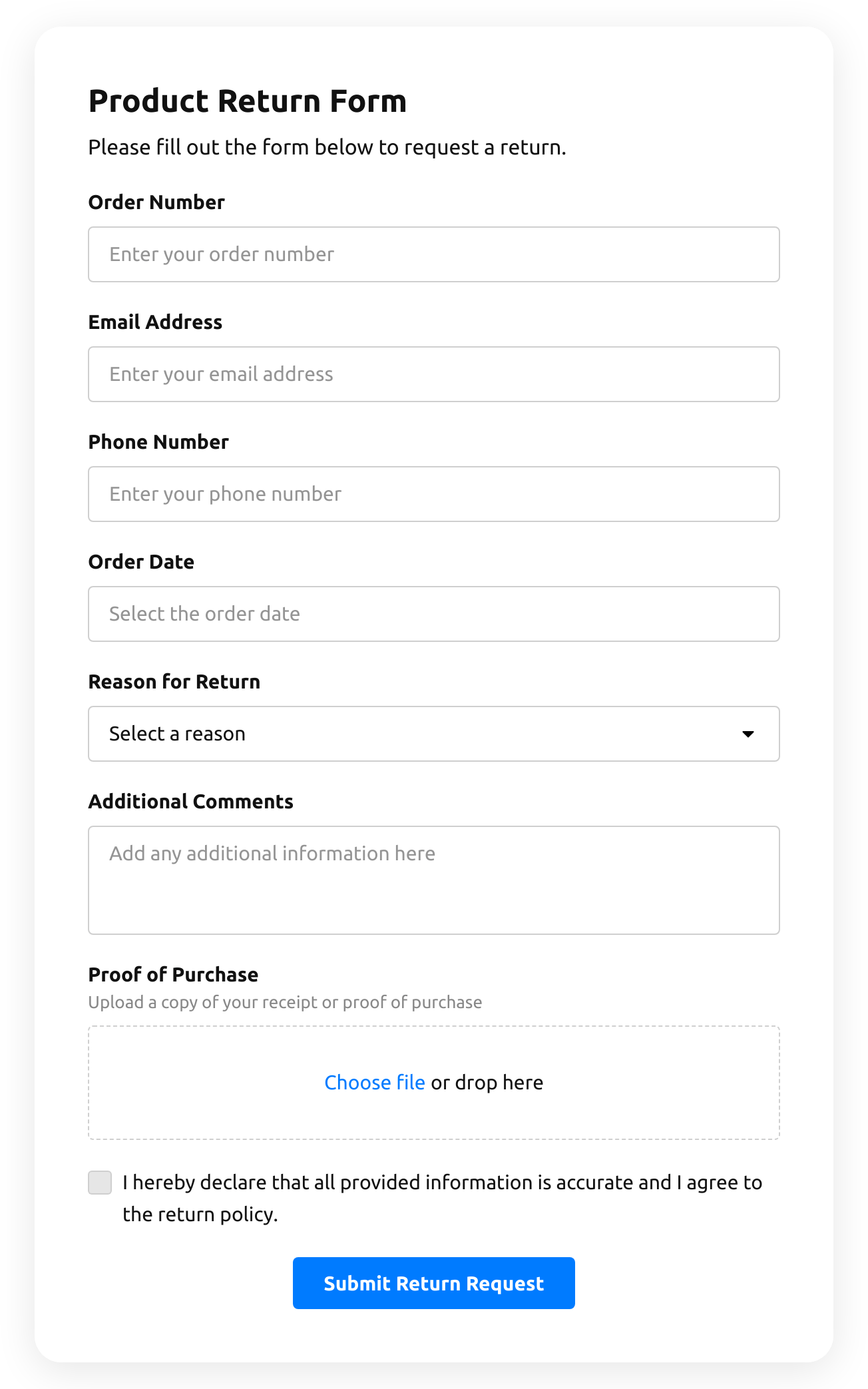
  • Return Order Form

    Create a form to request a product return.

    • IntegrationsConnect in the editor: Stripe, Mailchimp, Google Sheets, Zapier, Make.com, Webhooks and Google Analytics.
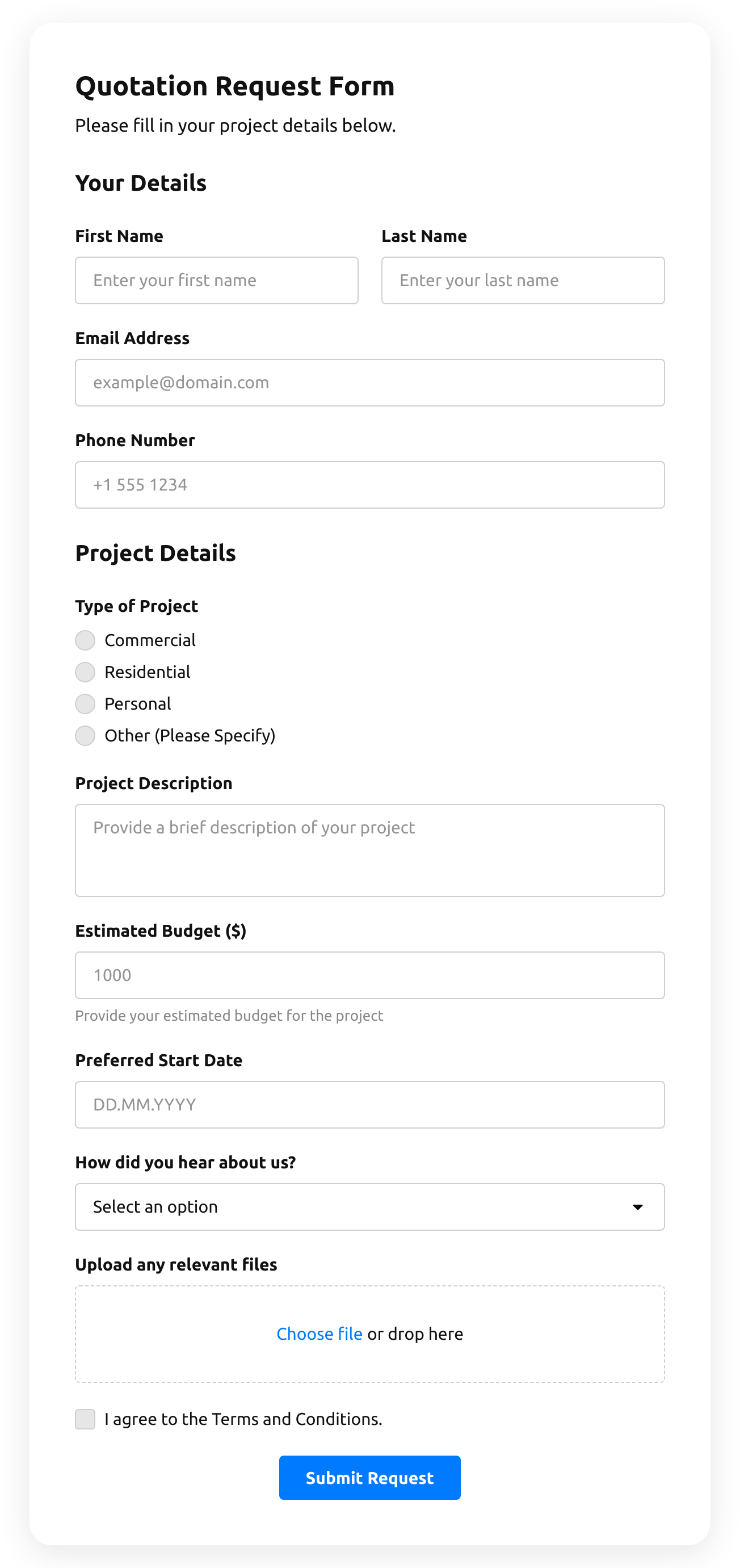
  • Quotation Form

    Create a website form with the template for the quotation statement with the recent sale prices.

    • IntegrationsConnect in the editor: Stripe, Mailchimp, Google Sheets, Zapier, Make.com, Webhooks and Google Analytics.
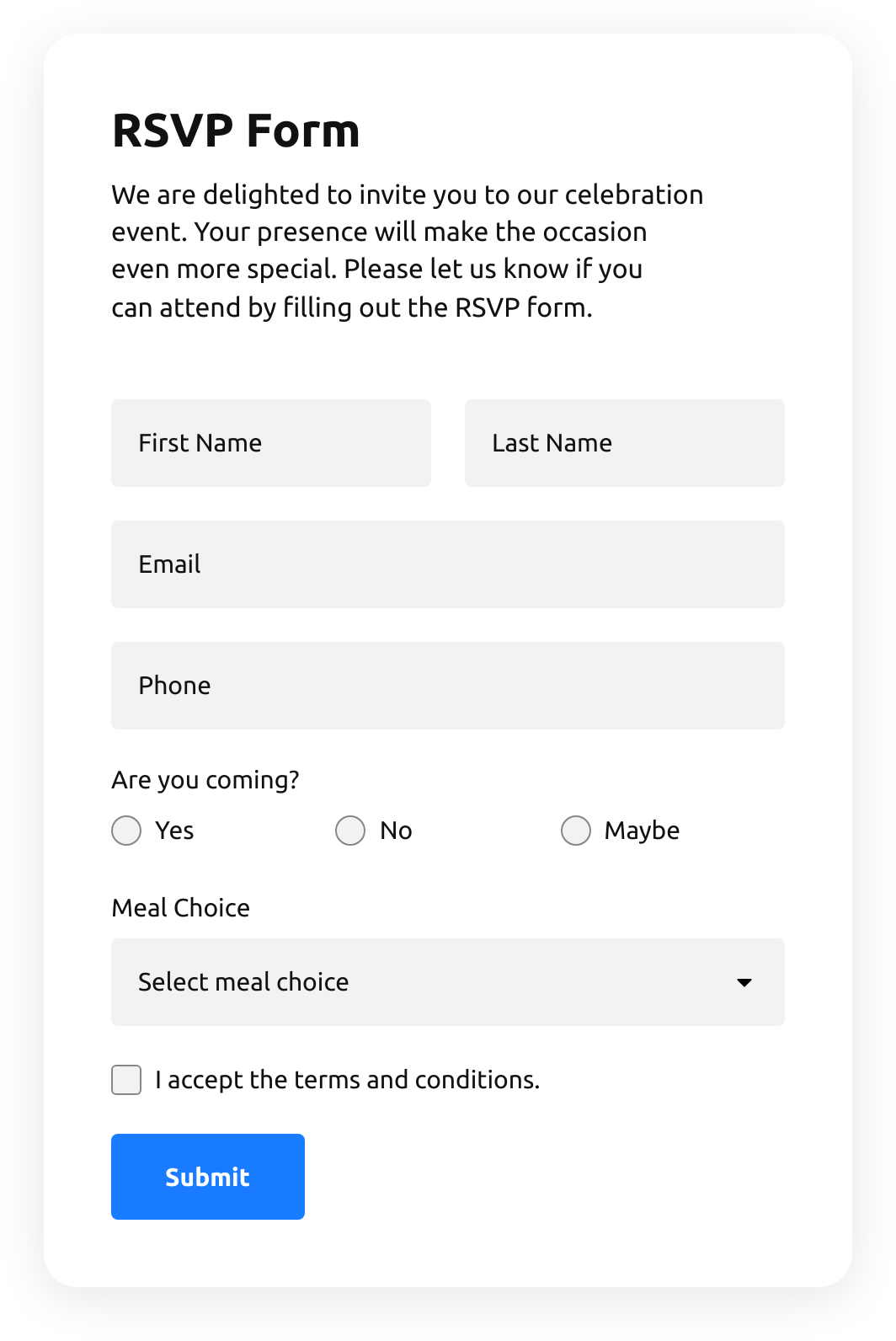
  • Rsvp Form

    Create a website form with the template to invite guests with RSVPs.

    • IntegrationsConnect in the editor: Google Sheets, Stripe, Mailchimp, Zapier, Make.com, Webhooks and Google Analytics.
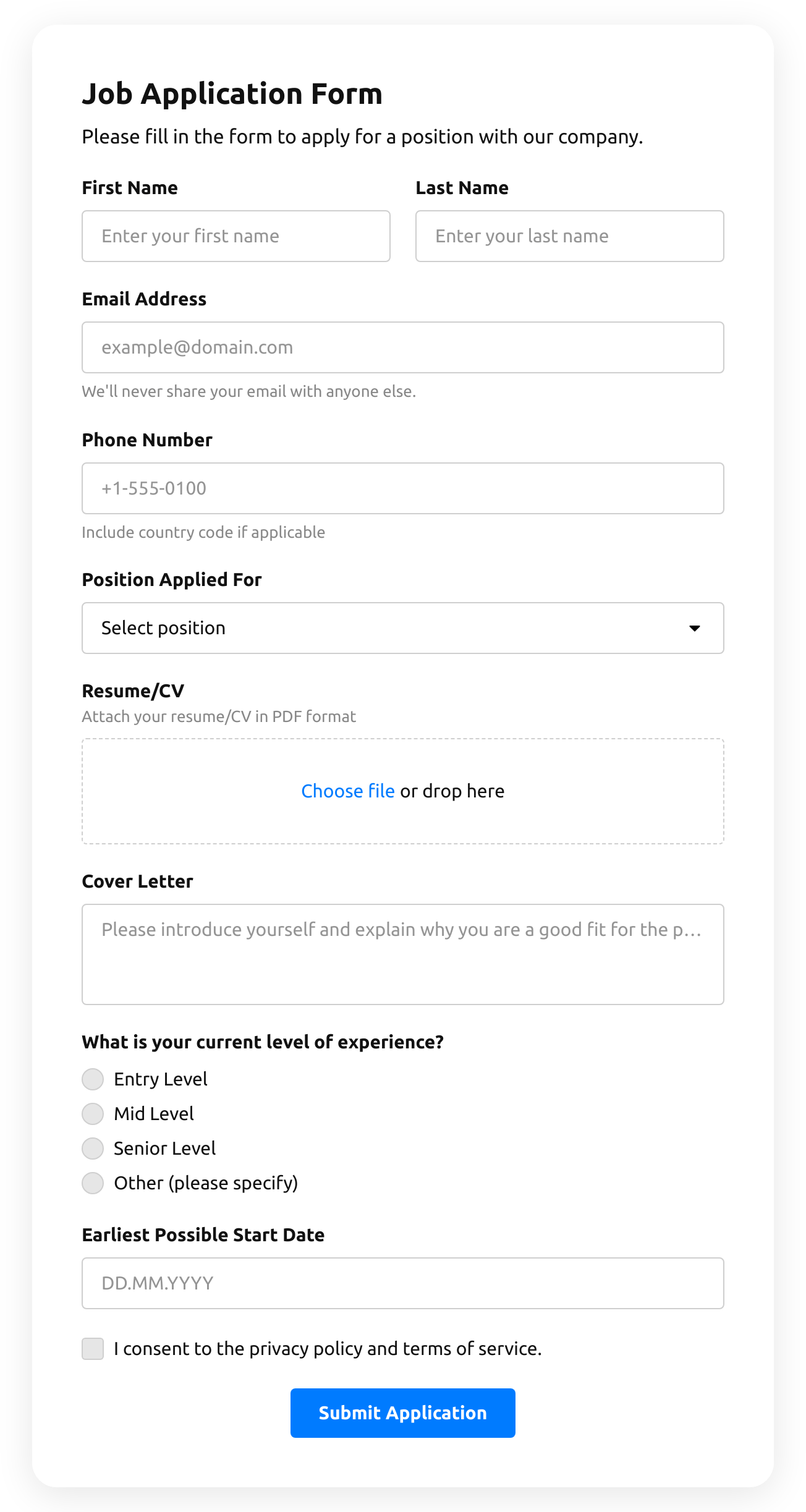
  • Job Application Form

    Create a form for collecting job application resumes.

    • IntegrationsConnect in the editor: Google Sheets, Stripe, Mailchimp, Zapier, Make.com, Webhooks and Google Analytics.
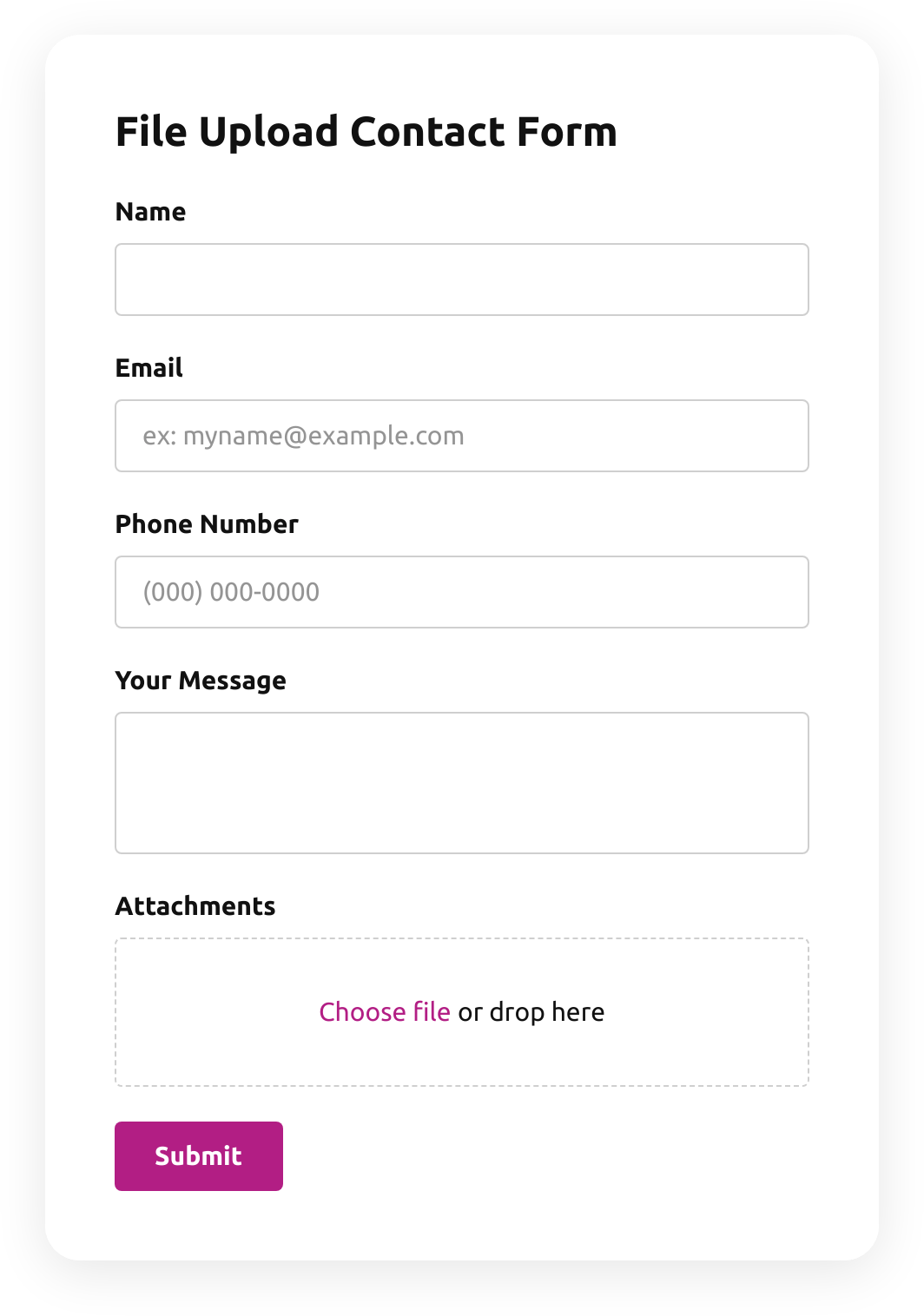
  • File Upload Contact Form

    Create a form for collecting contact details with a file upload feature.

    • File uploadsCustomers attach files — photos, documents, resumes — right in the form.
    • IntegrationsConnect in the editor: Google Sheets, Stripe, Mailchimp, Zapier, Make.com, Webhooks and Google Analytics.
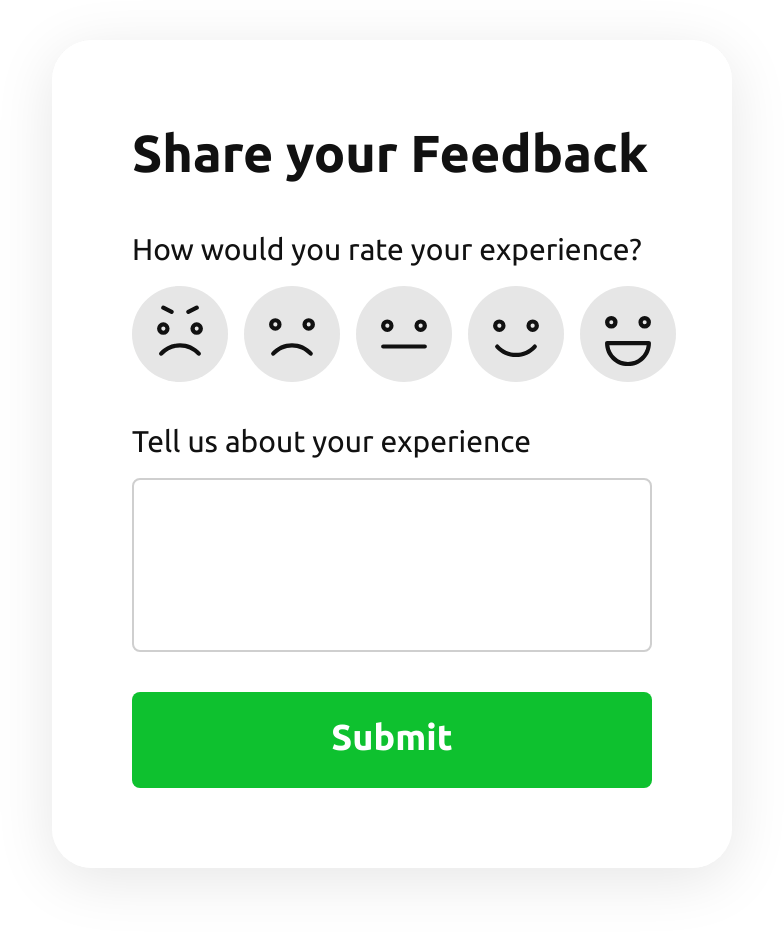
  • Emoji Feedback Form

    Create a form to receive emoji response feedback.

    • IntegrationsConnect in the editor: Google Sheets, Stripe, Mailchimp, Zapier, Make.com, Webhooks and Google Analytics.
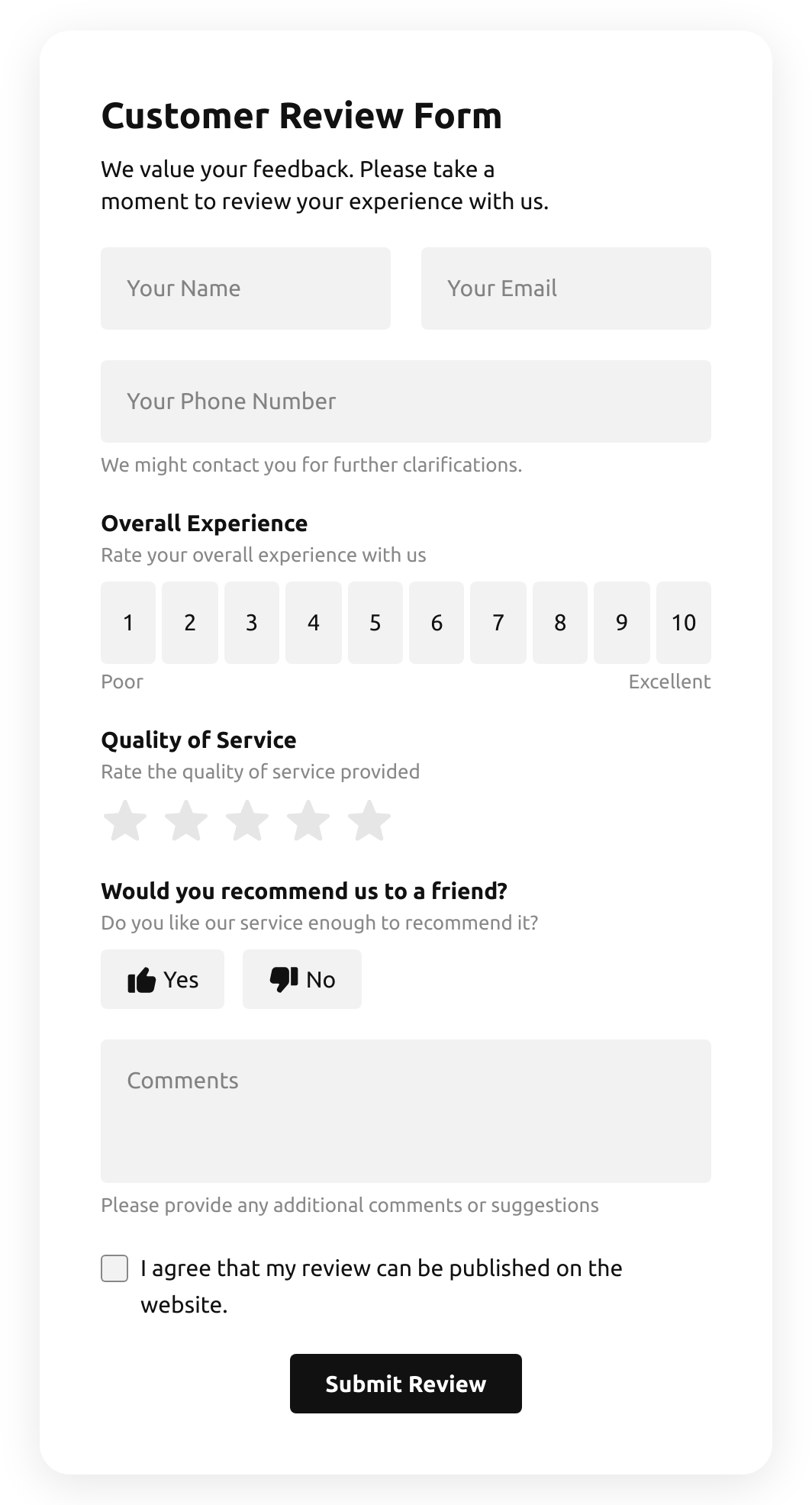
  • Customer Review Form

    Create a form to collect customer product reviews.

    • IntegrationsConnect in the editor: Google Sheets, Stripe, Mailchimp, Zapier, Make.com, Webhooks and Google Analytics.
  • Shopping Registration Form

    Create a form with a file upload function to collect registrations for online shopping.

    • IntegrationsConnect in the editor: Google Sheets, Stripe, Mailchimp, Zapier, Make.com, Webhooks and Google Analytics.
  • Timer Quiz

    Create a website survey with the template and integrate a countdown timer.

    • Multi-stepSplit into steps, so a long form feels short.
    • IntegrationsConnect in the editor: Google Sheets, Stripe, Mailchimp, Zapier, Make.com, Webhooks and Google Analytics.
  • Product Recommendation Quiz

    Create a quiz to collect users' product recommendations using the template for website.

    • Multi-stepSplit into steps, so a long form feels short.
    • IntegrationsConnect in the editor: Google Sheets, Stripe, Mailchimp, Zapier, Make.com, Webhooks and Google Analytics.
  • No suitable form template?
    Create your form with Elfsight AI by describing your requirements in plain language, or build your own form using our form builder.

See all templates

Pricing

14-day money back guarantee. Risk-free, you can cancel at anytime.
Elfsight AppsPlatform-independent versionfrom $0 / monthstart with a free plan
  • Unlimited websites

  • Premium support

  • Free installation service

  • Flexible design

  • Price to catch for multiple apps