Emoji feedback form template

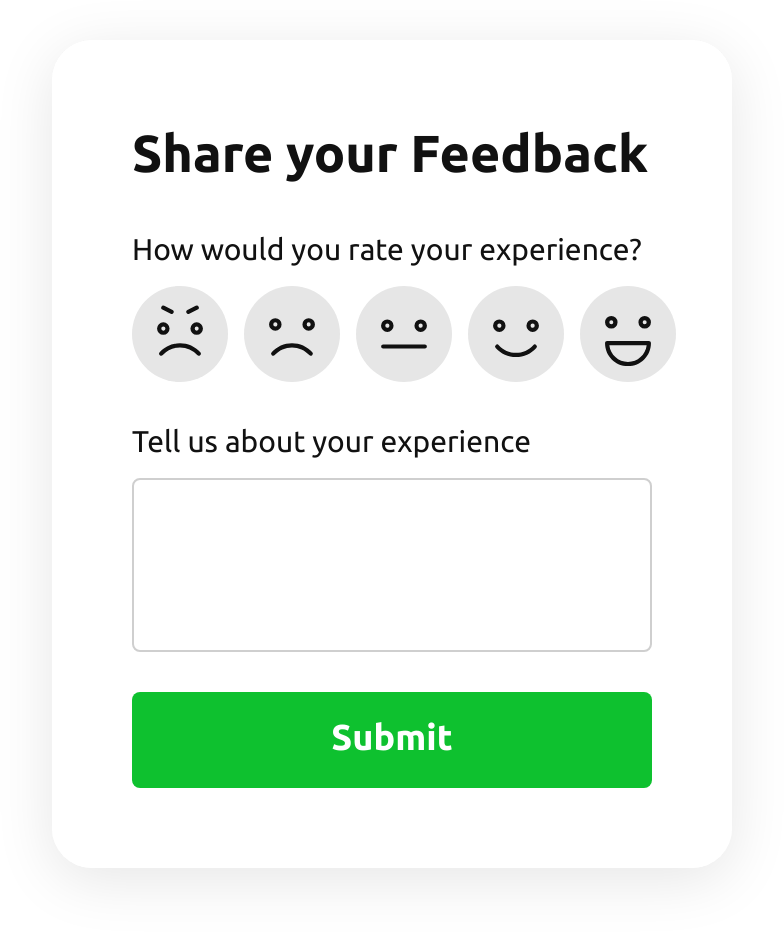
Ask how it went with five faces instead of a survey. Visitors tap a face and, if they want, say why — you get a quick read on how people feel about a page, an order or your service.
All feedback forms
No credit card needed
Emoji Feedback Form

Try the emoji feedback form

Change the question, the faces and the colours — this is the editor you will use.
  1. 1. Customize the template
  2. 2. Create your form
  3. 3. Add it to your website
What’s in the form

Two questions, one tap to answer

The shortest feedback form in the catalog: it asks for a feeling first and words second.

The rating

  • How would you rate your experience?Five faces from angry to delighted — answered in one tap, in any language.
The reason

  • Tell us about your experienceAn open box for the visitor who has something to say.
Who uses it

Feedback where people are

After an order

Put it on the thank-you page and see how buying felt.

Help and FAQ pages

Ask whether the answer helped, right under it.

Restaurants and cafés

Link it from a QR code on the table or the receipt.

Events and classes

Get a reaction while it is still fresh.
Make it yours

Adapt the template to your question

Ask why only when it went wrong

Show the comment box only after the angry or sad faces, with conditional logic.

Float it on every page

Use the floating layout: a button opens the form without taking room on the page.

Collect the answers in a sheet

Send the ratings to Google Sheets and watch them change over time.

More form templates

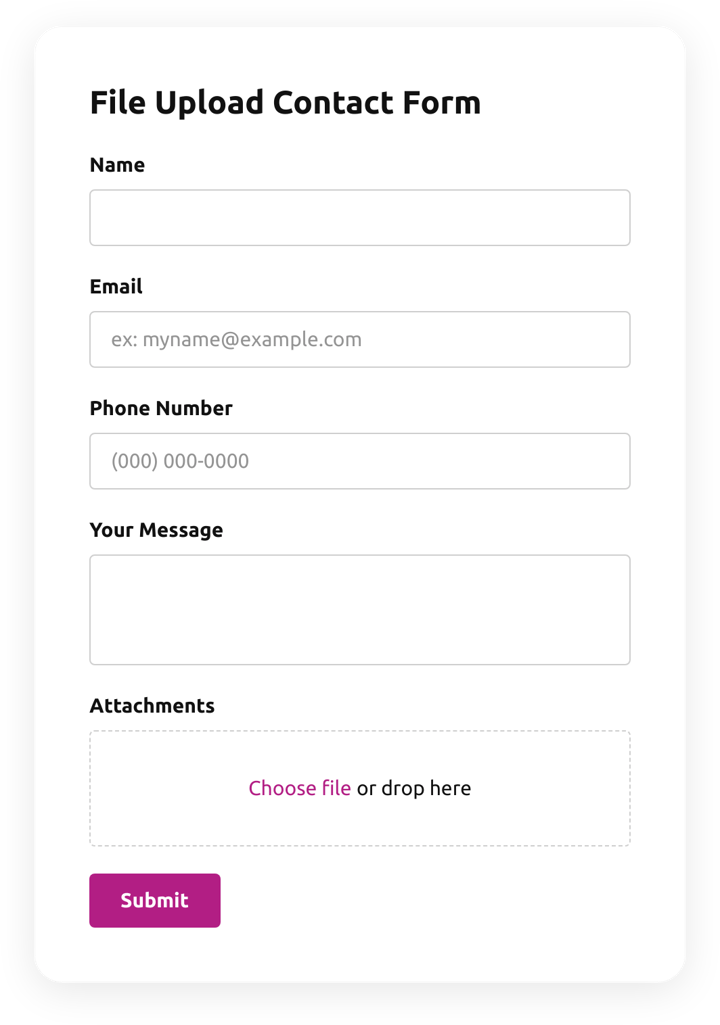
  • File Upload Contact Form

    Create a form for collecting contact details with a file upload feature.

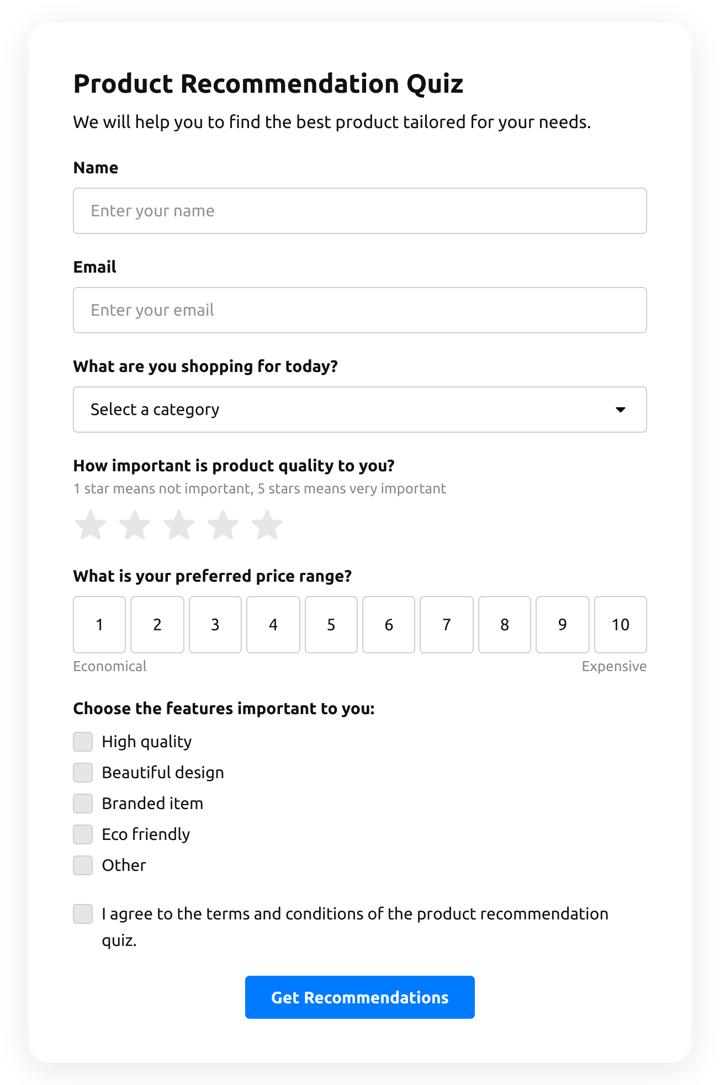
  • Product Recommendation Quiz

    Create a quiz to collect users' product recommendations using the template for website.

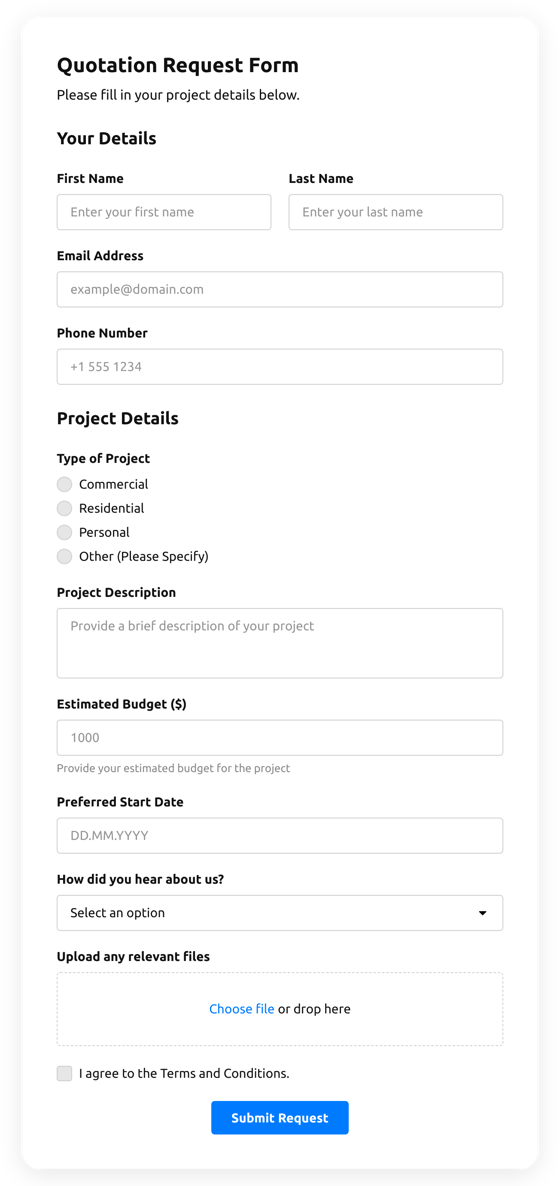
  • Quotation Form

    Create a website form with the template for the quotation statement with the recent sale prices.
Emoji feedback form FAQ