





WordPress Form Builder plugin

Create online forms on your WordPress website to collect leads, receive inquiries, and run surveys capturing valuable data faster and helping your business grow.
  • 4.8 rating
  • 10,000+ reviews
  • Free plan available
  • AI-Powered
No credit card needed
Online Form Builder widget for website

Trusted by over 3,000,000 small businesses, agencies and top global brands worldwide

Create your plugin

Configure your Form Builder and add it to WordPress for free!
  1. 1. Customize the template
  2. 2. Create your form
  3. 3. Add it to your website

Screenshots

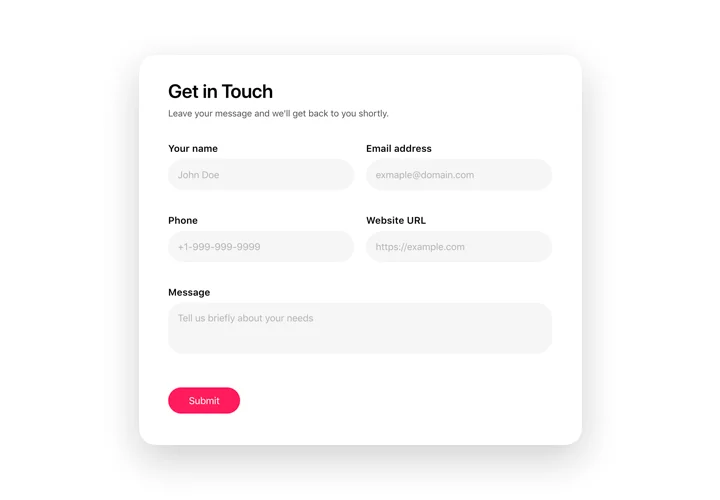
  • Create an inviting contact form with rounded style and compact fields grouping

    Create an inviting contact form with rounded style and compact fields grouping
  • Make use of more than 20 diverse input elements and break them into manageable steps
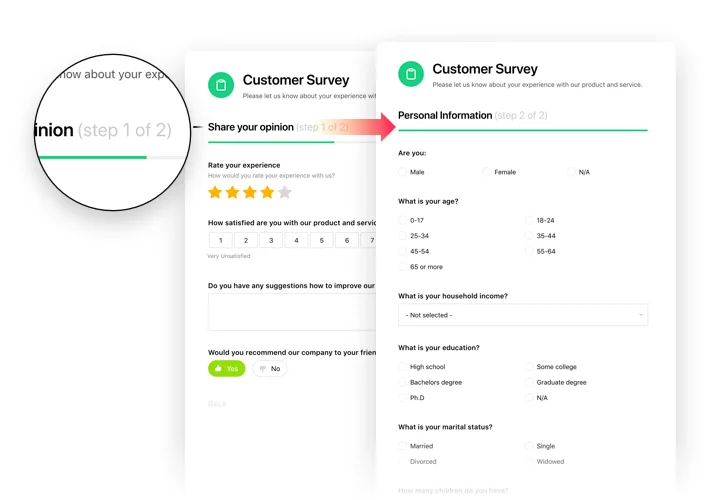
    Make use of more than 20 diverse input elements and break them into manageable steps
  • Add ratings and scales with comments fields to shape surveys and collect feedback
    Add ratings and scales with comments fields to shape surveys and collect feedback
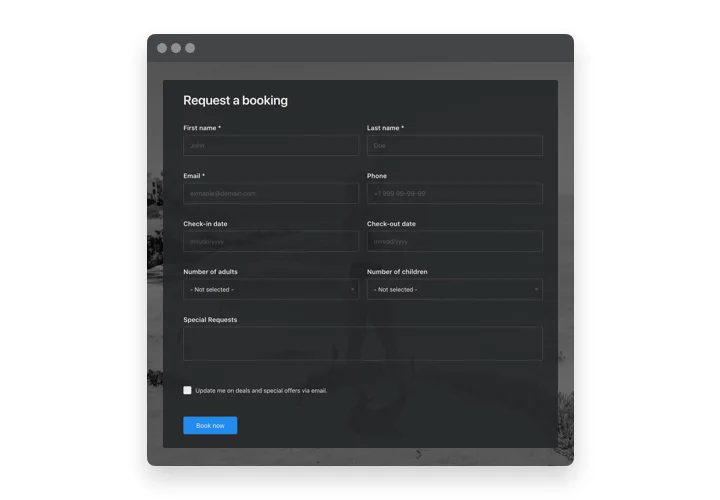
  • Arrange drop-down fields with placeholders and embedded calendars for easy and fast filling in

    Arrange drop-down fields with placeholders and embedded calendars for easy and fast filling in
  • Enjoy a flexible interface with styles and custom colors to fit into any website concept

    Enjoy a flexible interface with styles and custom colors to fit into any website concept
  • Allow your users smooth experience from any device
    Allow your users smooth experience from any device
1 / 6

Why people love Elfsight

Every business, big or small, eventually needs a way to collect information online – whether it’s sign-ups, feedback, or simple contact forms. That’s exactly why we created our WordPress Form Builder plugin. It’s friendly, fast, and doesn’t expect you to be a tech guru to get results.

Think about it: wouldn’t it be nice if setting up a form felt less like wrestling with code and more like fitting together puzzle pieces? With our editor, that’s basically how it works. You pick what you need, drag it into place, tweak the details, and you’re done. Even those who usually hand web tasks off to “that one tech friend” can handle it on their own.

Did you know?

According to WPBeginner, over 60% of WordPress websites use at least one form plugin to interact with visitors.

That’s a lot of conversations happening through forms. Try building yours with Elfsight and see how quickly you can get it live.

Key features of the Form Builder

The widget is built to solve real everyday challenges. Whether you’re collecting leads, RSVPs, or survey answers, it just works — cleanly and without fuss.

  • Drag-and-drop editor: Build any wordpress custom form without touching a single line of code. If you can arrange icons on your phone screen, you can design a form here.

  • Flexible layouts: Inline forms for content areas, floating ones that stick around as visitors scroll, or classic embedded blocks — pick what fits best.

  • Smart field options: Add dropdowns, checkboxes, file uploads, dates, and more. Adjust labels, placeholders, and rules on the fly.

  • Conditional logic: Show or hide fields depending on user choices to keep things neat and relevant.

  • Instant notifications: Get form submissions straight to your inbox or send them to teammates. No more missed messages buried in dashboards.

  • Integrations that save time: Hook up Google Sheets, email platforms, or your CRM so new entries flow straight into your workflow.

  • Responsive by design: Every form adjusts beautifully to phones, tablets, and desktops — no extra tweaking needed.

  • Privacy and spam control: Features like CAPTCHA, GDPR-friendly checkboxes, and submission limits keep your forms safe and respectful.

Open the live editor and try building your first form — it’s surprisingly quick.

How to add the Form Builder to WordPress

Adding a form to WordPress doesn’t have to feel like climbing a mountain. Here’s a friendly step-by-step guide.

Method 1: Inline forms

Perfect for inserting forms directly into pages or posts.

  1. Pick a template: Open the Elfsight editor and choose a design that matches your page.

  2. Customize fields: Add text, checkboxes, dropdowns, file uploads — whatever your form needs.

  3. Generate the code: Click “Add to website for free” and copy the snippet.

  4. Embed in WordPress: Open your page/post editor, switch to HTML (or code) view, and paste the snippet where you want the form to appear.

Method 2: Floating forms

Keep forms visible as visitors scroll — great for sign-ups or quick contact.

  1. Pick a floating layout: Choose a side or bottom position.

  2. Adjust settings: Choose size, visibility rules, and which fields show up.

  3. Copy the snippet: Click “Add to website for free.”

  4. Paste into WordPress: Insert it in a global widget, footer, or header so it appears site-wide.

Need extra guidance? Check our Help Center and submit your question to support. For tips and inspiration, check our latest posts on the Elfsight Blog.
Form Builder template catalog

Choose from our ready-to-use widget templates to use as is, or customize them to suit your style.
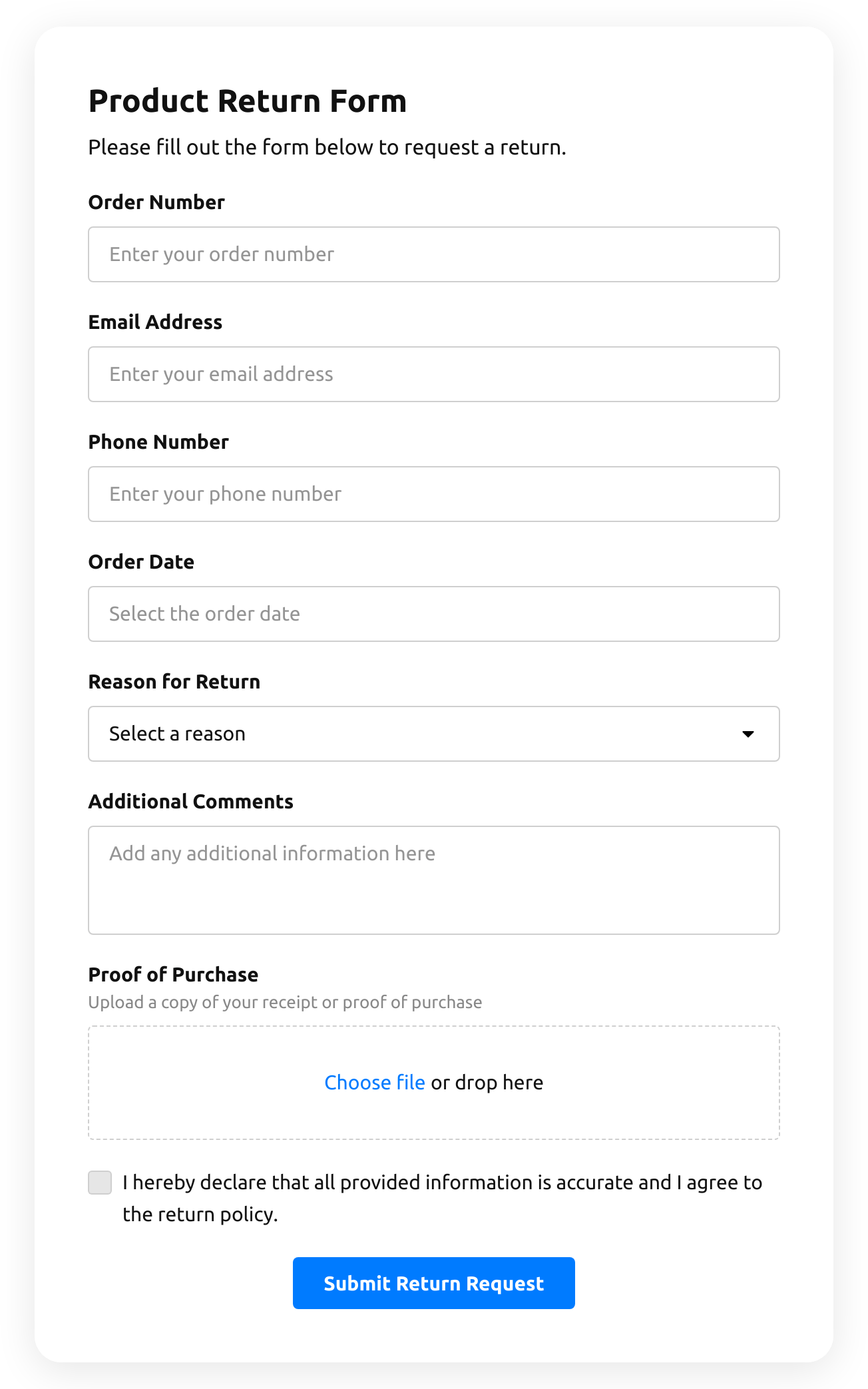
  • Return Order Form

    Create a form to request a product return.

    • IntegrationsConnect in the editor: Stripe, Mailchimp, Google Sheets, Zapier, Make.com, Webhooks and Google Analytics.
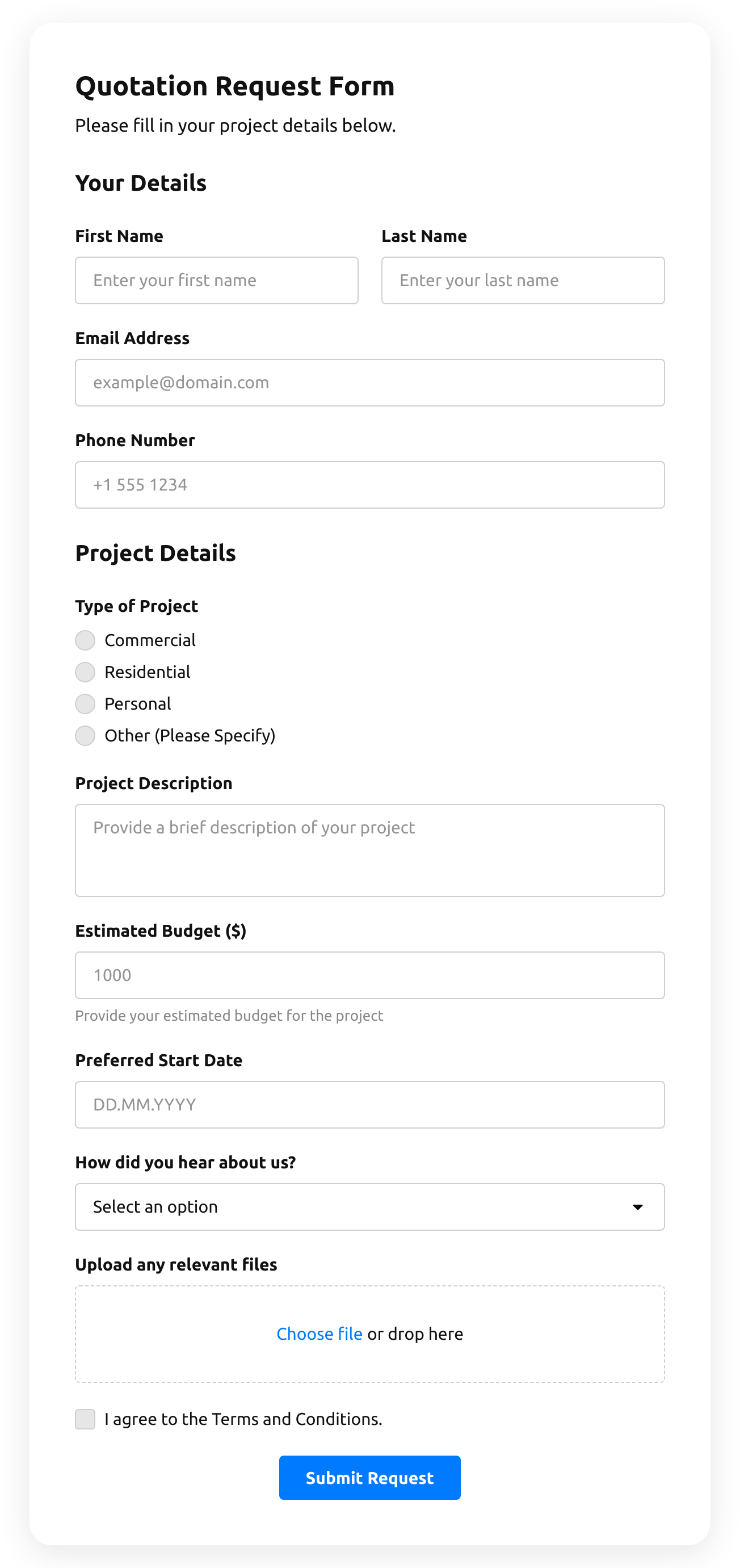
  • Quotation Form

    Create a website form with the template for the quotation statement with the recent sale prices.

    • IntegrationsConnect in the editor: Stripe, Mailchimp, Google Sheets, Zapier, Make.com, Webhooks and Google Analytics.
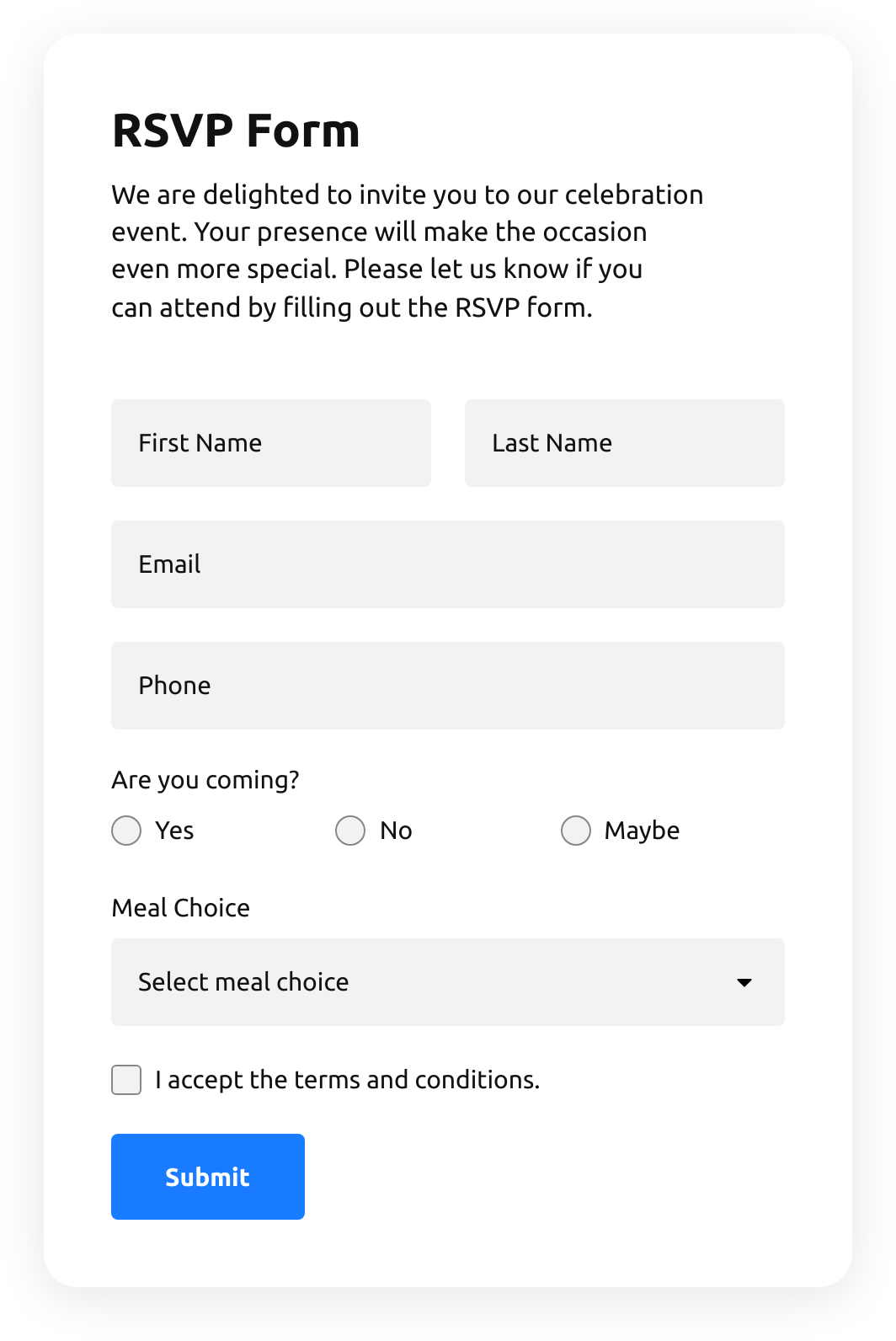
  • Rsvp Form

    Create a website form with the template to invite guests with RSVPs.

    • IntegrationsConnect in the editor: Google Sheets, Stripe, Mailchimp, Zapier, Make.com, Webhooks and Google Analytics.
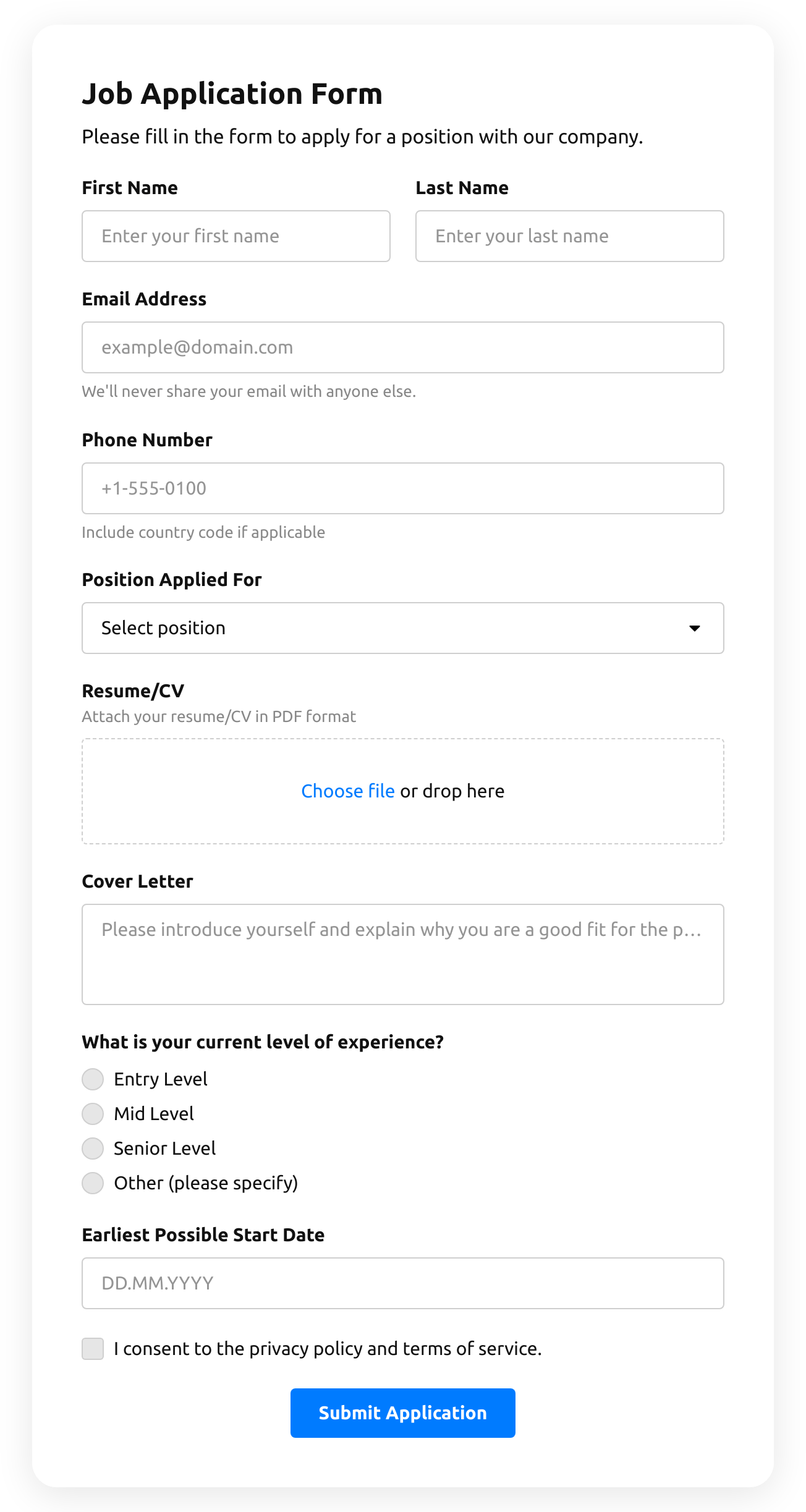
  • Job Application Form

    Create a form for collecting job application resumes.

    • IntegrationsConnect in the editor: Google Sheets, Stripe, Mailchimp, Zapier, Make.com, Webhooks and Google Analytics.
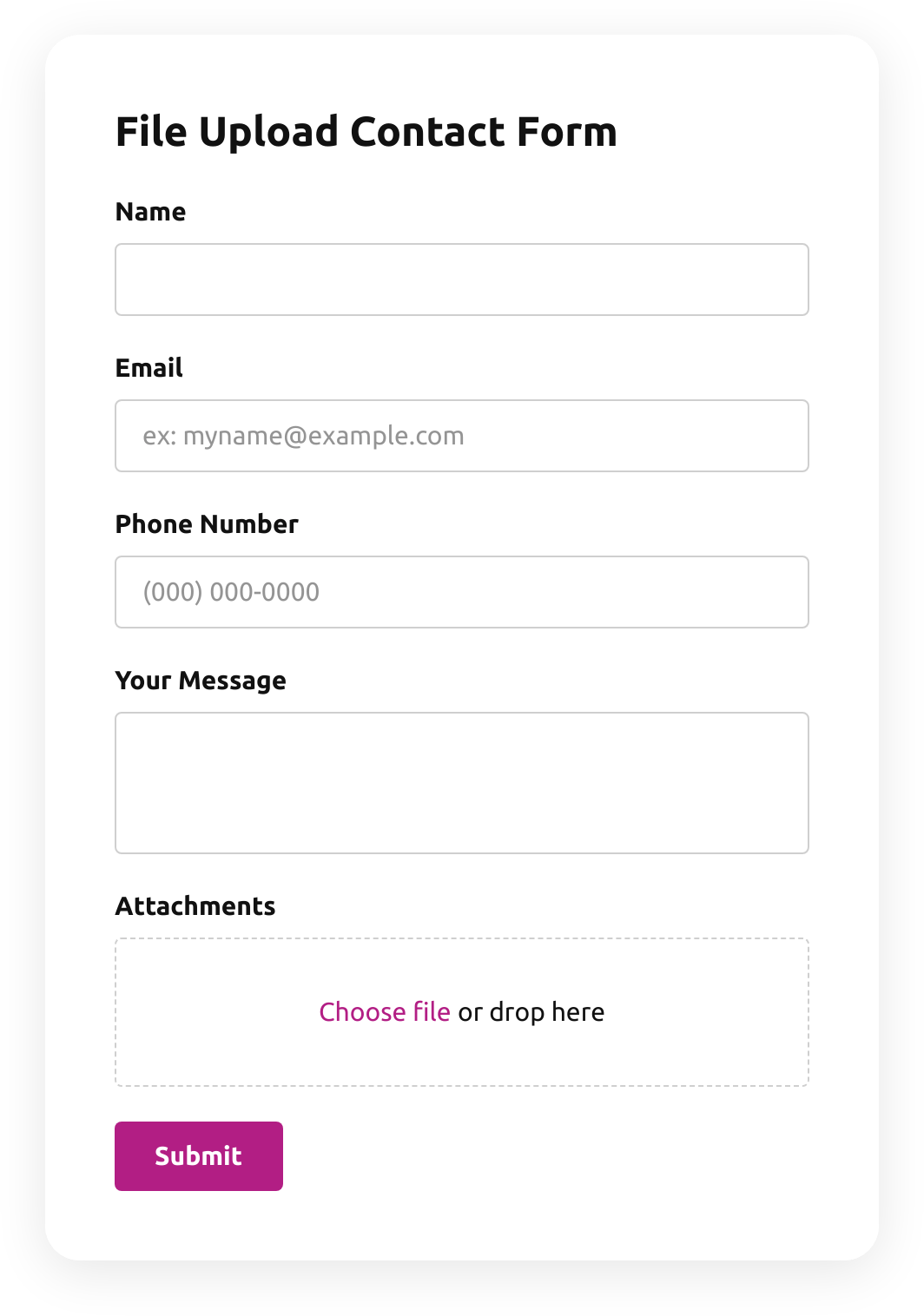
  • File Upload Contact Form

    Create a form for collecting contact details with a file upload feature.

    • File uploadsCustomers attach files — photos, documents, resumes — right in the form.
    • IntegrationsConnect in the editor: Google Sheets, Stripe, Mailchimp, Zapier, Make.com, Webhooks and Google Analytics.
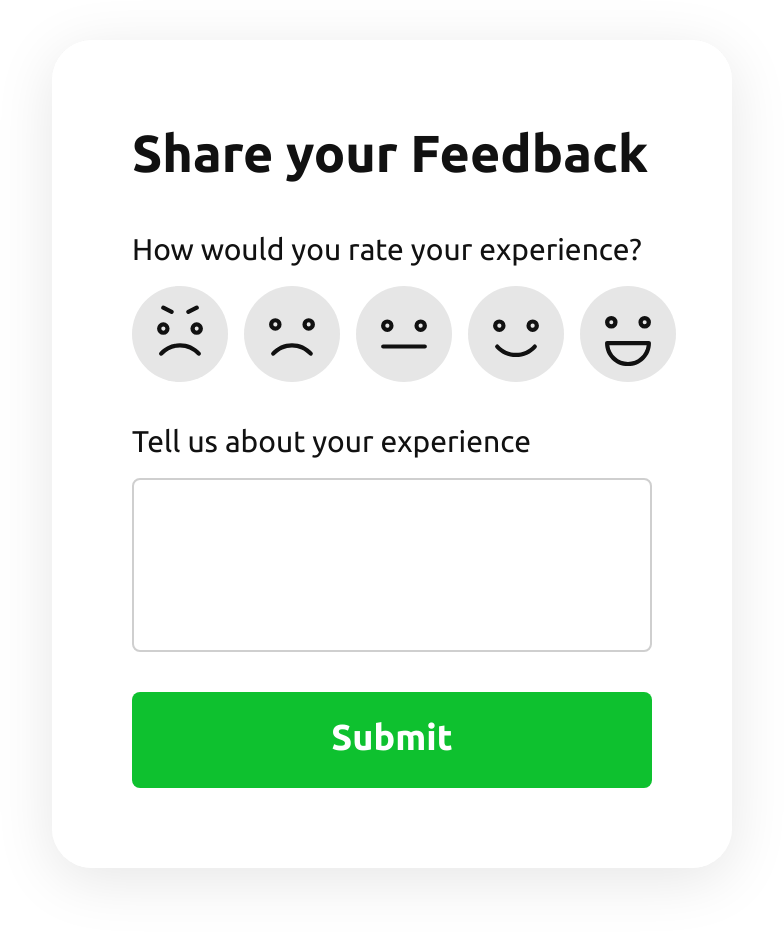
  • Emoji Feedback Form

    Create a form to receive emoji response feedback.

    • IntegrationsConnect in the editor: Google Sheets, Stripe, Mailchimp, Zapier, Make.com, Webhooks and Google Analytics.
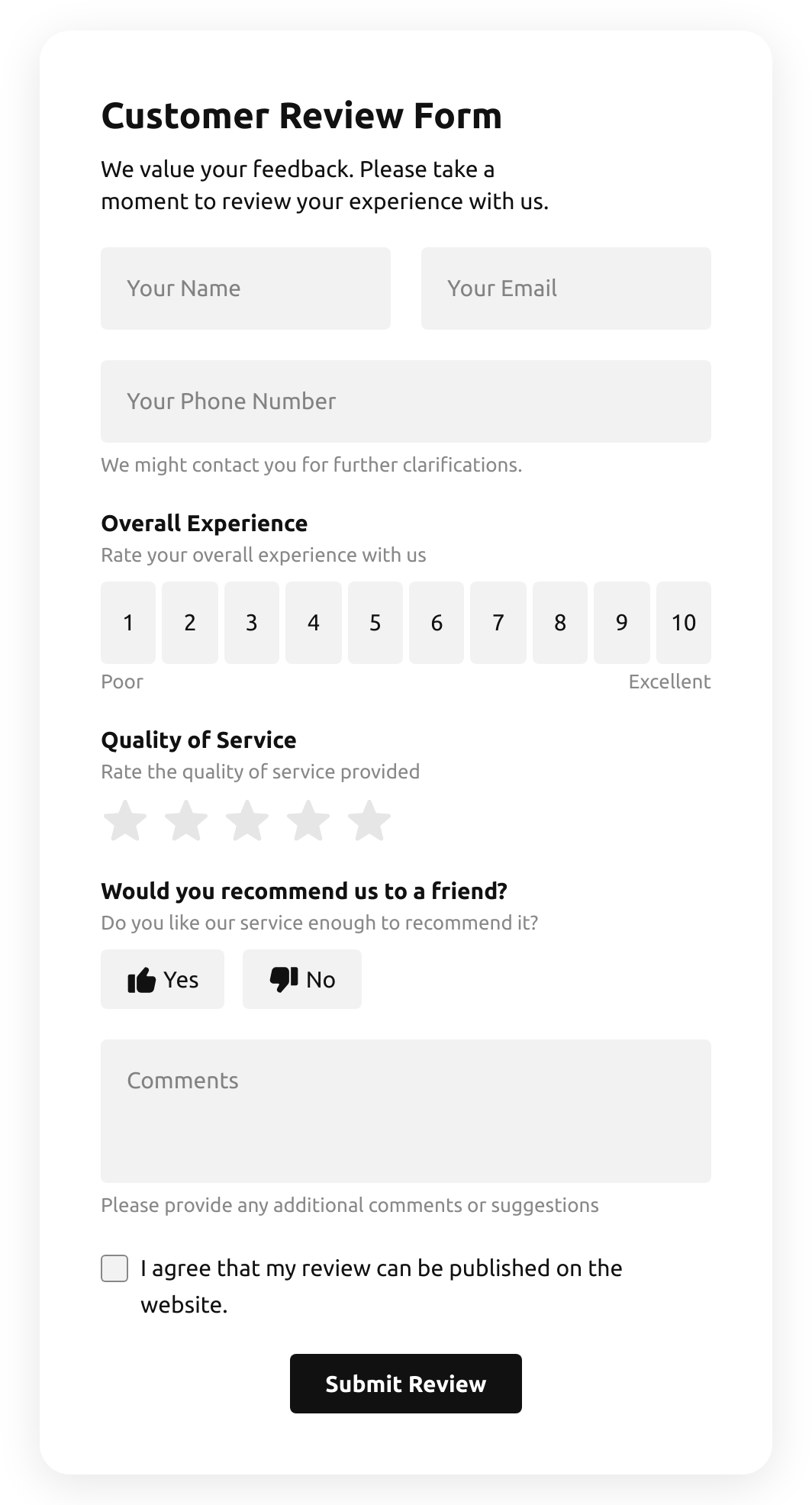
  • Customer Review Form

    Create a form to collect customer product reviews.

    • IntegrationsConnect in the editor: Google Sheets, Stripe, Mailchimp, Zapier, Make.com, Webhooks and Google Analytics.
  • Shopping Registration Form

    Create a form with a file upload function to collect registrations for online shopping.

    • IntegrationsConnect in the editor: Google Sheets, Stripe, Mailchimp, Zapier, Make.com, Webhooks and Google Analytics.
  • Timer Quiz

    Create a website survey with the template and integrate a countdown timer.

    • Multi-stepSplit into steps, so a long form feels short.
    • IntegrationsConnect in the editor: Google Sheets, Stripe, Mailchimp, Zapier, Make.com, Webhooks and Google Analytics.
  • Product Recommendation Quiz

    Create a quiz to collect users' product recommendations using the template for website.

    • Multi-stepSplit into steps, so a long form feels short.
    • IntegrationsConnect in the editor: Google Sheets, Stripe, Mailchimp, Zapier, Make.com, Webhooks and Google Analytics.
  • No suitable form template?
    Create your form with Elfsight AI by describing your requirements in plain language, or build your own form using our form builder.

See all templates

Pricing

14-day money back guarantee. Risk-free, you can cancel at anytime.
Elfsight AppsCross-platform digital solution that works on any sitefrom $0 / monthstart with free plan
  • Unlimited websites

  • Fast customer support and well documented

  • Charge-free installation service

  • Special price for multiple apps

  • Fully customizable