Timer quiz sign-up form

Let people sign up for your timed quizzes. They pick the topics, the date and time that suit them, how long the quiz should last and the mode — you plan the sessions from the replies.
All quiz templates
No credit card needed
Timer Quiz

Try the timer quiz form

Change the topics, the modes and the look — this is the editor you will use.
  1. 1. Customize the template
  2. 2. Create your form
  3. 3. Add it to your website
What’s in the form

Everything to plan a quiz session

The template collects what you need to schedule a timed quiz, in two steps.

The participant

  • Your nameWho signs up.
  • Email addressWhere you send the time and the link.

The session

  • TopicsDesign, coding, marketing — or your own topics.
  • Preferred date and timeWhen the participant can take the quiz.
  • Duration in minutesHow long the timed quiz should run.
  • Quiz modeNormal, competitive or practice.

Before sending

  • Experience ratingStars for the quizzes taken so far.
  • Terms and privacyThe participant agrees before signing up.
Who uses it

For anyone who runs timed quizzes

Trainers and teachers

Schedule timed tests and practice rounds by topic.

Communities and clubs

Gather players for a competitive round.

Companies

Book employees into knowledge checks.

Events

Sign up teams for a quiz night.
Make it yours

Adapt the template to your quizzes

Use your topics

Replace the topics with your own subjects or rounds.

Fix the duration

Running quizzes of one length? Remove the duration field and say it in the description.

Confirm the slot

Turn on the email to the participant, so they have the date and time.

More form templates

  • Product Recommendation Quiz

    Create a quiz to collect users' product recommendations using the template for website.

    • Multi-stepSplit into steps, so a long form feels short.
    • IntegrationsConnect in the editor: Google Sheets, Stripe, Mailchimp, Zapier, Make.com, Webhooks and Google Analytics.
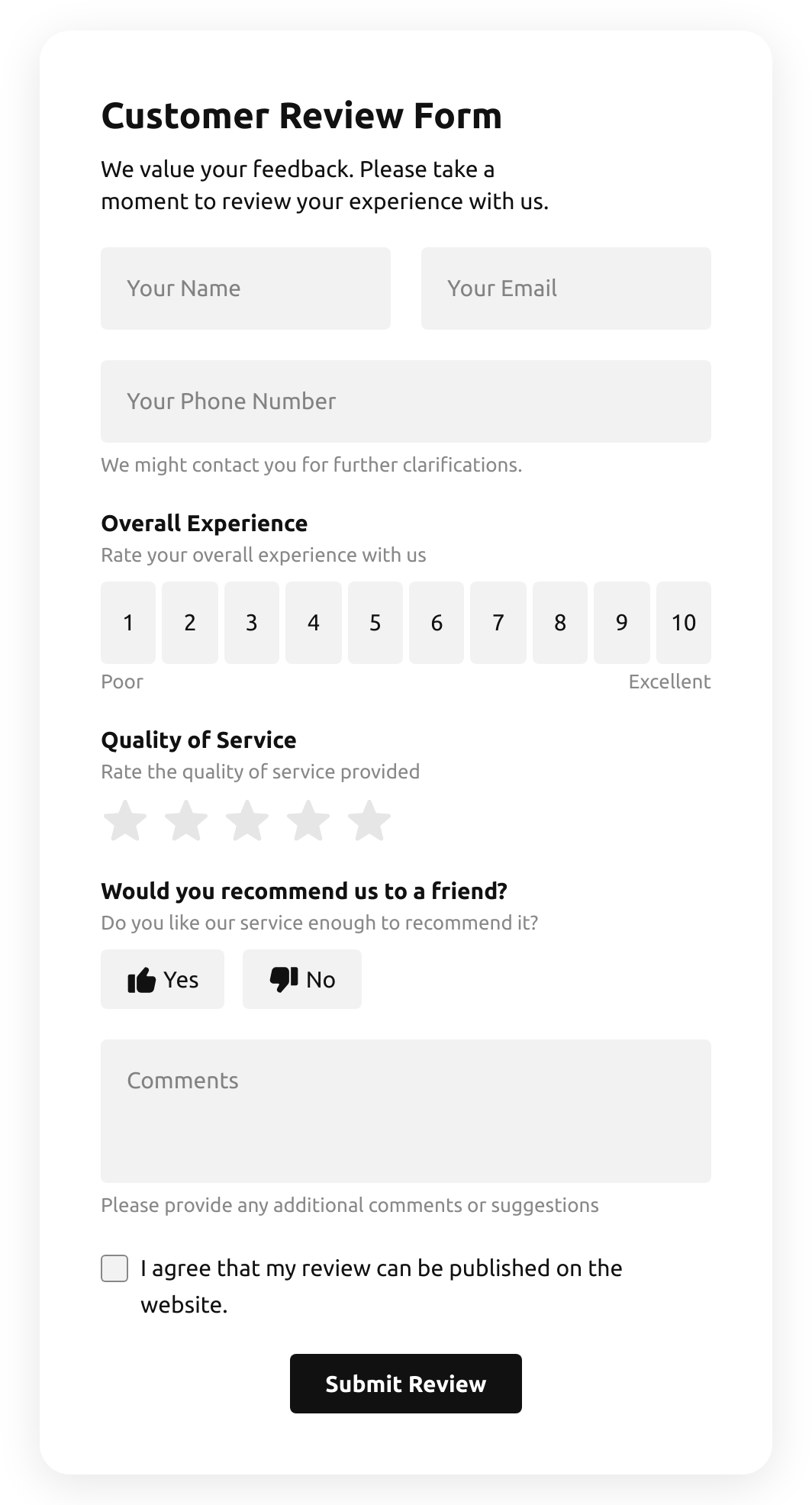
  • Customer Review Form

    Create a form to collect customer product reviews.

    • IntegrationsConnect in the editor: Google Sheets, Stripe, Mailchimp, Zapier, Make.com, Webhooks and Google Analytics.
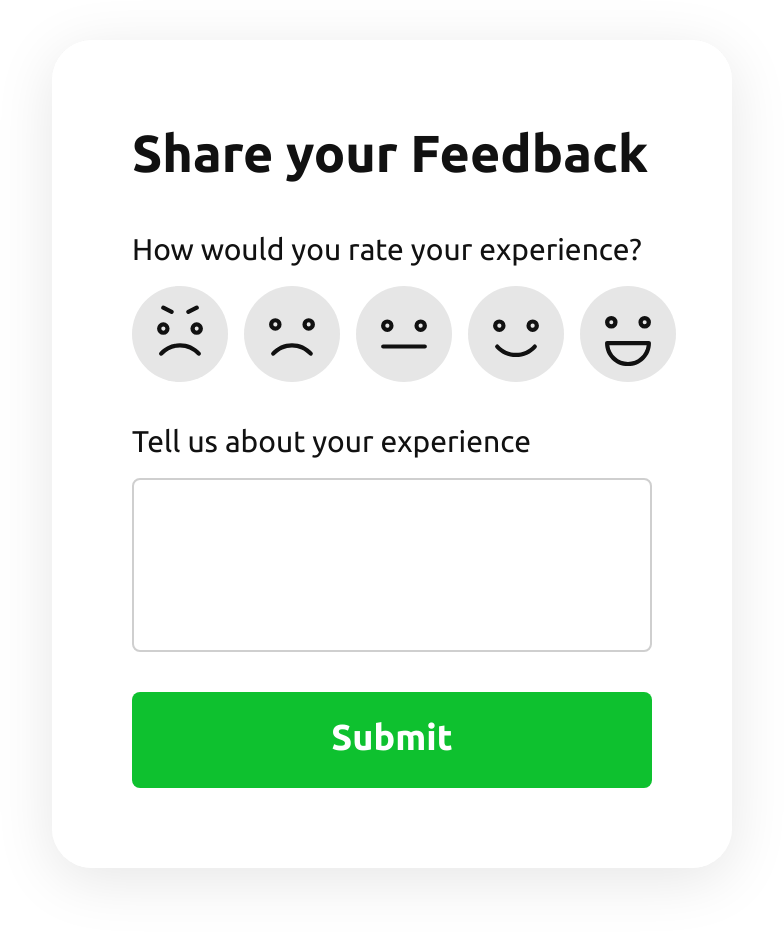
  • Emoji Feedback Form

    Create a form to receive emoji response feedback.

    • IntegrationsConnect in the editor: Google Sheets, Stripe, Mailchimp, Zapier, Make.com, Webhooks and Google Analytics.
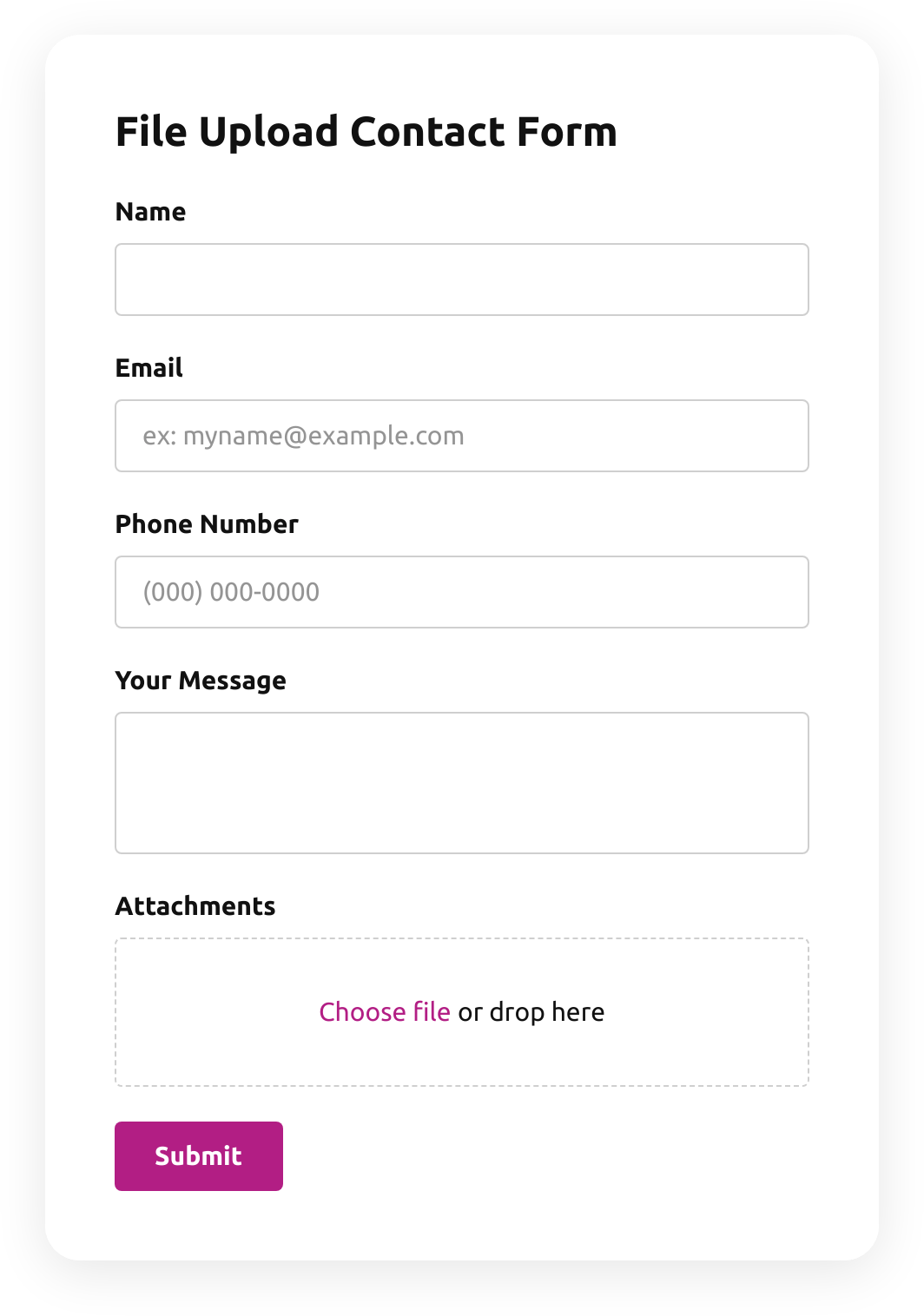
  • File Upload Contact Form

    Create a form for collecting contact details with a file upload feature.

    • File uploadsCustomers attach files — photos, documents, resumes — right in the form.
    • IntegrationsConnect in the editor: Google Sheets, Stripe, Mailchimp, Zapier, Make.com, Webhooks and Google Analytics.
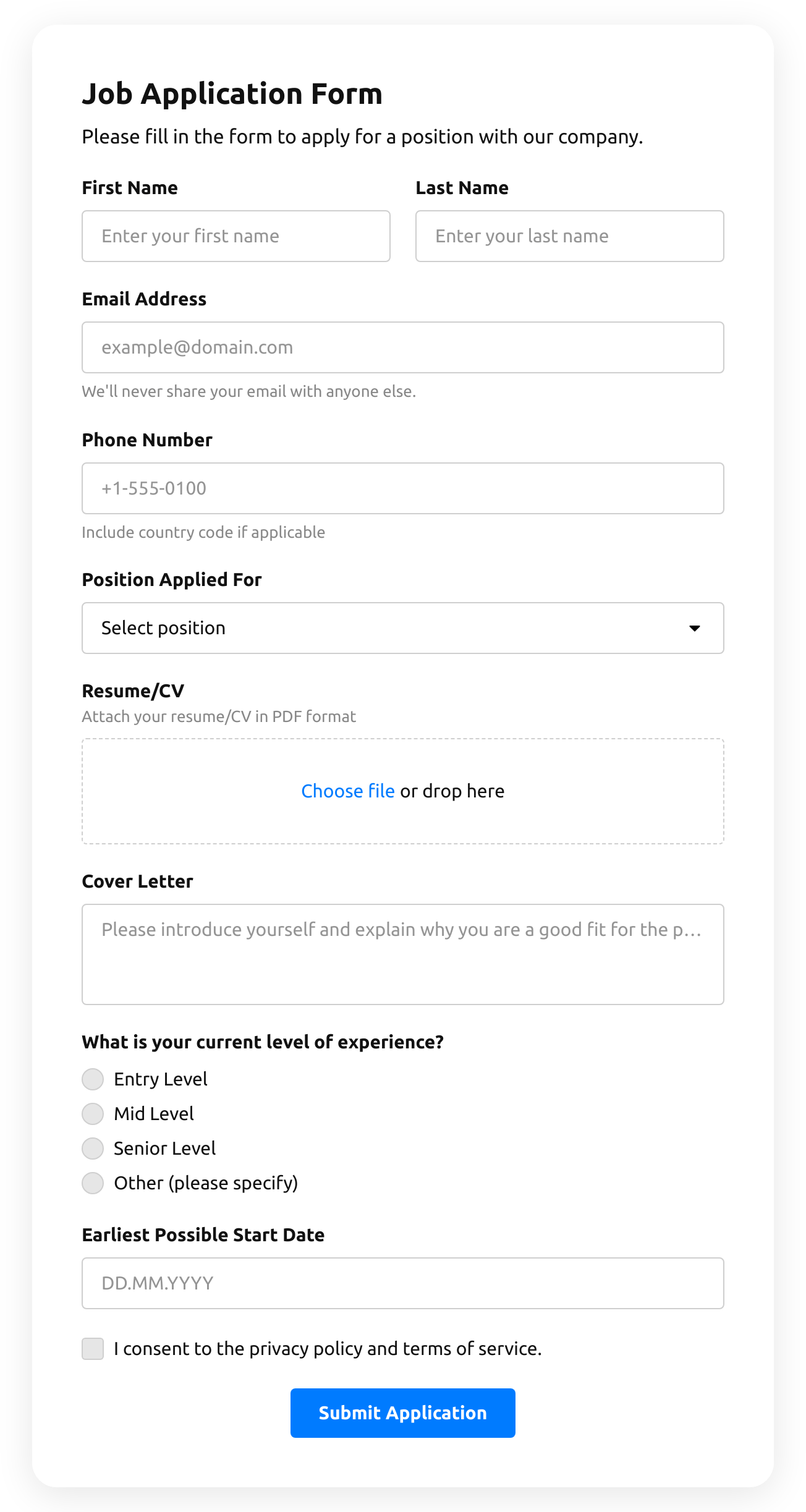
  • Job Application Form

    Create a form for collecting job application resumes.

    • IntegrationsConnect in the editor: Google Sheets, Stripe, Mailchimp, Zapier, Make.com, Webhooks and Google Analytics.
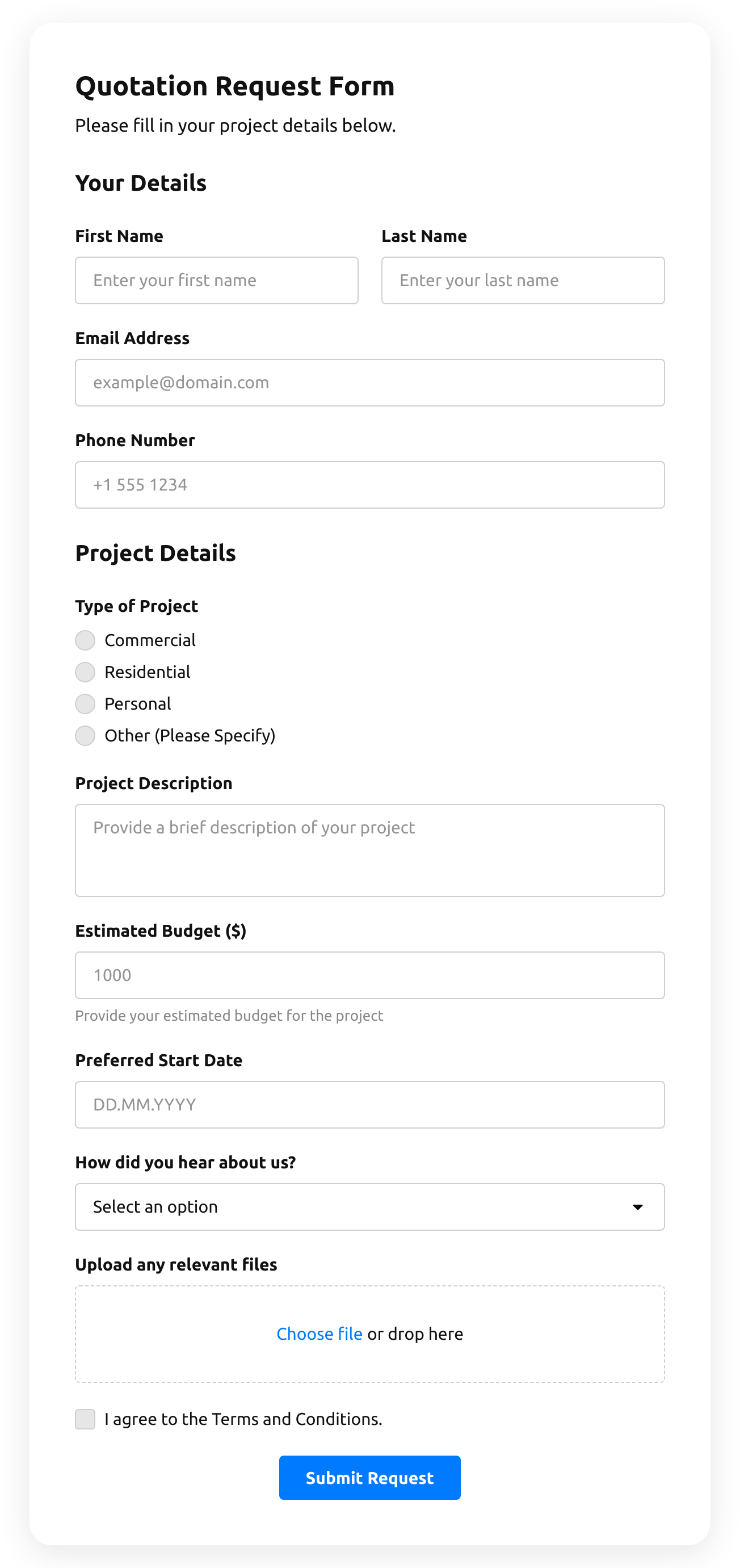
  • Quotation Form

    Create a website form with the template for the quotation statement with the recent sale prices.

    • IntegrationsConnect in the editor: Stripe, Mailchimp, Google Sheets, Zapier, Make.com, Webhooks and Google Analytics.

Timer quiz form FAQ