Return order form template

Handle returns with a form instead of an email thread. Customers enter the order, pick the reason and attach the proof of purchase — you get every return in the same shape.
All order forms
No credit card needed
Return Order Form

Try the return order form

Change the reasons, the fields and the look — this is the editor you will use.
  1. 1. Customize the template
  2. 2. Create your form
  3. 3. Add it to your website
What’s in the form

What you need to approve a return

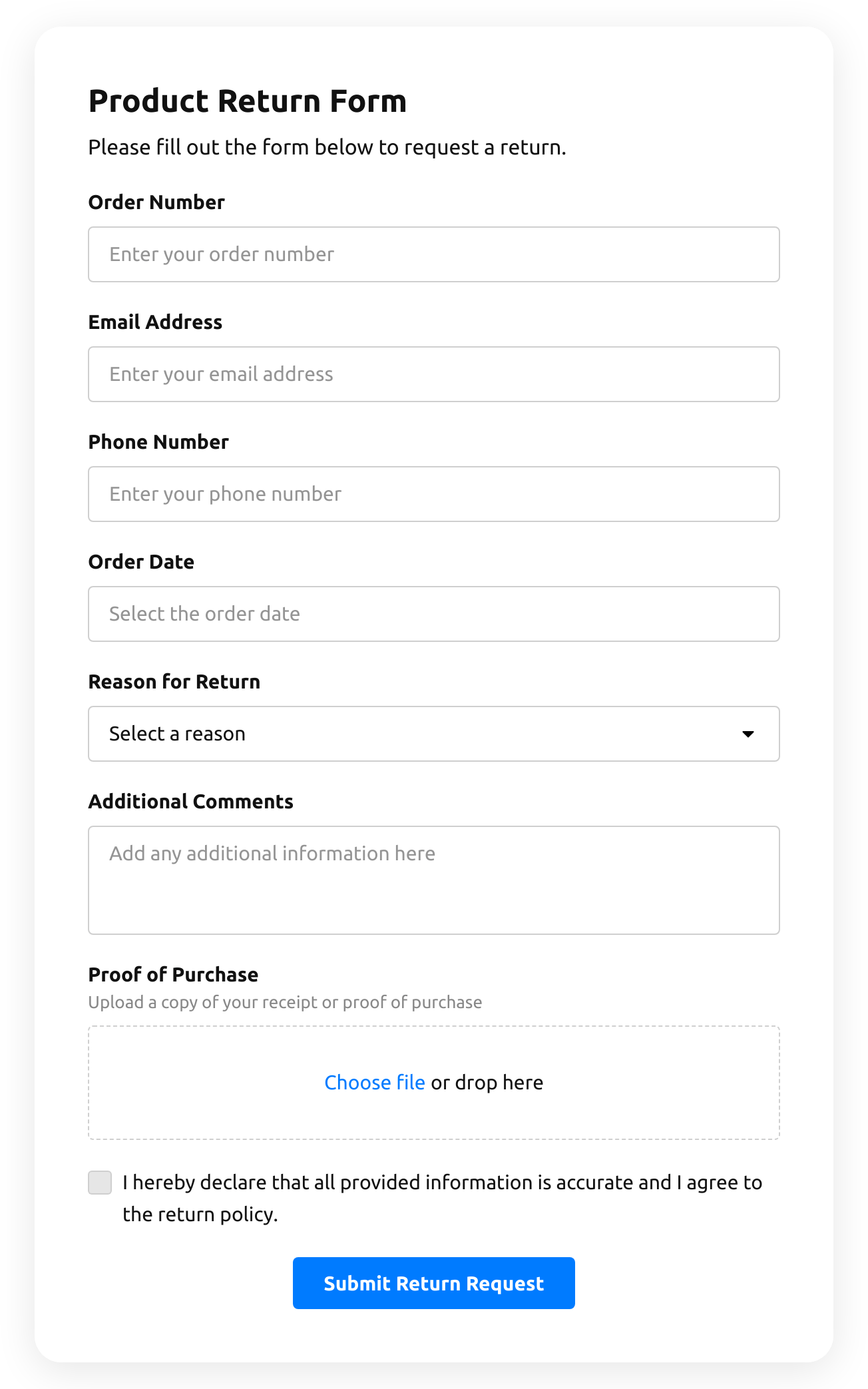
The template asks what a store checks before it says yes to a return.

The order

  • Order numberYou find the order in your store in seconds.
  • Order dateYou see at once whether the return is within your policy.
  • Proof of purchaseThe customer uploads the receipt as a file.
The return

  • Reason for returnA drop-down of reasons, so you can count what goes wrong most often.
  • Additional commentsWhat exactly is wrong, in the customer’s words.
  • Return policy agreementThe customer confirms the details and agrees to your policy.

The customer

  • Email addressWhere you send the return label or the answer.
  • Phone numberFor a quick question about the return.
Who uses it

For any store that takes returns back

Online stores

Link the form from the order email and the returns page.

Clothing and shoe shops

See the most common reason — size, fit, colour — and fix the product page.

Electronics

Ask for the receipt and a description of the fault before the item ships back.

Handmade and small brands

Keep returns organized without a help desk.
Make it yours

Adapt the template to your policy

Offer an exchange

Add a question: refund or exchange — and show the size and colour fields only for exchanges.

Ask for photos of the item

Add a second file upload for photos of a damaged item.

Answer automatically

Turn on the email to the customer with your next steps, so they know the return was received.

More form templates

  • Quotation Form

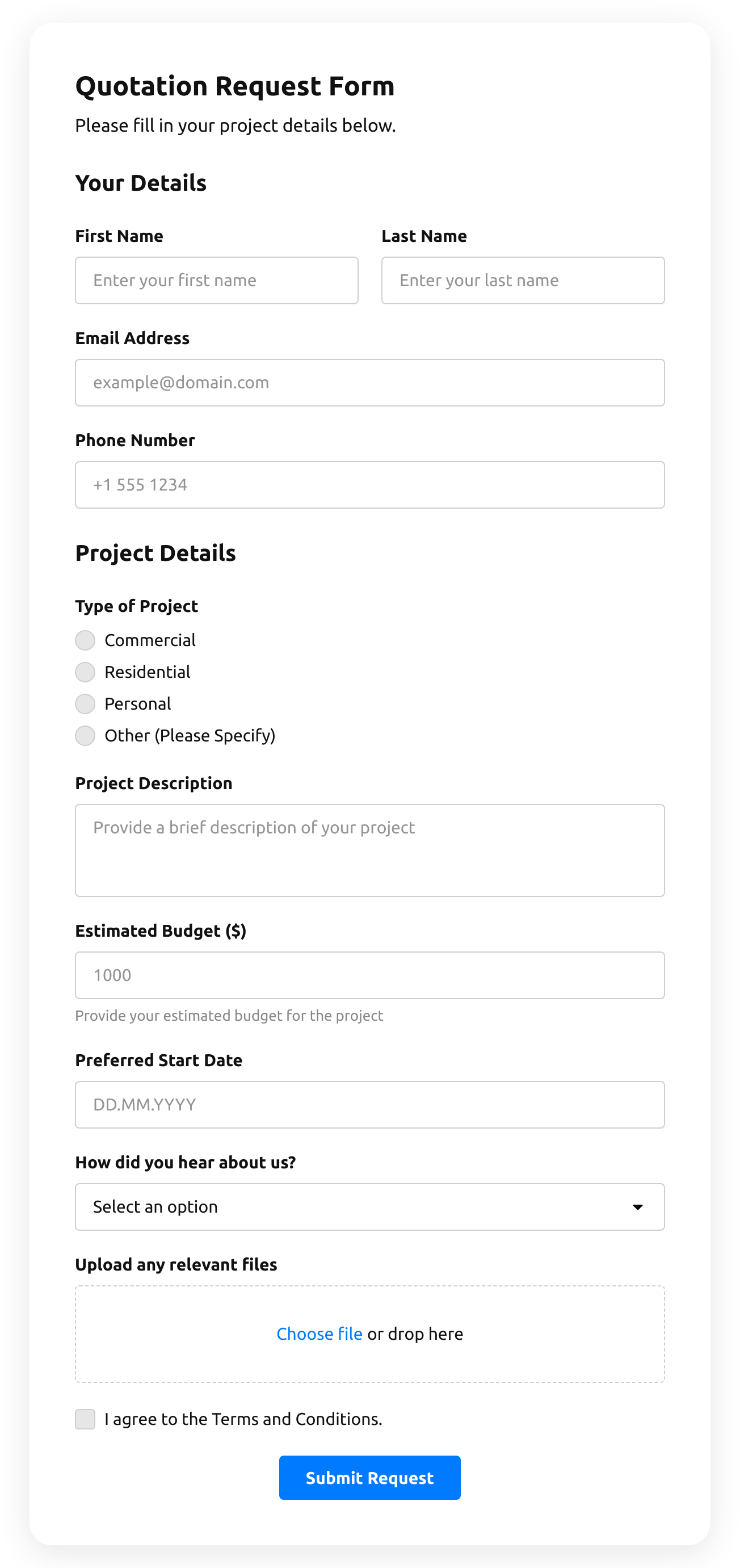
    Create a website form with the template for the quotation statement with the recent sale prices.

    • IntegrationsConnect in the editor: Stripe, Mailchimp, Google Sheets, Zapier, Make.com, Webhooks and Google Analytics.
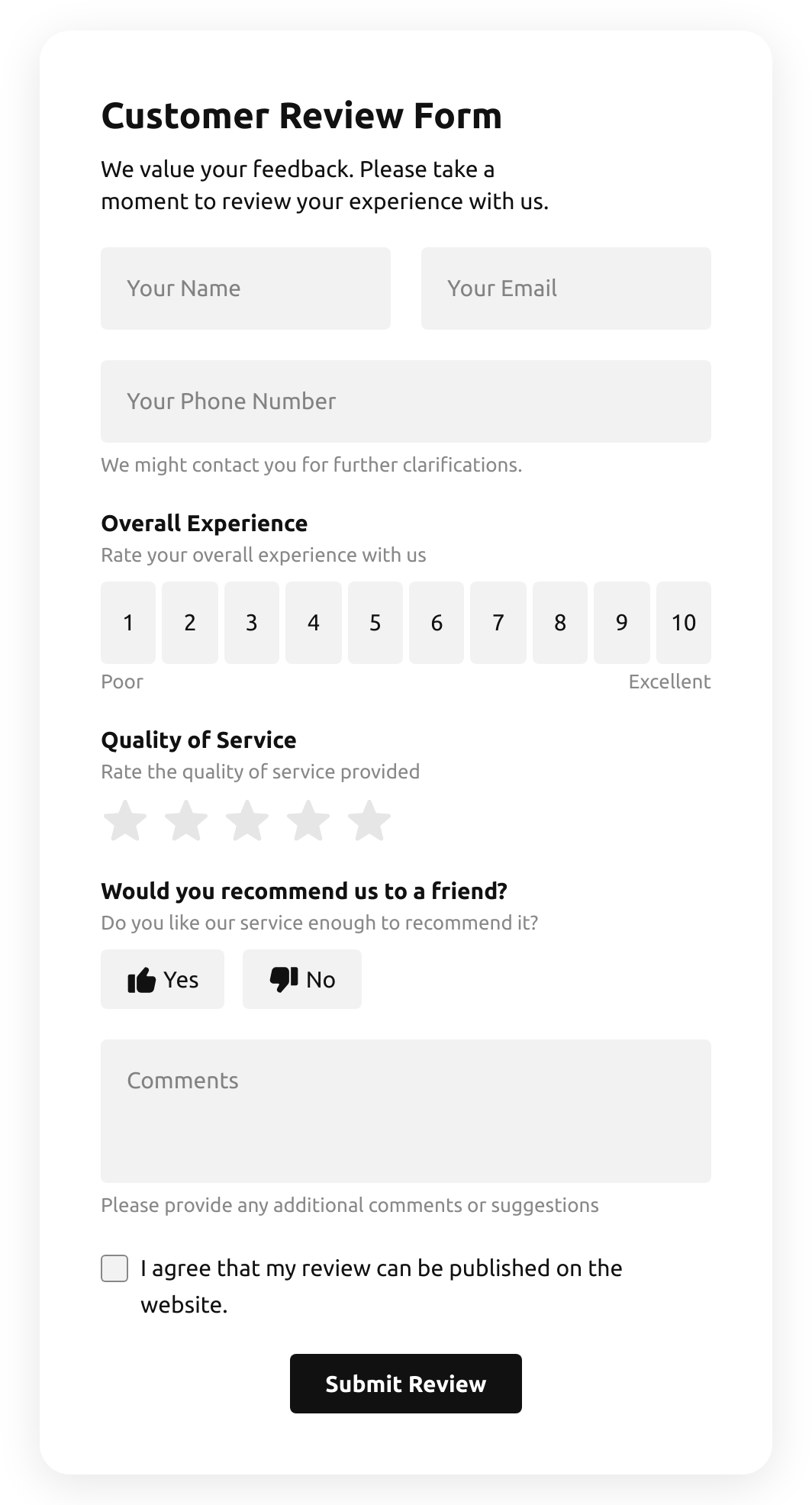
  • Customer Review Form

    Create a form to collect customer product reviews.

    • IntegrationsConnect in the editor: Google Sheets, Stripe, Mailchimp, Zapier, Make.com, Webhooks and Google Analytics.
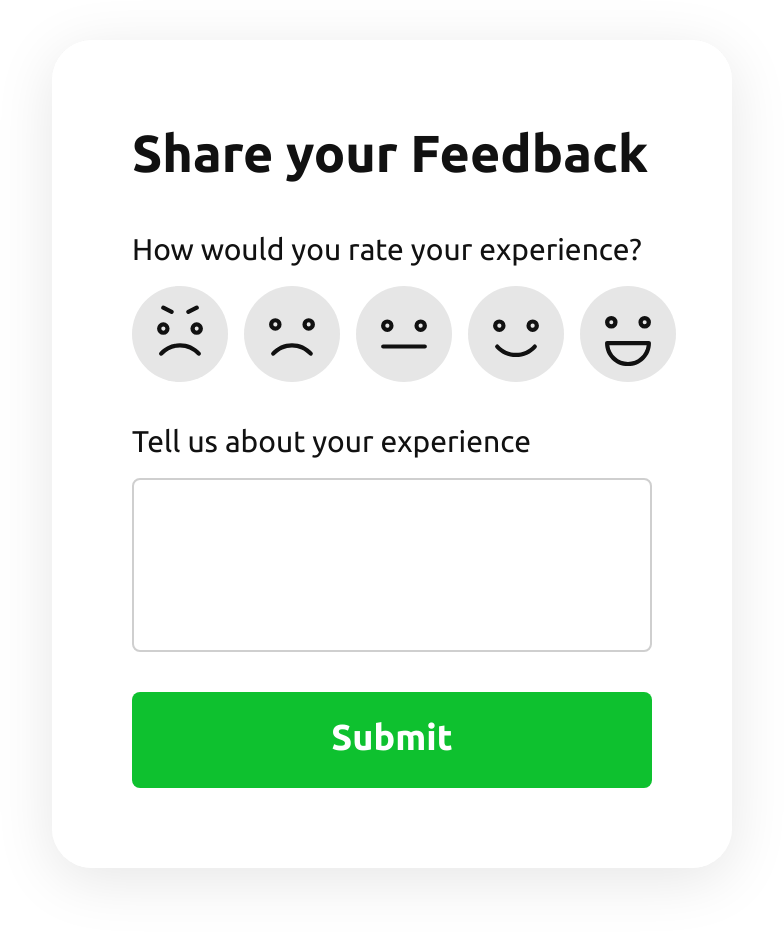
  • Emoji Feedback Form

    Create a form to receive emoji response feedback.

    • IntegrationsConnect in the editor: Google Sheets, Stripe, Mailchimp, Zapier, Make.com, Webhooks and Google Analytics.
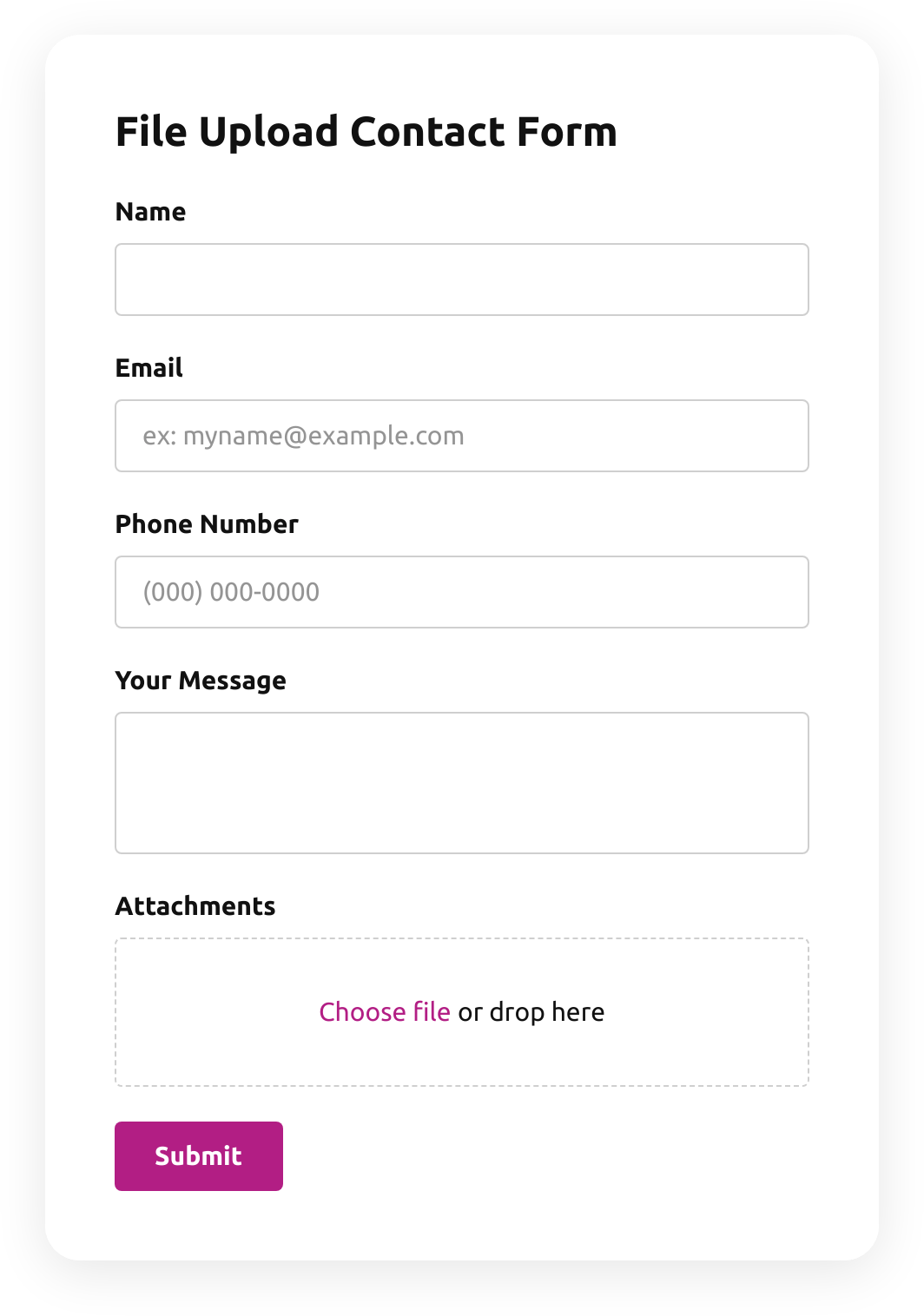
  • File Upload Contact Form

    Create a form for collecting contact details with a file upload feature.

    • File uploadsCustomers attach files — photos, documents, resumes — right in the form.
    • IntegrationsConnect in the editor: Google Sheets, Stripe, Mailchimp, Zapier, Make.com, Webhooks and Google Analytics.
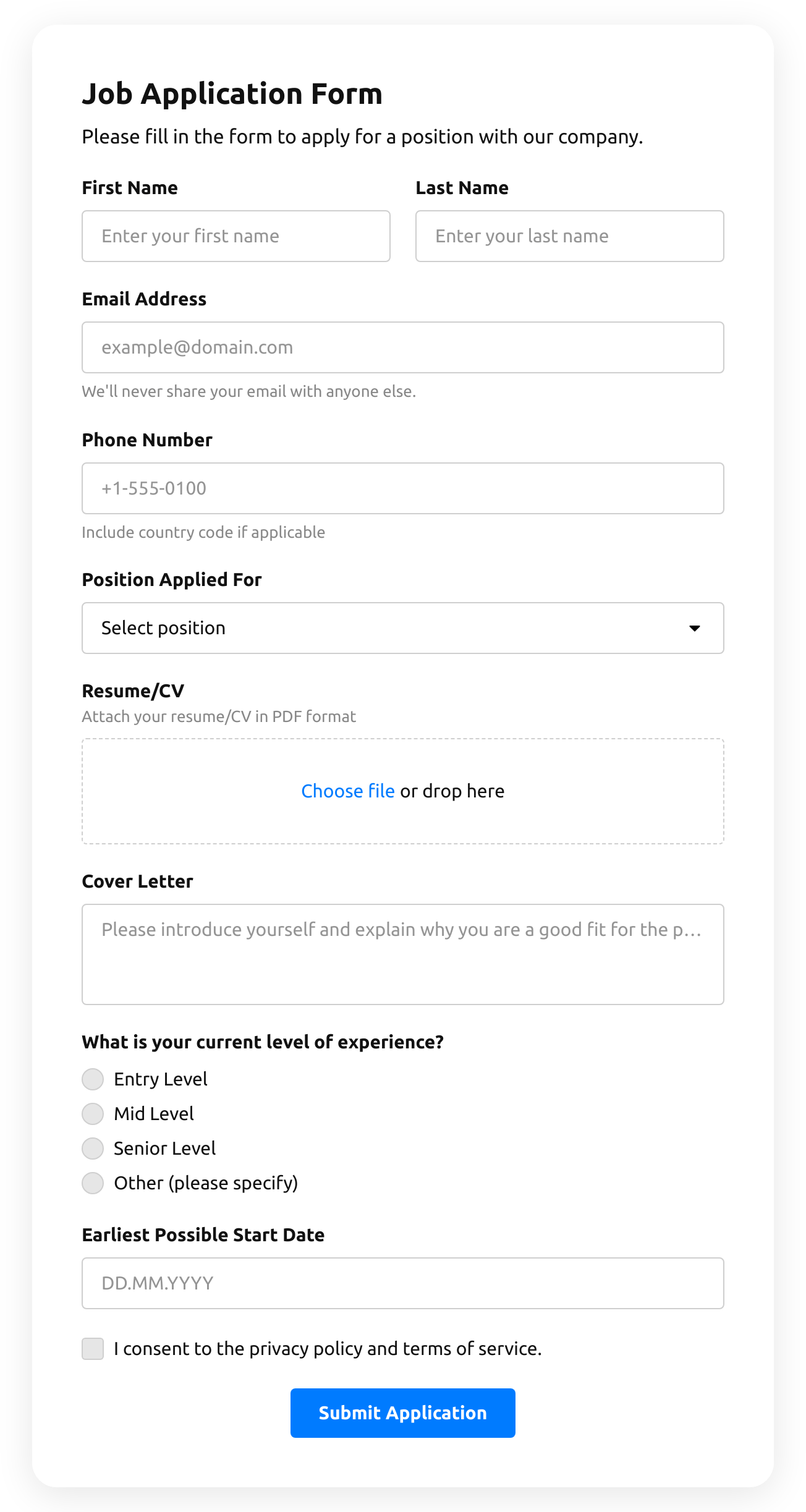
  • Job Application Form

    Create a form for collecting job application resumes.

    • IntegrationsConnect in the editor: Google Sheets, Stripe, Mailchimp, Zapier, Make.com, Webhooks and Google Analytics.
  • Product Recommendation Quiz

    Create a quiz to collect users' product recommendations using the template for website.
    • Multi-stepSplit into steps, so a long form feels short.
    • IntegrationsConnect in the editor: Google Sheets, Stripe, Mailchimp, Zapier, Make.com, Webhooks and Google Analytics.

Return order form FAQ