Contact form with file upload

Let visitors send you a file with their message — a photo, a document or a brief. One simple form, and everything about the request arrives together.
All file upload forms
No credit card needed
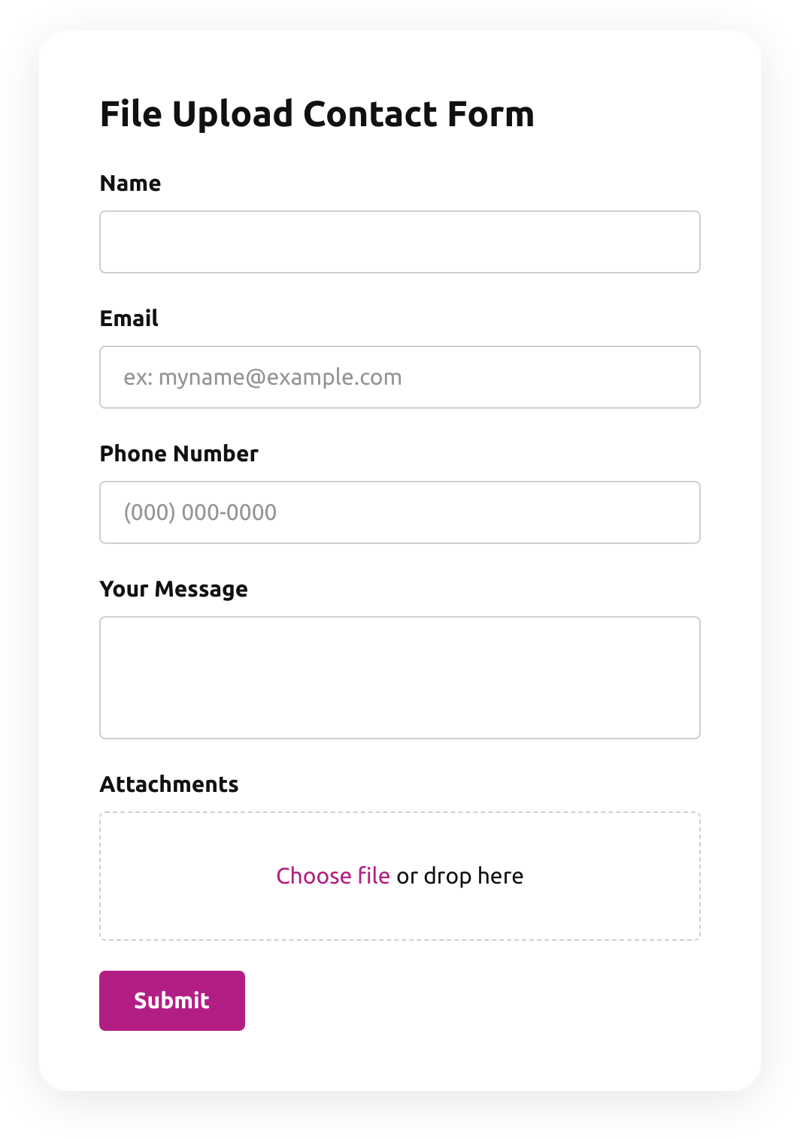
File Upload Contact Form

Try the file upload contact form

Change the fields, the upload and the look — this is the editor you will use.
  1. 1. Customize the template
  2. 2. Create your form
  3. 3. Add it to your website
What’s in the form

A message with the file attached

The template is a classic contact form with one addition: an upload box.

The sender

  • NameWho is writing.
  • EmailWhere you reply.
  • Phone numberFor a call back.

The message

  • Your messageWhat the visitor needs.
  • AttachmentsFiles dropped or chosen right in the form.
Who uses it

When words are not enough

Repairs and services

Ask for a photo of the problem before you quote.

Designers and printers

Receive the logo or the artwork with the request.

Support teams

Ask for a screenshot of the error.

HR and recruiting

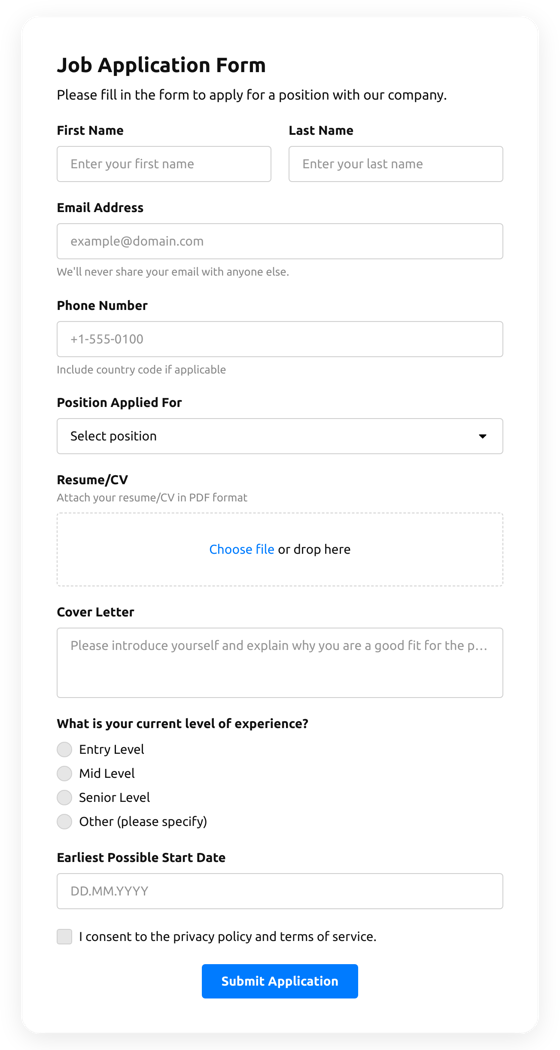
Take an open application with a resume.
Make it yours

Adapt the template to the files you need

Say what to attach

Add a hint under the upload: a photo of the item, a PDF of the plan.

Add a topic

Add a drop-down for the subject, so messages arrive sorted.

Keep spam out

Add CAPTCHA to the form, so only people can send files.

More form templates

File upload contact form FAQ