






Shopify Form Builder app

Create online forms on your Shopify website to collect leads, receive inquiries, and run surveys capturing valuable data faster and helping your business grow.
  • 4.8 rating
  • 10,000+ reviews
  • Free plan available
  • AI-Powered
No credit card needed
Online Form Builder widget for website

Trusted by over 3,000,000 small businesses, agencies and top global brands worldwide

Create your Form Builder app

Configure your Form and add it to Shopify for free!
  1. 1. Customize the template
  2. 2. Create your form
  3. 3. Add it to your website

Screenshots

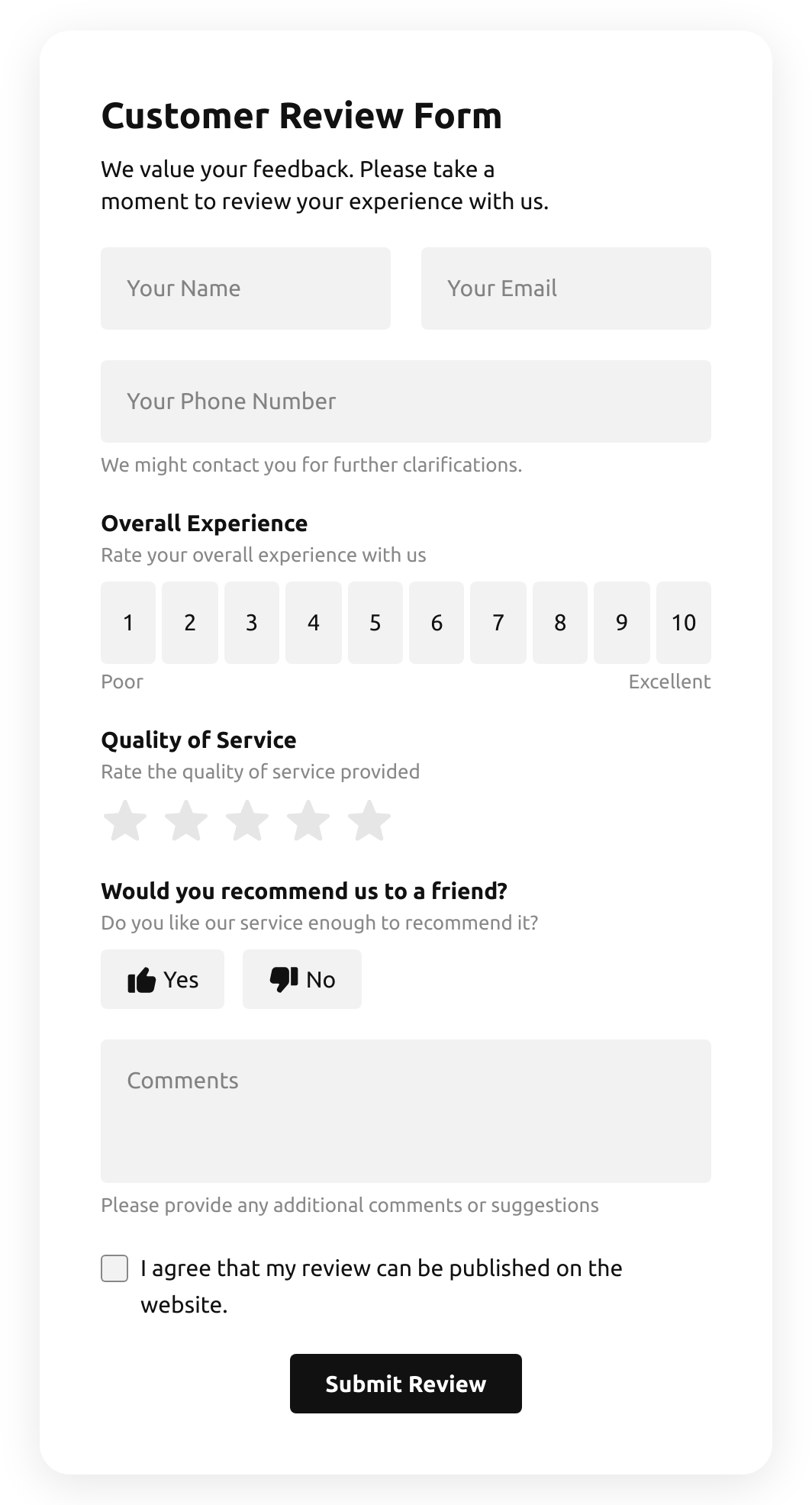
  • Create an inviting contact form with rounded style and compact fields grouping

    Create an inviting contact form with rounded style and compact fields grouping
  • Make use of more than 20 diverse input elements and break them into manageable steps
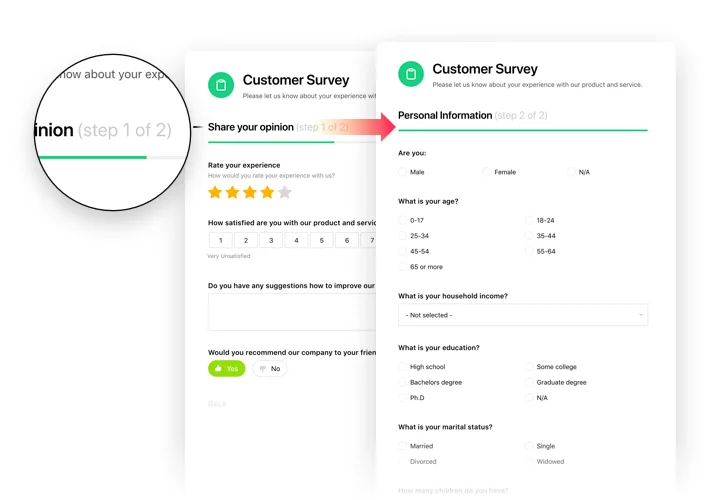
    Make use of more than 20 diverse input elements and break them into manageable steps
  • Add ratings and scales with comments fields to shape surveys and collect feedback
    Add ratings and scales with comments fields to shape surveys and collect feedback
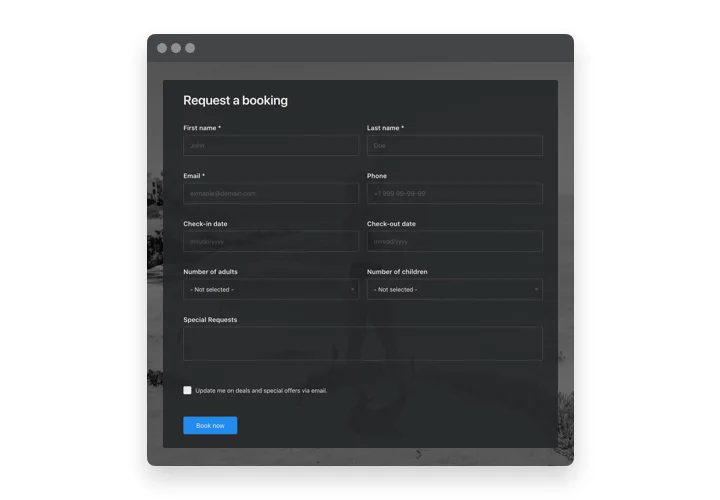
  • Arrange drop-down fields with placeholders and embedded calendars for easy and fast filling in

    Arrange drop-down fields with placeholders and embedded calendars for easy and fast filling in
  • Enjoy a flexible interface with styles and custom colors to fit into any website concept

    Enjoy a flexible interface with styles and custom colors to fit into any website concept
  • Allow your users smooth experience from any device
    Allow your users smooth experience from any device
1 / 6

Why people love Elfsight

Every Shopify store runs smoother when communication flows naturally. Whether it’s collecting leads, getting feedback, or letting customers make special requests, forms quietly keep everything connected behind the scenes. That’s why we built our Shopify form app — so you can create exactly the kind of form you need without touching a single line of code.

Imagine this: a small handmade soap shop added a short contact form to answer quick questions, and overnight, messages started rolling in. Another merchant used a preorder form to keep demand organized during busy seasons. In both cases, the process took less than ten minutes — and no developer was involved. Pretty neat, right?

Did you know? According to HubSpot’s 2024 State of Marketing Report, forms are among the top three most effective ways to generate qualified leads online.

Even one well-placed form can make a difference. Give it a try and see how much easier managing your Shopify store can feel.

Key features of the Form Builder

This Shopify form builder is made for real businesses — practical, flexible, and easy to manage, even if you’re not a tech person.

  • Drag-and-drop editor: Build your form by simply moving fields around. If you can rearrange products in your Shopify admin, you can do this too.

  • Multiple field types: Text, dropdowns, ratings, file uploads, checkboxes — create forms that match your exact use case, whether it’s a contact form or a return request.

  • Conditional logic: Keep things tidy by showing questions only when they’re relevant. Customers see less clutter, you get cleaner data.

  • Data routing: Send responses straight to your email, a Google Sheet, or hook them up with your CRM to keep everything in sync.

  • Anti-spam protection: Built-in honeypots and CAPTCHA keep unwanted submissions out without annoying real customers.

  • Responsive layouts: Your forms adjust automatically to different screen sizes — no pinching or zooming needed.

Open the live editor and try building a form for free — it’s surprisingly fun.

How to add the Form Builder to Shopify

You can embed forms on Shopify in two simple ways: inline (inside specific pages) or floating (sitewide). Both take just a few steps.

Method 1: Inline embed

  1. Create your form: Start in the Elfsight editor, pick a template, or begin from scratch.

  2. Customize fields: Adjust titles, set required options, and rearrange them to fit your purpose.

  3. Copy the code: Once you’re happy, click “Add to website for free” to generate your unique snippet.

  4. Paste into Shopify: In your Shopify admin, go to the page or template you want, switch to HTML view, and paste the snippet right where you want the form to appear.

  5. Save and preview: Hit save, refresh your storefront, and submit a quick test to make sure everything works smoothly.

Method 2: Floating form

  1. Pick your floating layout: Slide-in, modal, sticky — whatever fits your store vibe.

  2. Configure triggers: Decide when it appears (on load, on scroll, or click).

  3. Copy the global snippet: Grab the generated code for floating behavior.

  4. Add it to theme code: Paste it before the closing </body> tag in your Shopify theme so it loads on every page.

  5. Publish and check: Push your theme live and confirm the floating form works as intended.

Need a hand? Our Help Center has step-by-step guides for troubleshooting.
Form Builder template catalog

Choose from our ready-to-use widget templates to use as is, or customize them to suit your style.
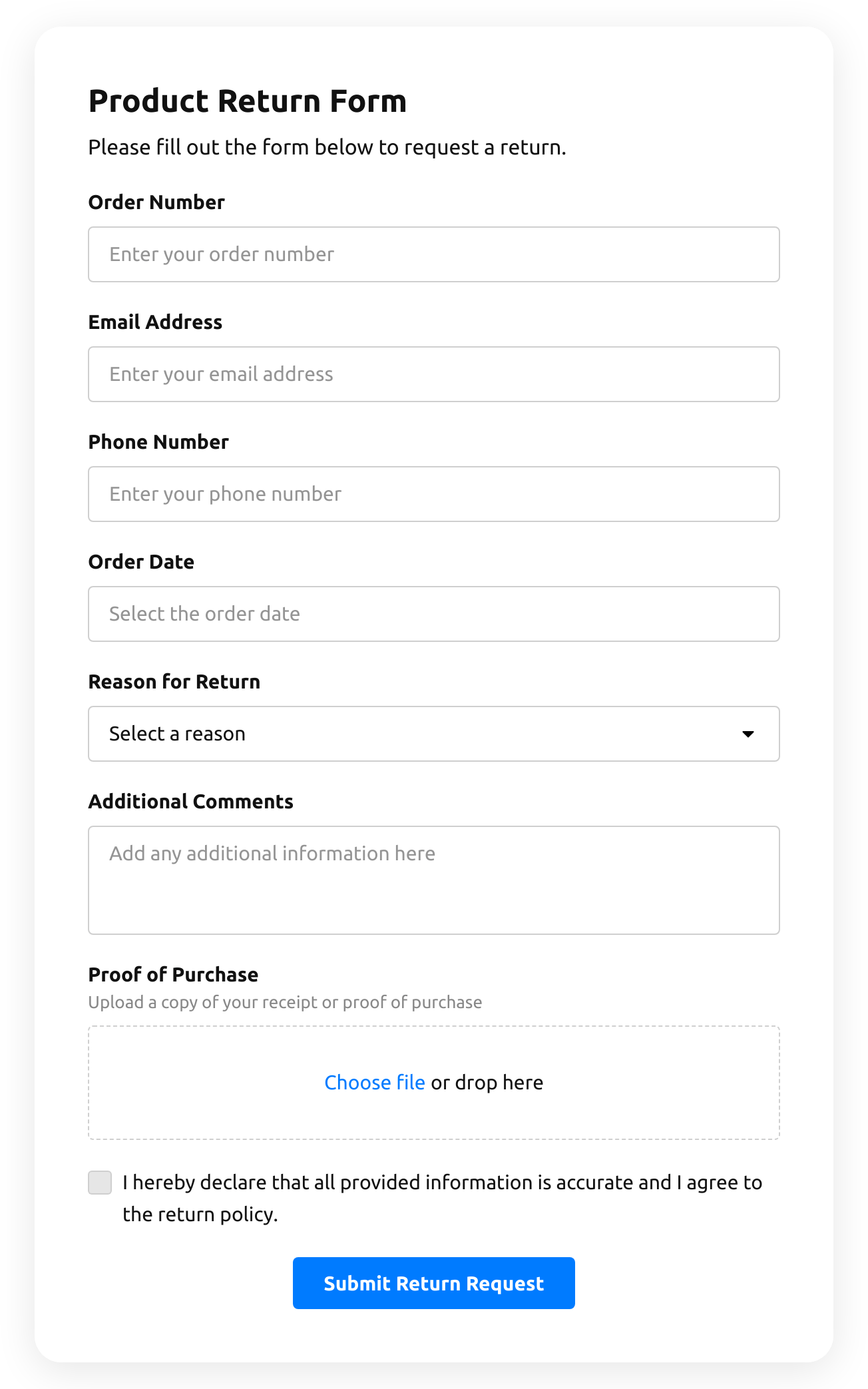
  • Return Order Form

    Create a form to request a product return.

    • IntegrationsConnect in the editor: Stripe, Mailchimp, Google Sheets, Zapier, Make.com, Webhooks and Google Analytics.
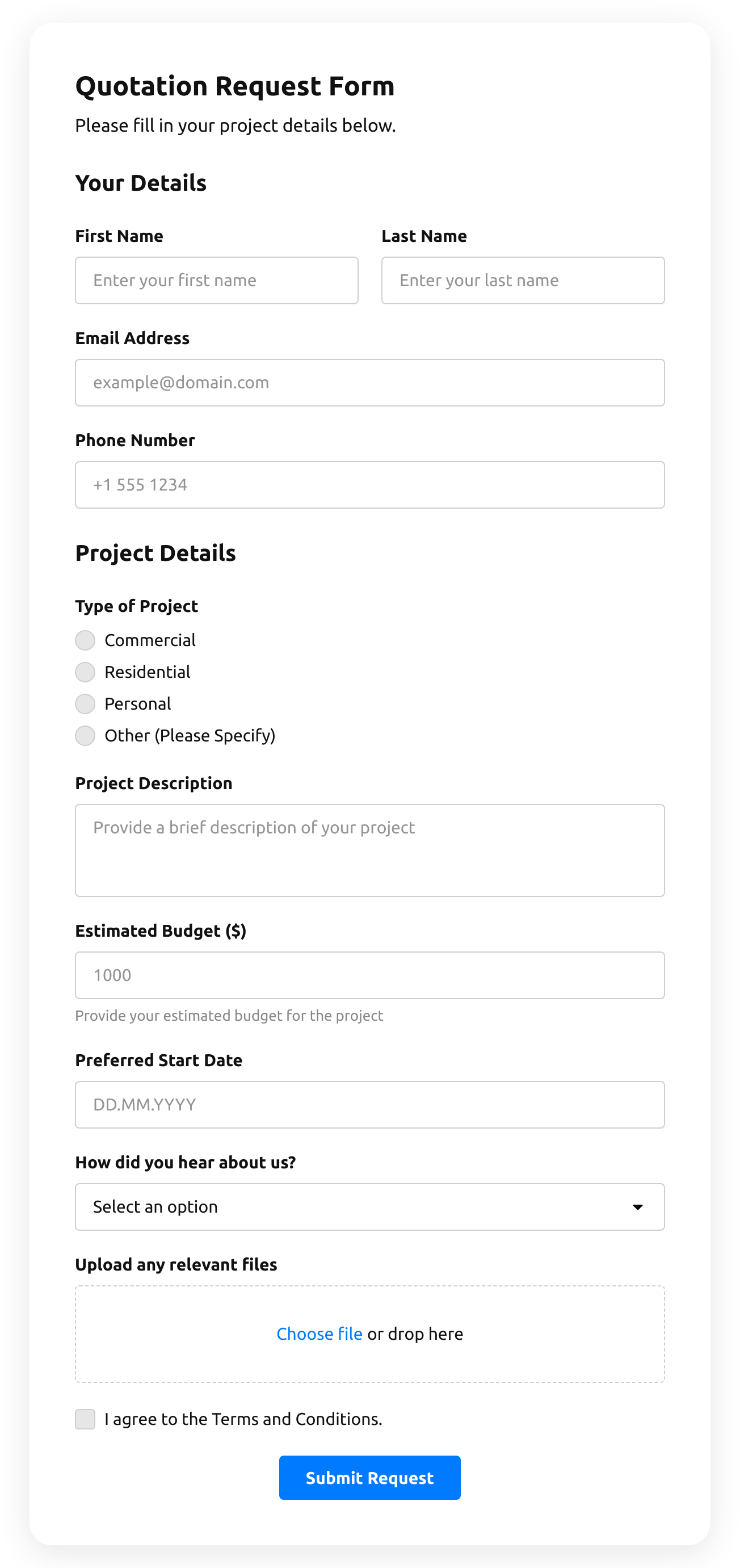
  • Quotation Form

    Create a website form with the template for the quotation statement with the recent sale prices.

    • IntegrationsConnect in the editor: Stripe, Mailchimp, Google Sheets, Zapier, Make.com, Webhooks and Google Analytics.
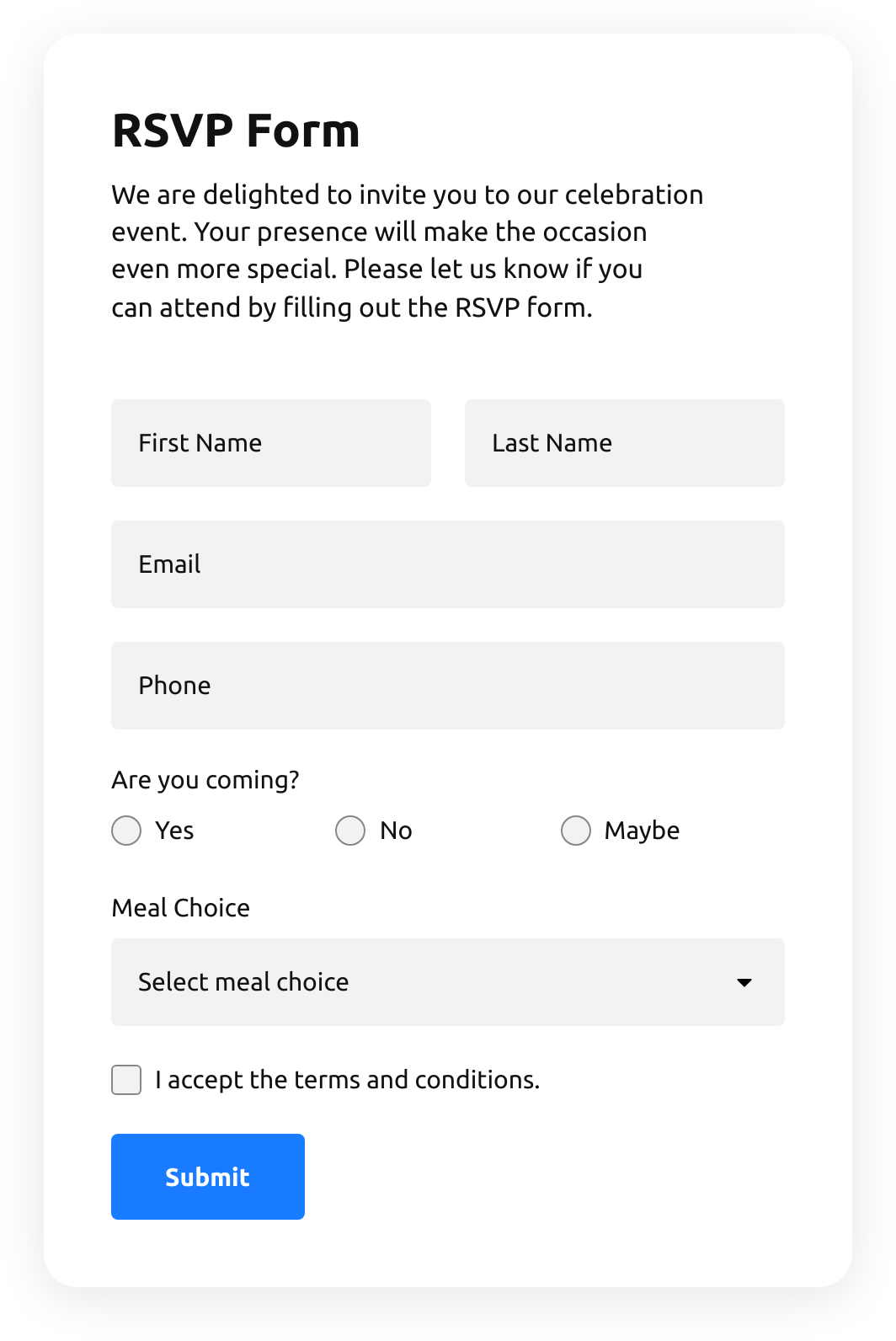
  • Rsvp Form

    Create a website form with the template to invite guests with RSVPs.

    • IntegrationsConnect in the editor: Google Sheets, Stripe, Mailchimp, Zapier, Make.com, Webhooks and Google Analytics.
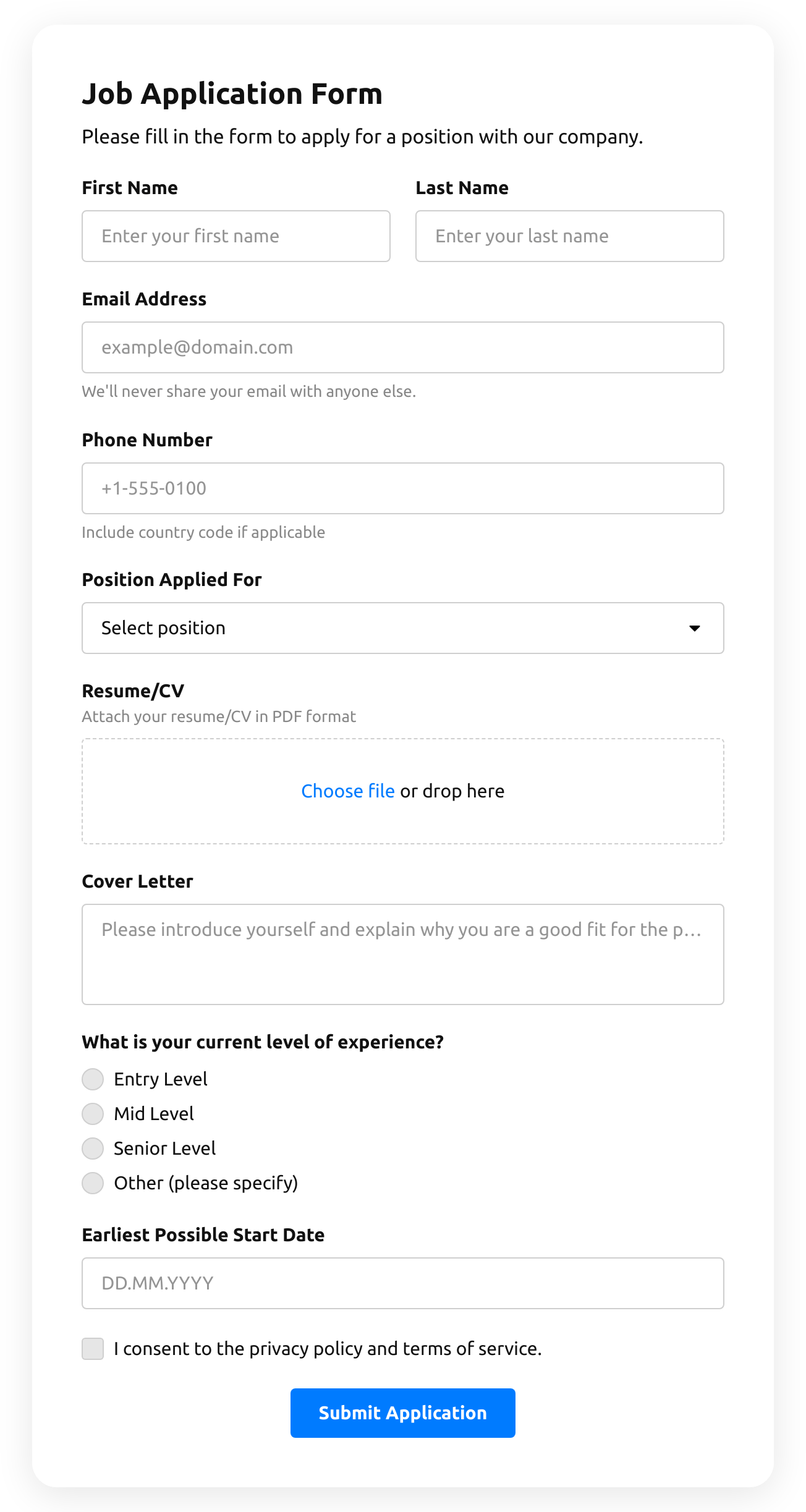
  • Job Application Form

    Create a form for collecting job application resumes.

    • IntegrationsConnect in the editor: Google Sheets, Stripe, Mailchimp, Zapier, Make.com, Webhooks and Google Analytics.
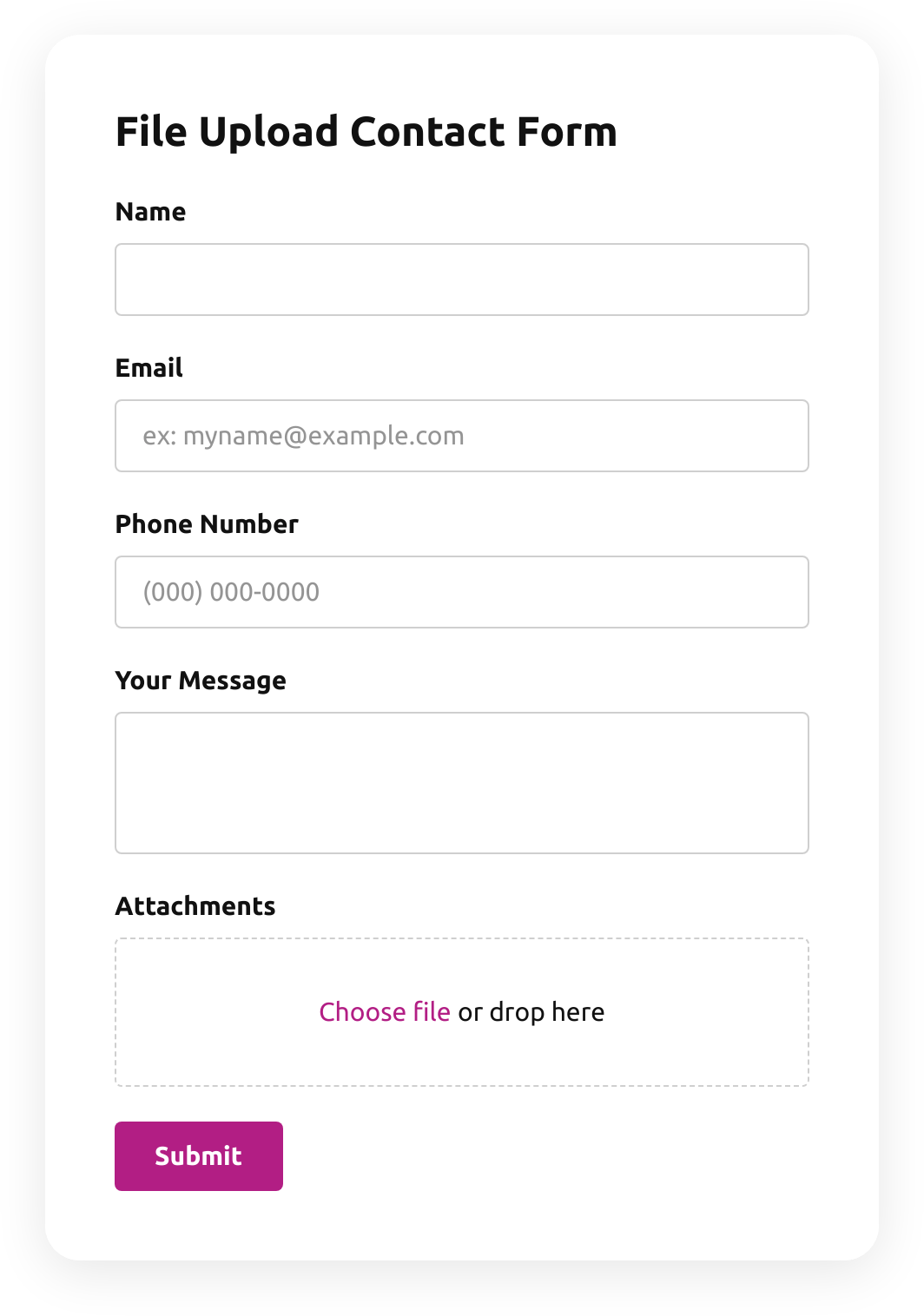
  • File Upload Contact Form

    Create a form for collecting contact details with a file upload feature.

    • File uploadsCustomers attach files — photos, documents, resumes — right in the form.
    • IntegrationsConnect in the editor: Google Sheets, Stripe, Mailchimp, Zapier, Make.com, Webhooks and Google Analytics.
  • Emoji Feedback Form

    Create a form to receive emoji response feedback.

    • IntegrationsConnect in the editor: Google Sheets, Stripe, Mailchimp, Zapier, Make.com, Webhooks and Google Analytics.
  • Customer Review Form

    Create a form to collect customer product reviews.

    • IntegrationsConnect in the editor: Google Sheets, Stripe, Mailchimp, Zapier, Make.com, Webhooks and Google Analytics.
  • Shopping Registration Form

    Create a form with a file upload function to collect registrations for online shopping.

    • IntegrationsConnect in the editor: Google Sheets, Stripe, Mailchimp, Zapier, Make.com, Webhooks and Google Analytics.
  • Timer Quiz

    Create a website survey with the template and integrate a countdown timer.

    • Multi-stepSplit into steps, so a long form feels short.
    • IntegrationsConnect in the editor: Google Sheets, Stripe, Mailchimp, Zapier, Make.com, Webhooks and Google Analytics.
  • Product Recommendation Quiz

    Create a quiz to collect users' product recommendations using the template for website.

    • Multi-stepSplit into steps, so a long form feels short.
    • IntegrationsConnect in the editor: Google Sheets, Stripe, Mailchimp, Zapier, Make.com, Webhooks and Google Analytics.
  • No suitable form template?
    Create your form with Elfsight AI by describing your requirements in plain language, or build your own form using our form builder.

See all templates

Pricing

14-day money back guarantee. Risk-free, you can cancel at anytime.
Elfsight AppsCross-platform version that works on any websitefrom $0 / monthstart with free plan
  • Unlimited websites

  • Premium support

  • Free installation service

  • Special offer for multiple apps