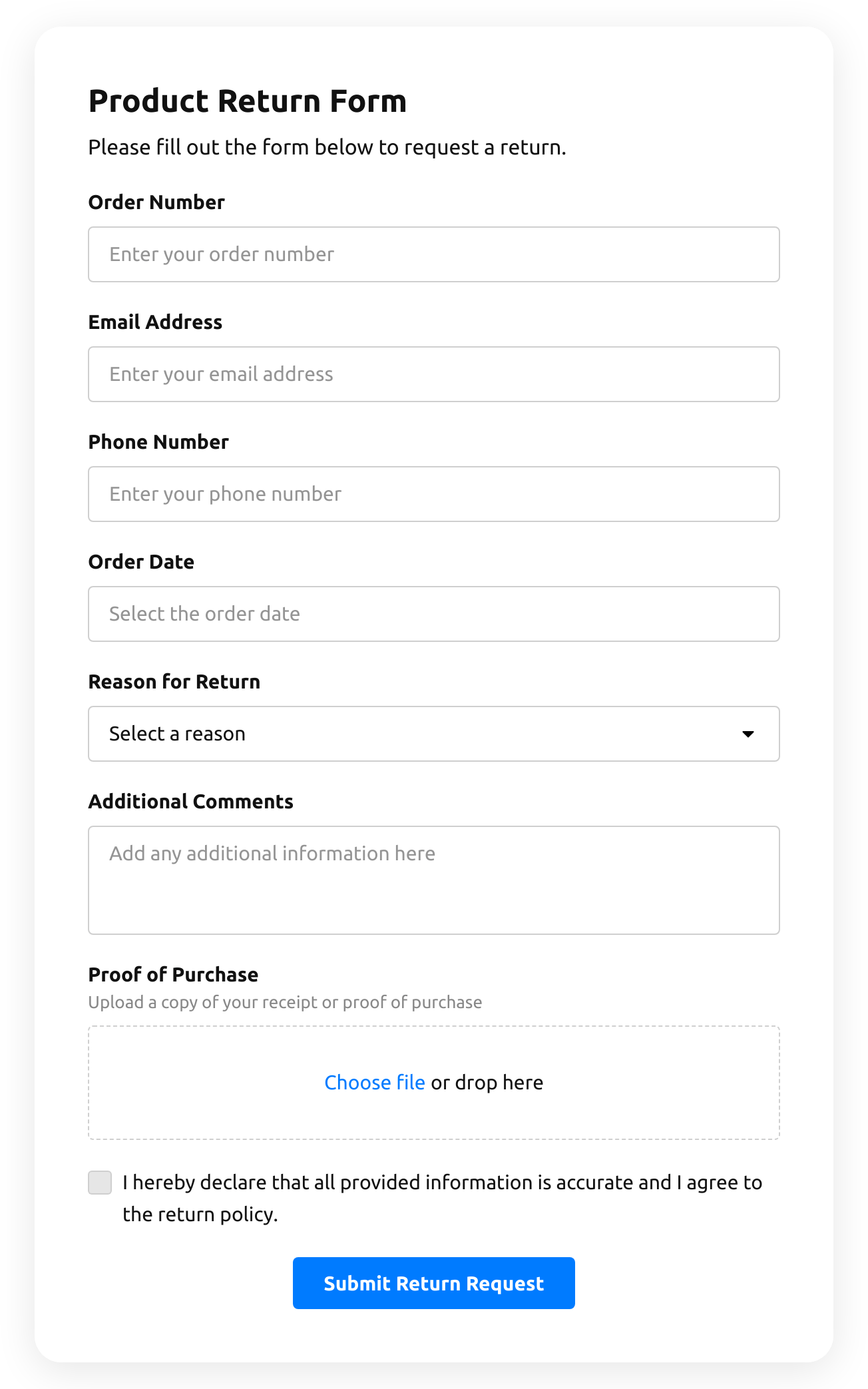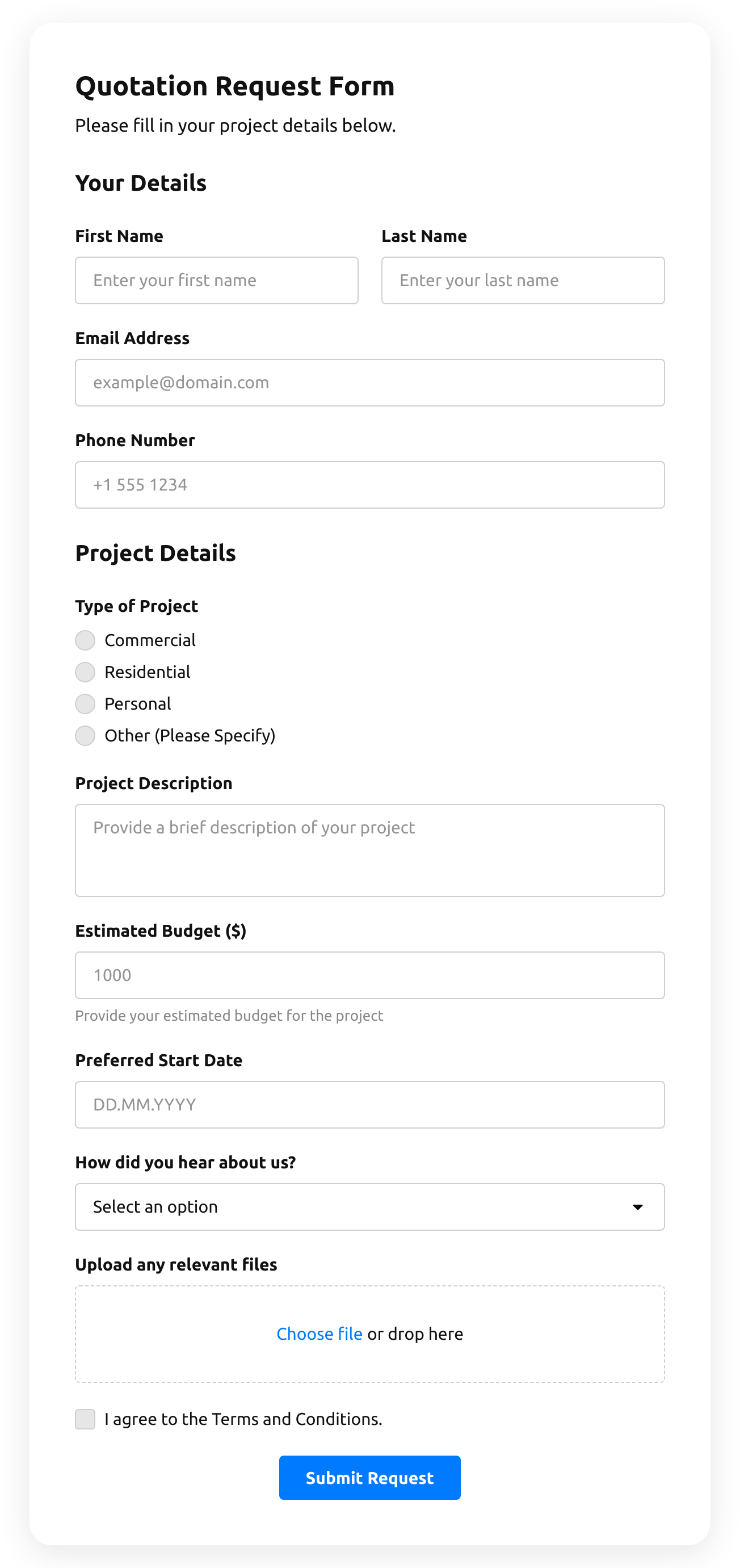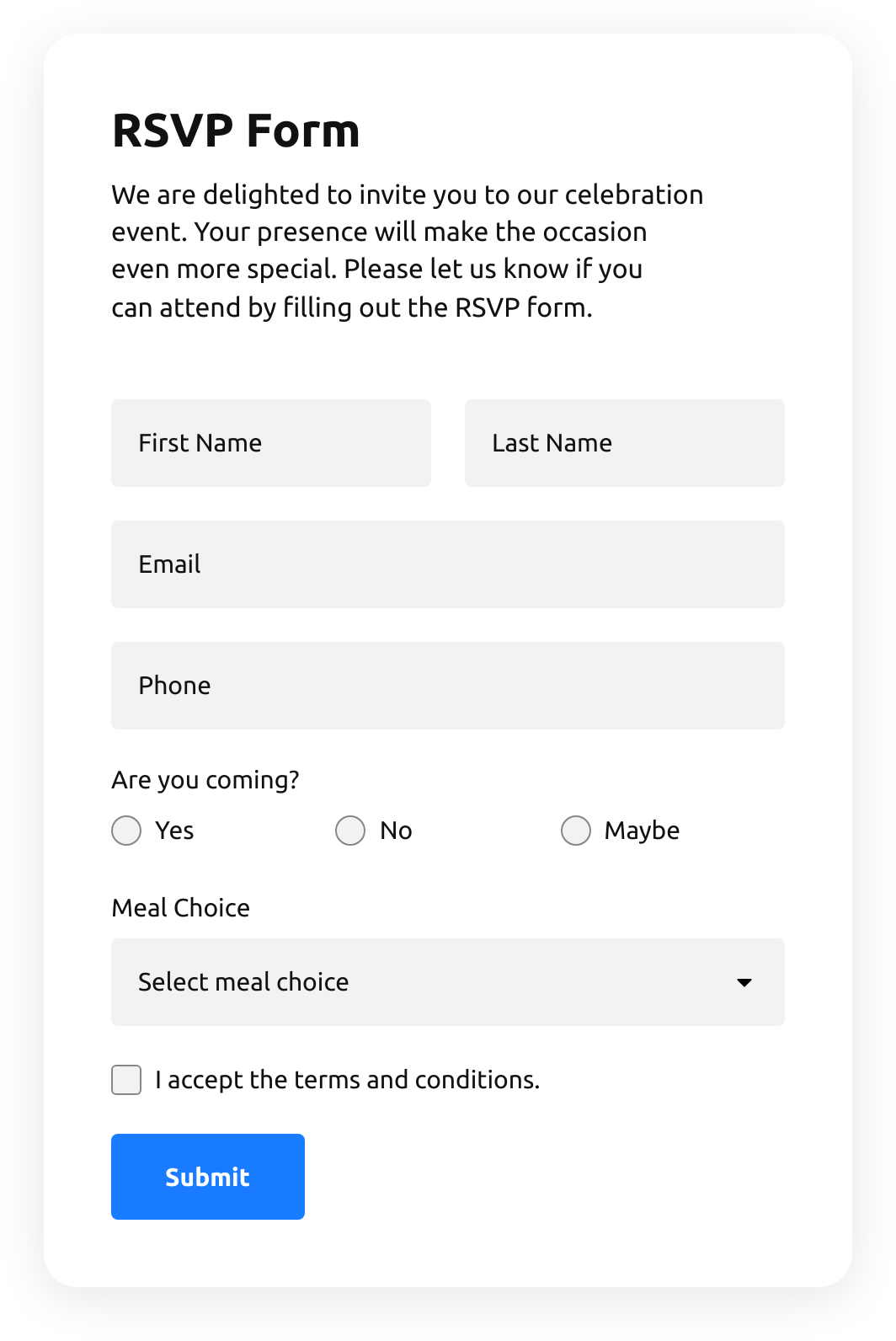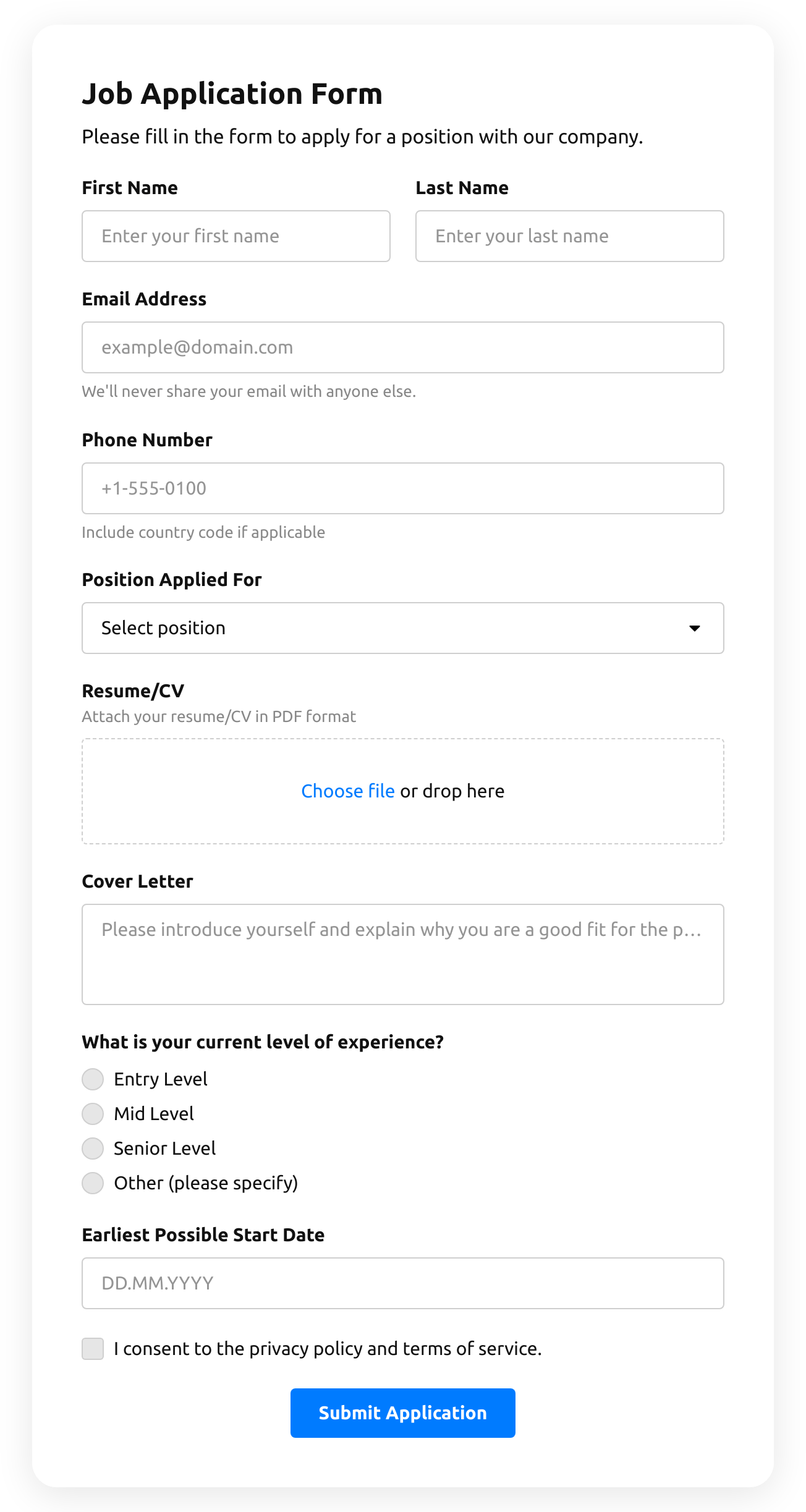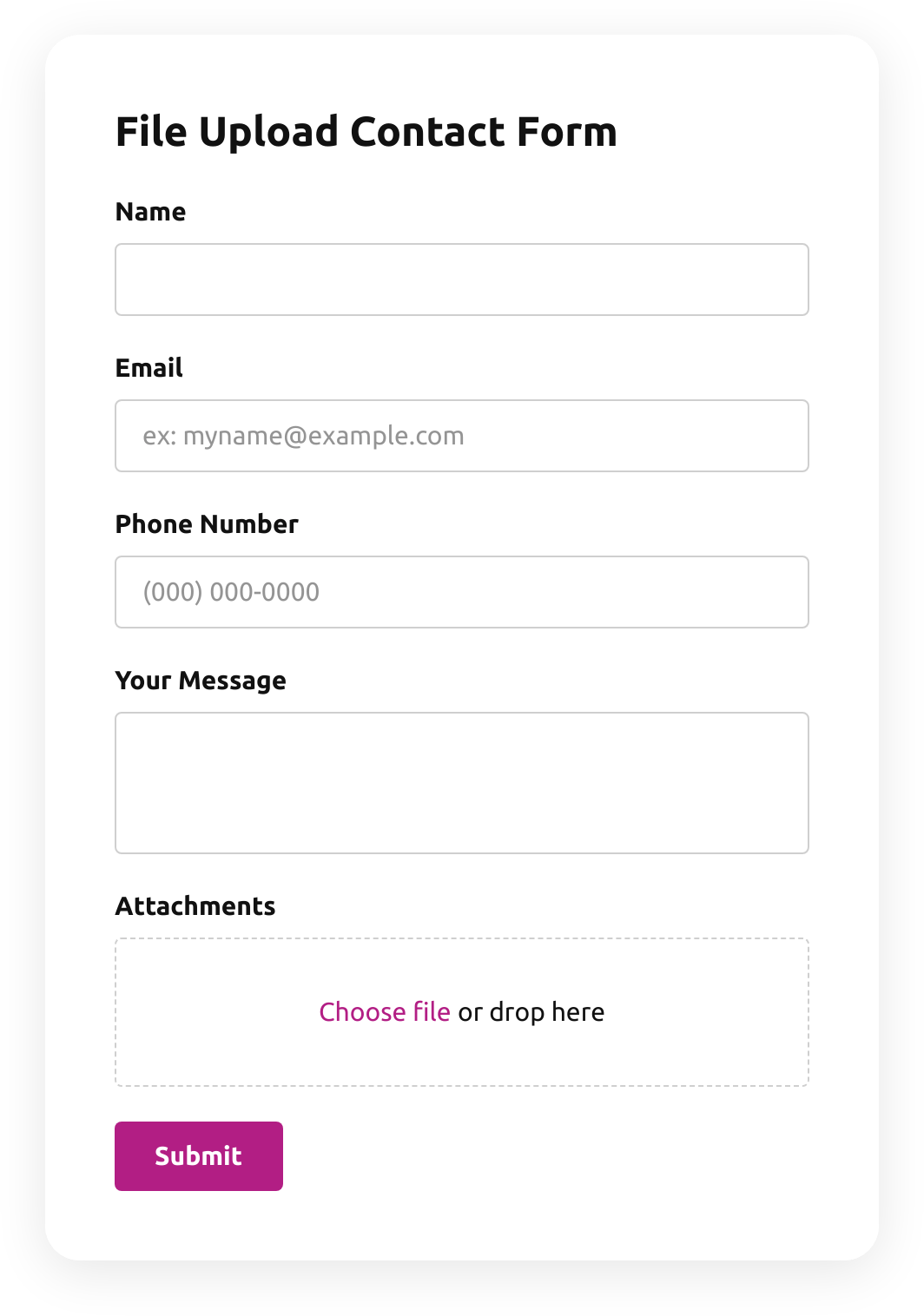











Screenshots
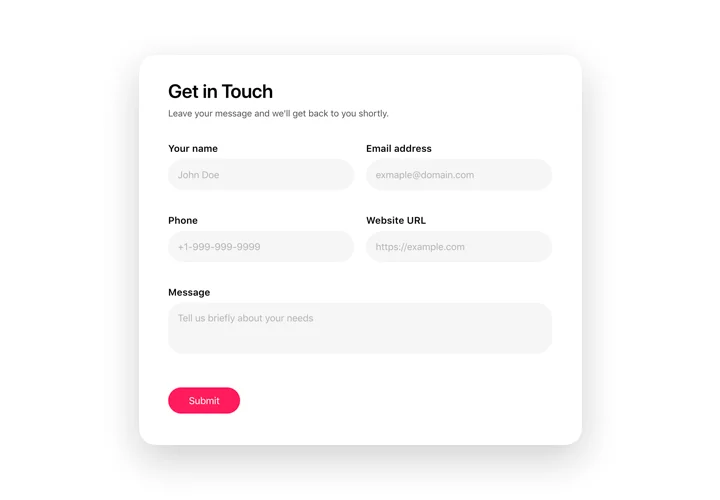
Create an inviting contact form with rounded style and compact fields grouping 
Make use of more than 20 diverse input elements and break them into manageable steps 
Add ratings and scales with comments fields to shape surveys and collect feedback 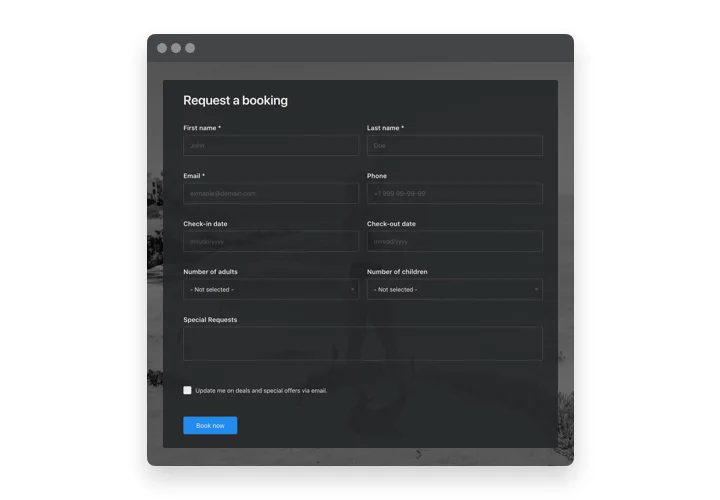
Arrange drop-down fields with placeholders and embedded calendars for easy and fast filling in 
Enjoy a flexible interface with styles and custom colors to fit into any website concept 
Allow your users smooth experience from any device
Custom form builder for PrestaShop
Our Prestashop Form Builder is the perfect tool to create custom forms tailored to your needs. Whether you want to collect feedback, inquiries, or reservations, our custom form builder extension has got you covered. With a user-friendly interface and a variety of available elements, you can easily design and implement your custom forms on your website. Our custom form Prestashop module allows you to gather valuable data from your customers and use it to enhance your business. Start building your custom forms today and take your online presence to the next level!
Use Form Builder to achieve your business aims more efficiently!
Features of Form builder plugin
Create step-by-step and classic forms uniting elements into groups
Show or hide progress bar for step-by-step format
18 types of fields for almost any data-collecting task
Each form element has an editable label that is displayed above the field
Create description for each element, it will be shown under the label
Use fields placeholders to give an example of correct filling and the needed type of data
Each field can be made required for filling with asterisk (*) symbol to indicate this
Option of spreading fields into several columns
Assign any email address and form filling results will be automatically sent there
Choose the scenario after the form submission: Thank you message, form concealing, or redirect to another page
Optional save the filling progress feature
Three ready-to-use layouts (Default, Boxed, Floating)
How to add Form Builder to my PrestaShop web page?
Simply follow the steps presented below to integrate the tool.
Employ our free editor and start forming your custom-built instrument.
Determine the custom form and aspects of the tool and save the corrections.Get the individual code which is shown in the window on Elfsight Apps.
When the customization of your personal widget is finished, copy the personal code in the appearing box and save it for future use.Initiate usage of the widget on PrestaShop website.
Add the code copied recently in your website and apply the edits.The Setup is successfully performed.
Visit your site to review how’s the widget operating.
In case you encounter some problems, feel free to get in touch with our support staff. Our people are eager to help you with all the issues you may have with the product.