





Facebook Business Page Form Builder widget

Create online forms on your Facebook Page to collect leads, receive inquiries, and run surveys capturing valuable data faster and helping your business grow.
  • 4.8 rating
  • 10,000+ reviews
  • Free plan available
  • AI-Powered
No credit card needed
Online Form Builder widget for website

Trusted by over 3,000,000 small businesses, agencies and top global brands worldwide

Create your Form Builder widget

Configure your Form Builder and add it to your Facebook Page website for free!
  1. 1. Customize the template
  2. 2. Create your form
  3. 3. Add it to your website

Screenshots

  • Create an inviting contact form with rounded style and compact fields grouping
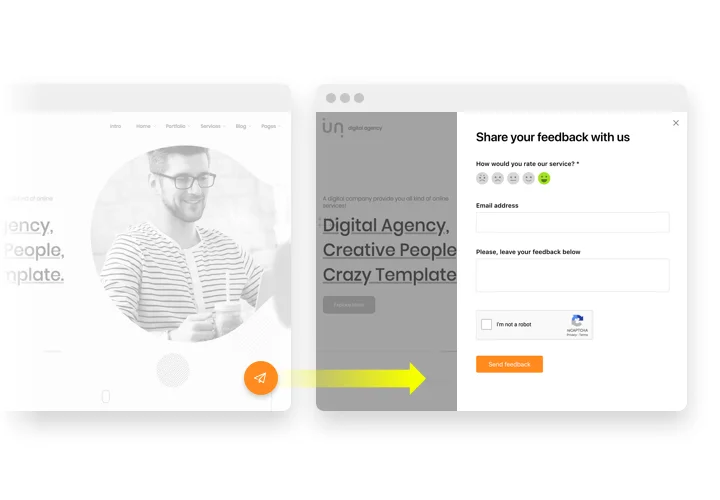
    Create an inviting contact form with rounded style and compact fields grouping
  • Make use of more than 20 diverse input elements and break them into manageable steps
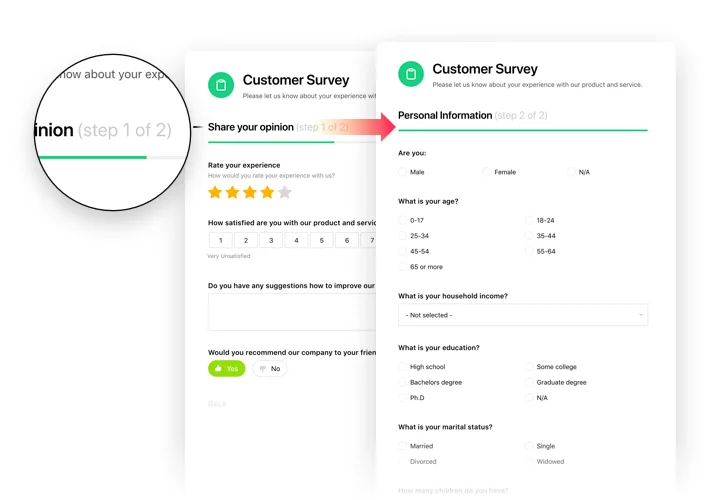
    Make use of more than 20 diverse input elements and break them into manageable steps
  • Add ratings and scales with comments fields to shape surveys and collect feedback
    Add ratings and scales with comments fields to shape surveys and collect feedback
  • Arrange drop-down fields with placeholders and embedded calendars for easy and fast filling in

    Arrange drop-down fields with placeholders and embedded calendars for easy and fast filling in
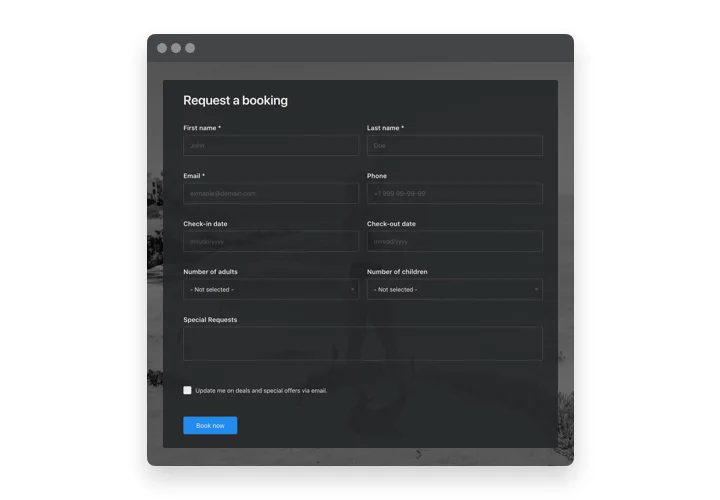
  • Enjoy a flexible interface with styles and custom colors to fit into any website concept
    Enjoy a flexible interface with styles and custom colors to fit into any website concept
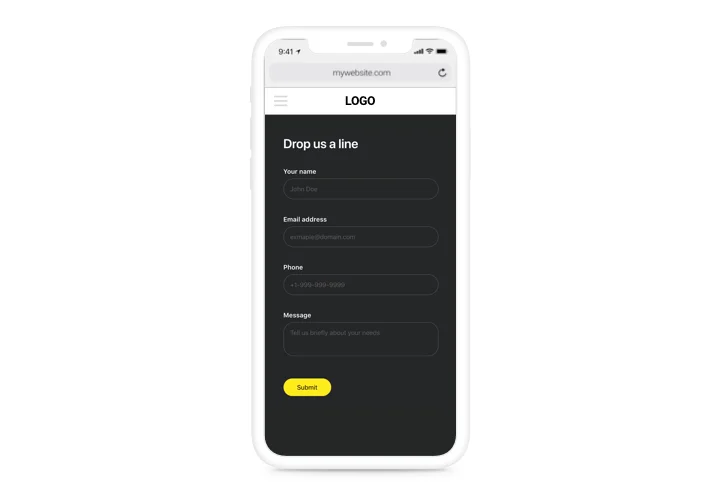
  • Allow your users smooth experience from any device
    Allow your users smooth experience from any device
1 / 6

Custom form builder for Facebook Page

This is a multi-purpose tool to create manifold examples of filling forms and demonstrate them on any page. Get info from your current and probable audience with convenient surveys, feedback forms, rating requests and all other types. Set the form structure, place to create unique forms to receive data from your clientele, and even create a form in your Facebook Page. Whatever examples of info you may want to have: client opinions, ratings, orders and sales – our plugin will help you create a convenient filling form. With the help of flexible structure and a predefined items, your form will be handy for your clientele and powerful for you.

Process requesting and shopping by means of handy forms for fast and easy bying!

Features of Form builder plugin

This is a universal solution to create various types of filling forms and display them on your website. It may be helpful in increasing your leads and collecting data from your potential customers

  • Create Description for each element and it will be shown under the label;

  • Each field can be made for filling with asterisk (*) symbol to indicate this;

  • Choose the scenario after the form submission: Thank you message, redirect to another page, or form concealing;

  • Set any URL where a user will be redirected after the form filling;

  • 5 predefined styles for form fields.

Check how all the features work, in our demo

How to add a form to a Facebook Business Page

Due to recent Facebook changes and the transition to the New Page Experience, usage is currently only possible through adding a direct link to the widget. We are actively searching for a solution and will update the Facebook page setup as soon as we find a way.

To insert the widget, follow the guidelines below

  • Build your custom Form Tab
    Using our free configurator, generate a widget with a preferable layout and functions.

  • Get the personal code to set up the widget
    After you have set your widget up, you will get your installation code from the appearing notification on Elfsight Apps. Copy it.

  • Add the Form to the Facebook page
    Create your custom Facebook Tab. Insert the code that you received at elfsight apps into the tab. If you have any issues, just check our guide on creating custom Facebook Tab

  • Done!
    Visit the business page, to see your form.

Feel free to communicate to Elfsight customer support in case you need assistance or having questions. We will be glad to assist with every request.
Form Builder template catalog

Choose from our ready-to-use widget templates to use as is, or customize them to suit your style.
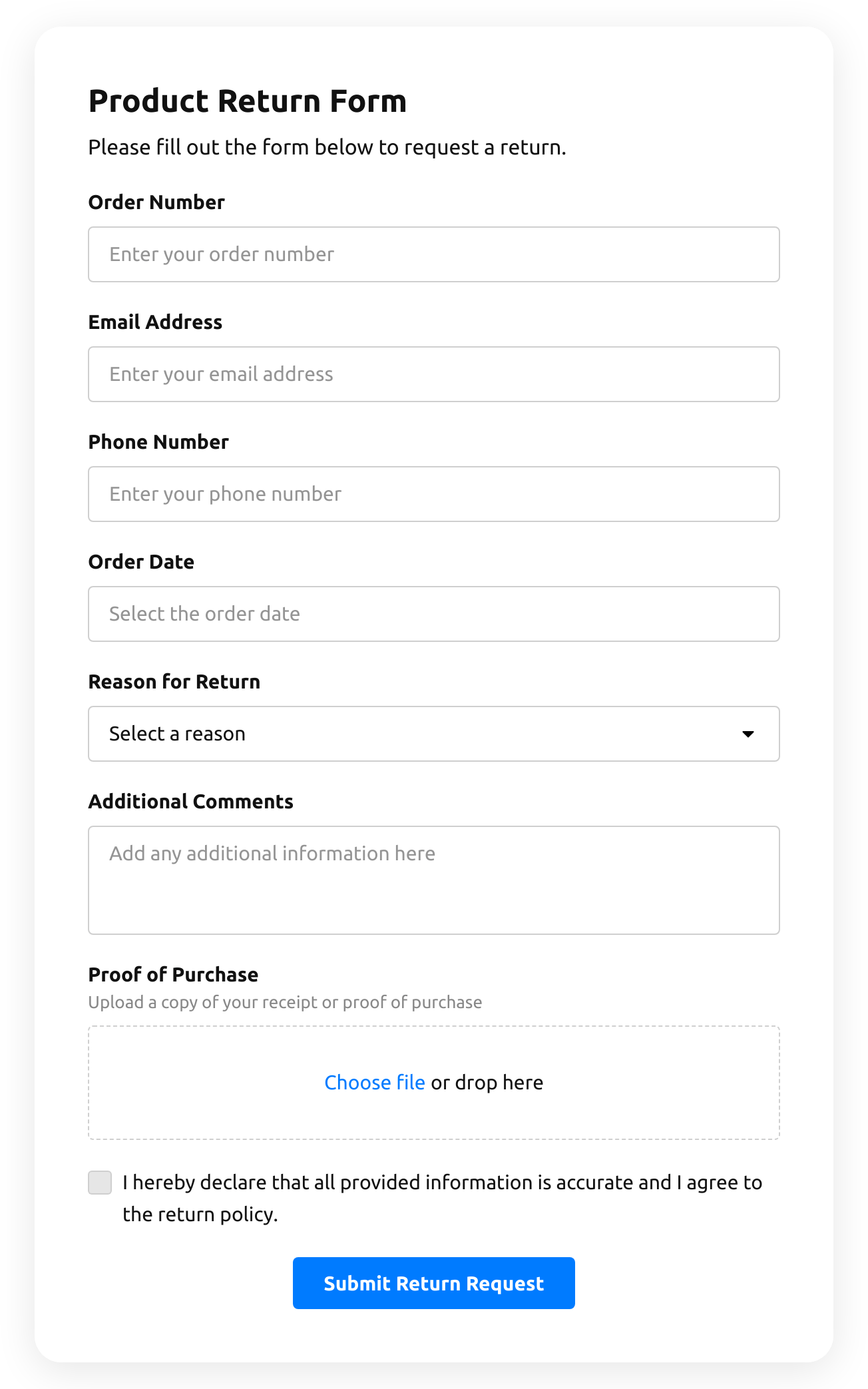
  • Return Order Form

    Create a form to request a product return.

    • IntegrationsConnect in the editor: Stripe, Mailchimp, Google Sheets, Zapier, Make.com, Webhooks and Google Analytics.
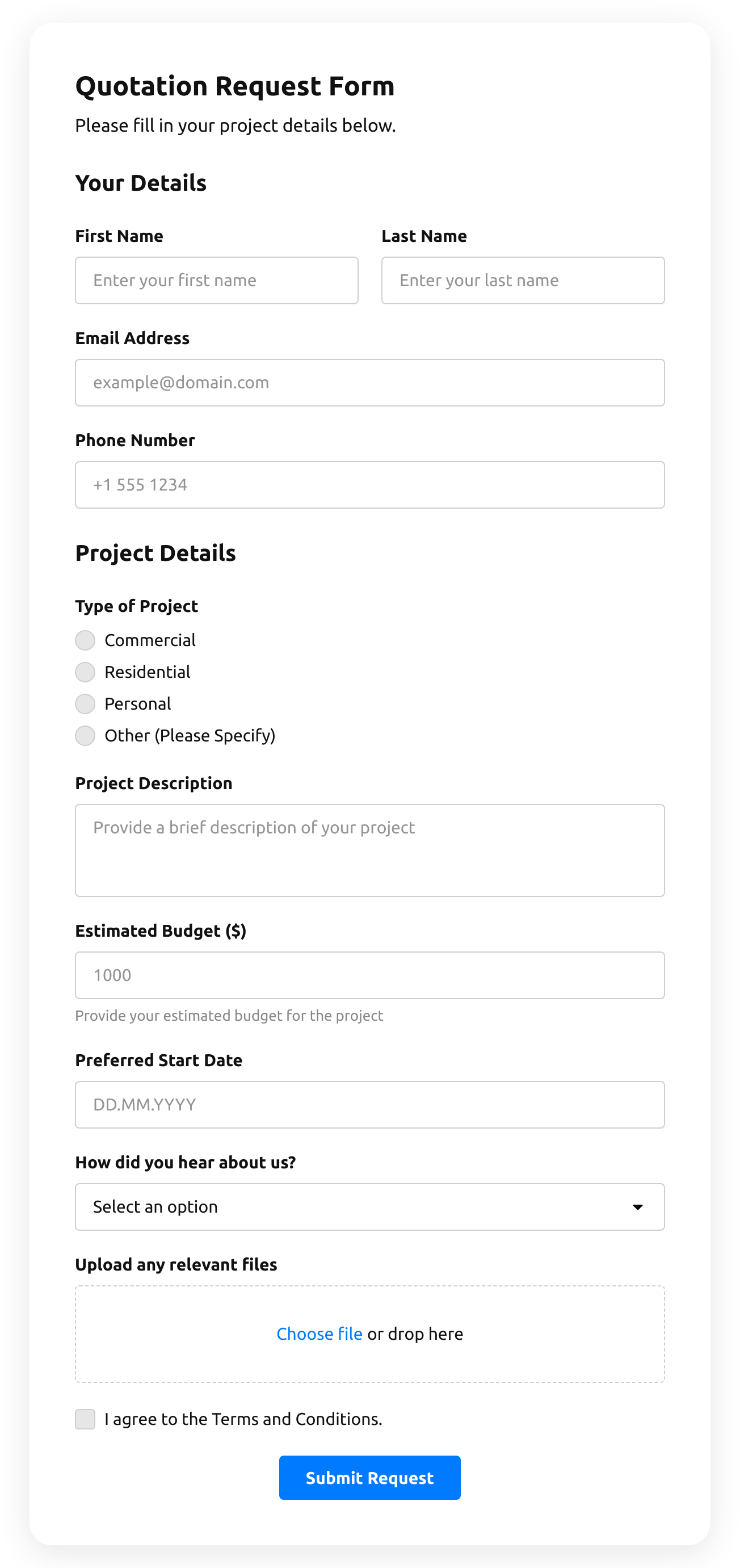
  • Quotation Form

    Create a website form with the template for the quotation statement with the recent sale prices.

    • IntegrationsConnect in the editor: Stripe, Mailchimp, Google Sheets, Zapier, Make.com, Webhooks and Google Analytics.
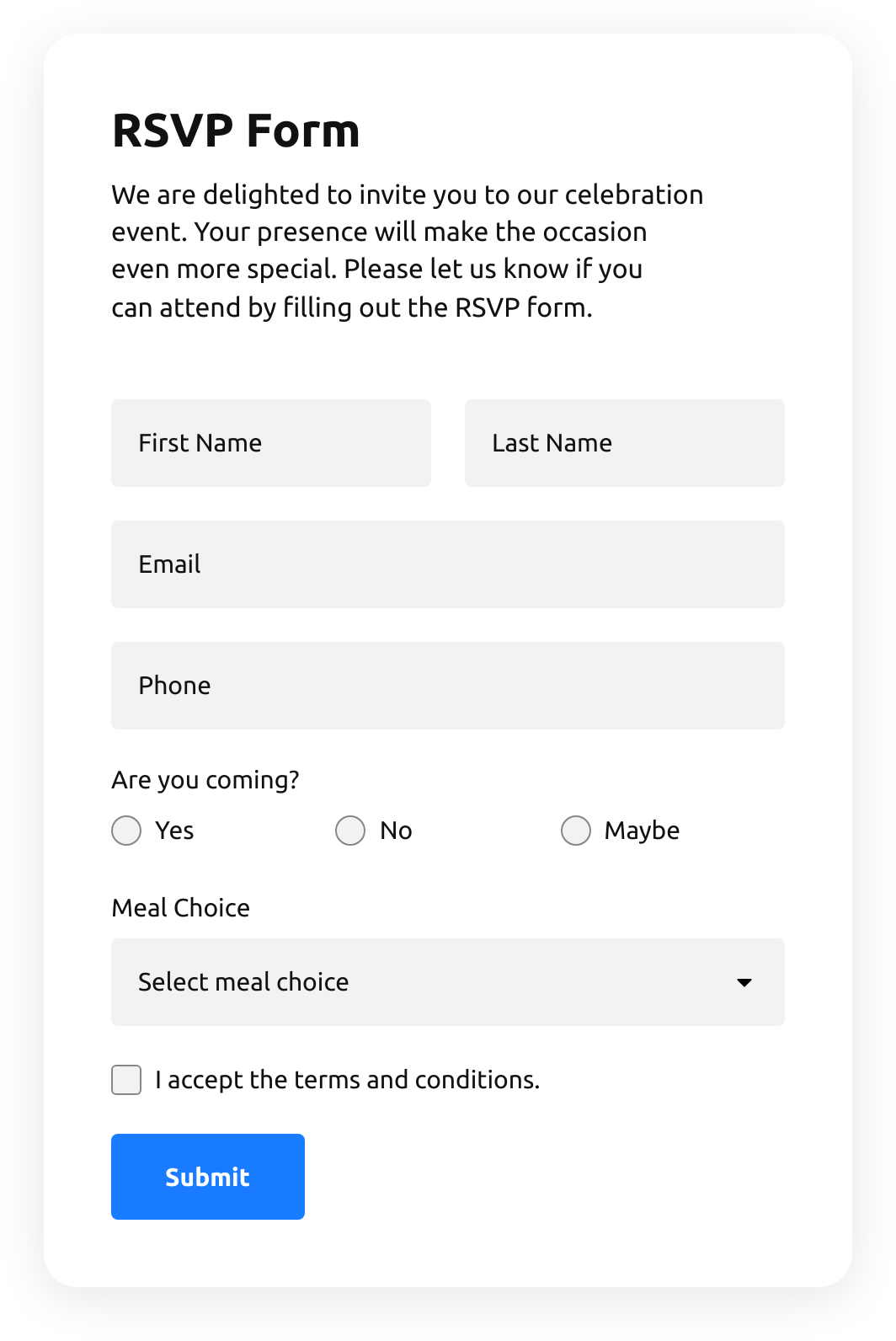
  • Rsvp Form

    Create a website form with the template to invite guests with RSVPs.

    • IntegrationsConnect in the editor: Google Sheets, Stripe, Mailchimp, Zapier, Make.com, Webhooks and Google Analytics.
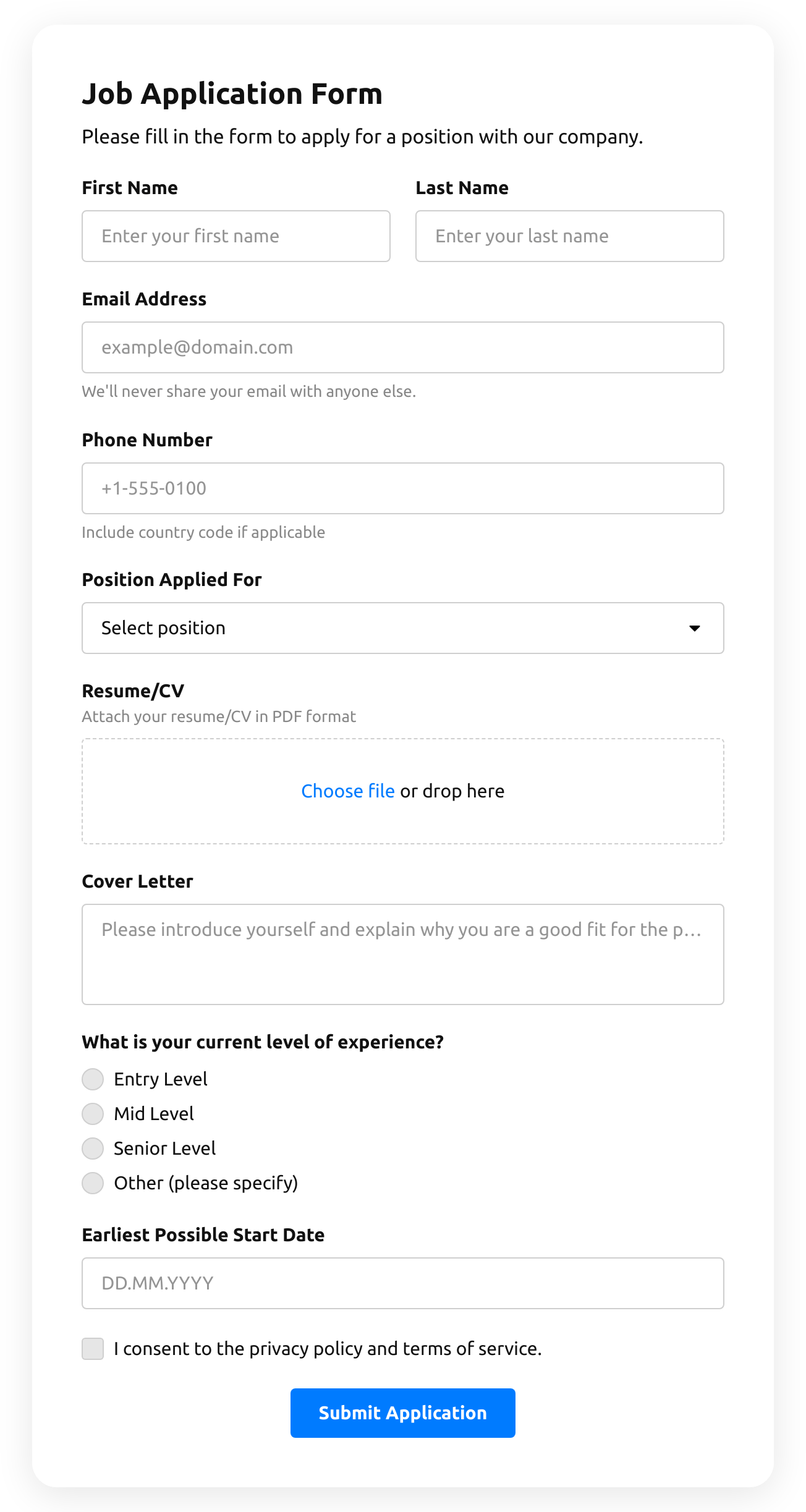
  • Job Application Form

    Create a form for collecting job application resumes.

    • IntegrationsConnect in the editor: Google Sheets, Stripe, Mailchimp, Zapier, Make.com, Webhooks and Google Analytics.
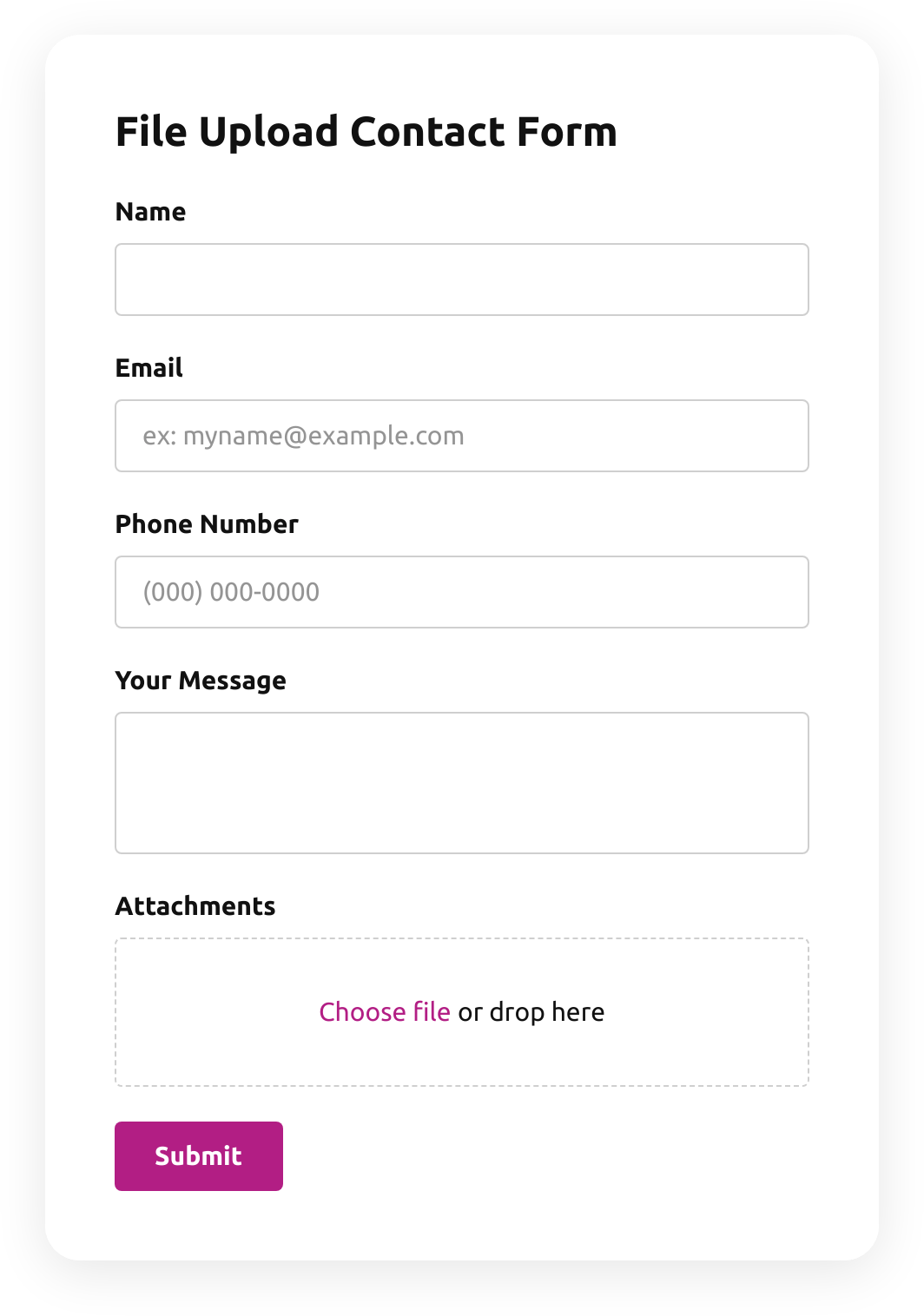
  • File Upload Contact Form

    Create a form for collecting contact details with a file upload feature.

    • File uploadsCustomers attach files — photos, documents, resumes — right in the form.
    • IntegrationsConnect in the editor: Google Sheets, Stripe, Mailchimp, Zapier, Make.com, Webhooks and Google Analytics.
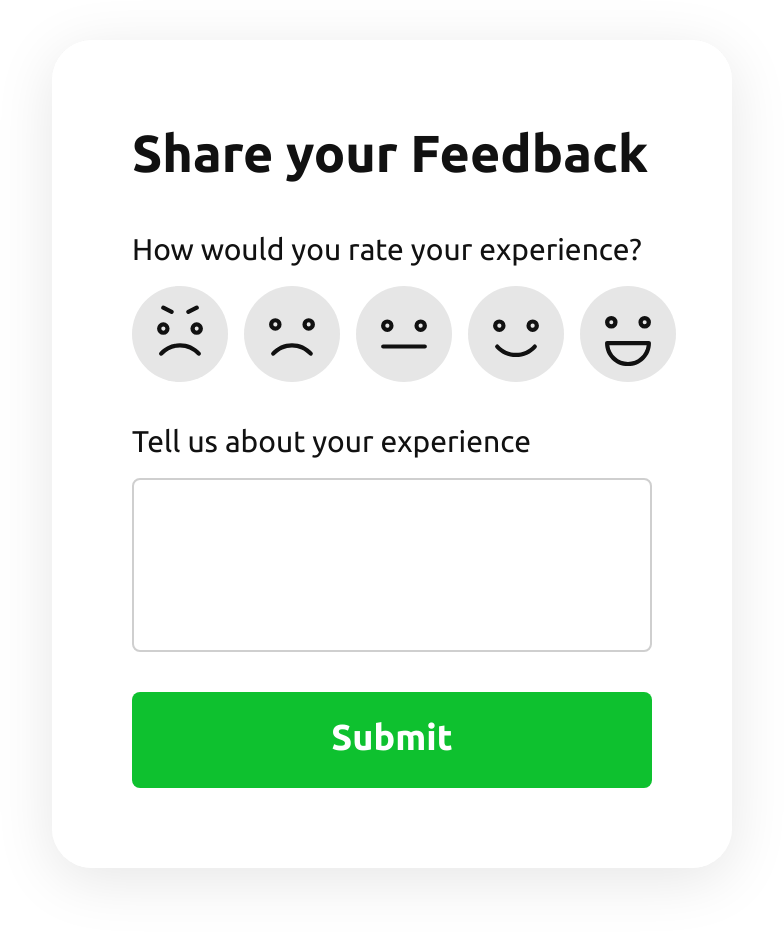
  • Emoji Feedback Form

    Create a form to receive emoji response feedback.

    • IntegrationsConnect in the editor: Google Sheets, Stripe, Mailchimp, Zapier, Make.com, Webhooks and Google Analytics.
  • Customer Review Form

    Create a form to collect customer product reviews.

    • IntegrationsConnect in the editor: Google Sheets, Stripe, Mailchimp, Zapier, Make.com, Webhooks and Google Analytics.
  • Shopping Registration Form

    Create a form with a file upload function to collect registrations for online shopping.

    • IntegrationsConnect in the editor: Google Sheets, Stripe, Mailchimp, Zapier, Make.com, Webhooks and Google Analytics.
  • Timer Quiz

    Create a website survey with the template and integrate a countdown timer.

    • Multi-stepSplit into steps, so a long form feels short.
    • IntegrationsConnect in the editor: Google Sheets, Stripe, Mailchimp, Zapier, Make.com, Webhooks and Google Analytics.
  • Product Recommendation Quiz

    Create a quiz to collect users' product recommendations using the template for website.

    • Multi-stepSplit into steps, so a long form feels short.
    • IntegrationsConnect in the editor: Google Sheets, Stripe, Mailchimp, Zapier, Make.com, Webhooks and Google Analytics.
  • No suitable form template?
    Create your form with Elfsight AI by describing your requirements in plain language, or build your own form using our form builder.

See all templates

Pricing

14-day money back guarantee. Risk-free, you can cancel at anytime.
Elfsight AppsCross-platform version that works on any websitefrom $0 / monthstart with free plan
  • Unlimited websites

  • Premium support

  • Charge-free installation help

  • 100% customizable

  • Amazing deal for multiple apps