Multi-step form templates

Split a long form into short steps, so it feels quick to fill in. Pick a multi-step template, customize the steps in the editor and add it to any website.

  • Conditional Logic Multistep Form

    Create a multi-page form with changeable questions based on conditional logic.

    • Conditional logicThe next questions change with the answers given, so everyone sees only what applies to them.
    • Multi-stepSplit into steps, so a long form feels short.
    • IntegrationsConnect in the editor: Google Sheets, Stripe, Mailchimp, Zapier, Make.com, Webhooks and Google Analytics.
  • Progress Bar Multistep Form

    Create a form with multiple steps and show the progress with the progress bar attribute.

    • Multi-stepSplit into steps, so a long form feels short.
    • IntegrationsConnect in the editor: Google Sheets, Stripe, Mailchimp, Zapier, Make.com, Webhooks and Google Analytics.
  • Multi Page Form

    Create a multi-page form to get detailed feedback.

    • Multi-stepSplit into steps, so a long form feels short.
    • IntegrationsConnect in the editor: Google Sheets, Stripe, Mailchimp, Zapier, Make.com, Webhooks and Google Analytics.
  • Step By Step Form

    Create a website form with the template to collect users' details step-by-step.

    • Multi-stepSplit into steps, so a long form feels short.
    • IntegrationsConnect in the editor: Google Sheets, Stripe, Mailchimp, Zapier, Make.com, Webhooks and Google Analytics.
  • Registration Multistep Form

    Create a form to split the registration process into small steps.

    • Multi-stepSplit into steps, so a long form feels short.
    • IntegrationsConnect in the editor: Google Sheets, Stripe, Mailchimp, Zapier, Make.com, Webhooks and Google Analytics.
  • Multiple Choice Form

    Create a form with multiple-choice questions.

    • Multi-stepSplit into steps, so a long form feels short.
    • IntegrationsConnect in the editor: Google Sheets, Stripe, Mailchimp, Zapier, Make.com, Webhooks and Google Analytics.
  • Conditional Logic Contact Form

    Create a website form with the template by including contact questions based on conditional logic.

    • Conditional logicThe next questions change with the answers given, so everyone sees only what applies to them.
    • Multi-stepSplit into steps, so a long form feels short.
    • IntegrationsConnect in the editor: Google Sheets, Stripe, Mailchimp, Zapier, Make.com, Webhooks and Google Analytics.
  • File Upload Multistep Form

    Create a form with multiple steps and a file upload feature.

    • Multi-stepSplit into steps, so a long form feels short.
    • File uploadsCustomers attach files — photos, documents, resumes — right in the form.
    • IntegrationsConnect in the editor: Google Sheets, Stripe, Mailchimp, Zapier, Make.com, Webhooks and Google Analytics.
  • Conditional Logic Order Form

    Create a form with conditional logic questions to make surprising orders.

    • Conditional logicThe next questions change with the answers given, so everyone sees only what applies to them.
    • Multi-stepSplit into steps, so a long form feels short.
    • IntegrationsConnect in the editor: Stripe, Mailchimp, Google Sheets, Zapier, Make.com, Webhooks and Google Analytics.
  • Multiple Choice Quiz

    Create a website quiz with the template to ask multiple-choice questions and have fun with the website users.

    • Multi-stepSplit into steps, so a long form feels short.
    • IntegrationsConnect in the editor: Google Sheets, Stripe, Mailchimp, Zapier, Make.com, Webhooks and Google Analytics.
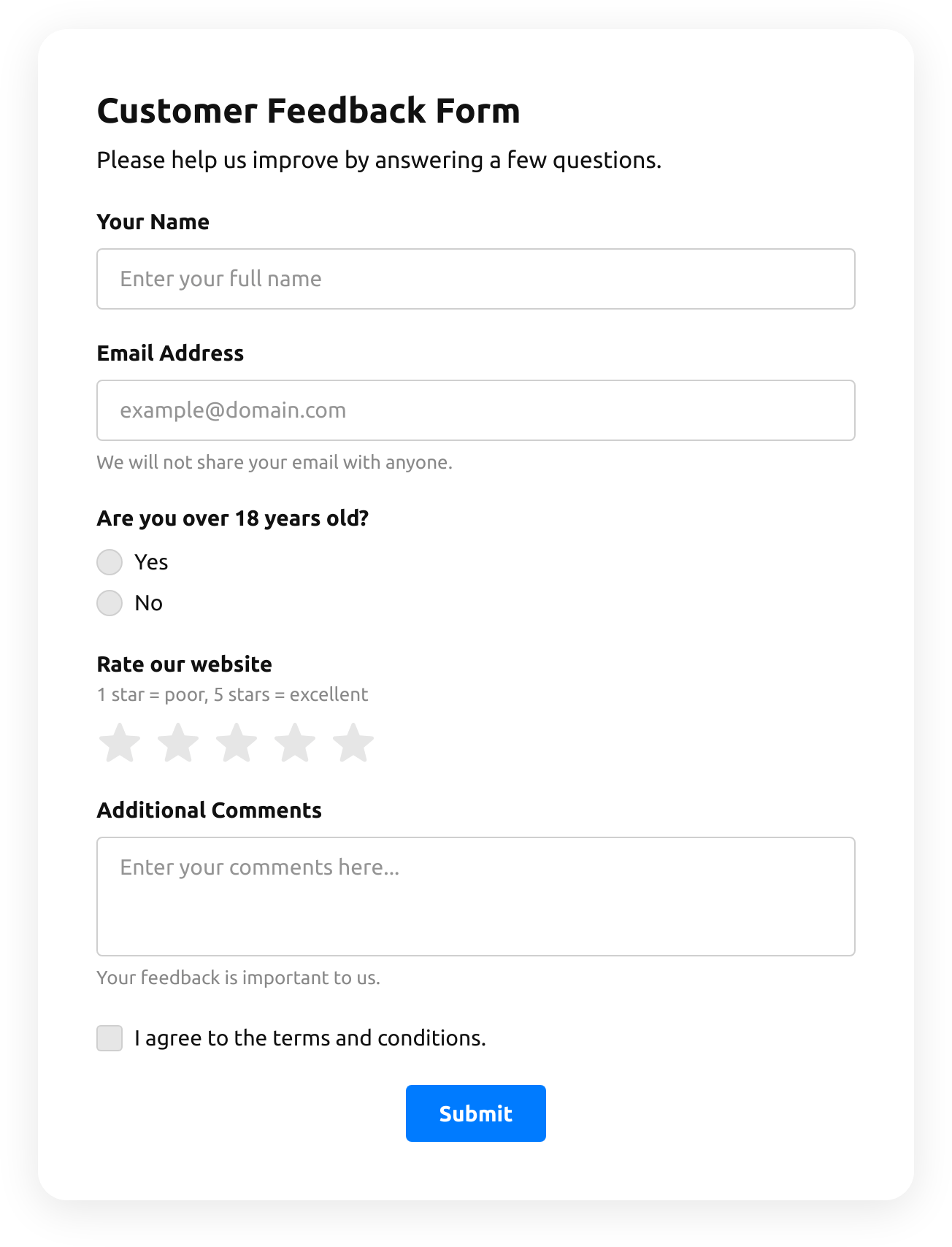
  • Timer Quiz

    Create a website survey with the template and integrate a countdown timer.

    • Multi-stepSplit into steps, so a long form feels short.
    • IntegrationsConnect in the editor: Google Sheets, Stripe, Mailchimp, Zapier, Make.com, Webhooks and Google Analytics.
  • Test Quiz

    Create a website quiz with the template to run online users' tests.

    • Multi-stepSplit into steps, so a long form feels short.
    • IntegrationsConnect in the editor: Google Sheets, Stripe, Mailchimp, Zapier, Make.com, Webhooks and Google Analytics.
  • Results Quiz

    Create a website quiz with the template and export results for statistics.

    • Multi-stepSplit into steps, so a long form feels short.
    • IntegrationsConnect in the editor: Google Sheets, Stripe, Mailchimp, Zapier, Make.com, Webhooks and Google Analytics.
  • Leaderboard Quiz

    Create a website quiz with the template to showcase the final results in a leaderboard.

    • Multi-stepSplit into steps, so a long form feels short.
    • IntegrationsConnect in the editor: Google Sheets, Stripe, Mailchimp, Zapier, Make.com, Webhooks and Google Analytics.
  • Image Upload Quiz

    Create a website quiz using the template with the image upload feature.

    • Multi-stepSplit into steps, so a long form feels short.
    • IntegrationsConnect in the editor: Google Sheets, Stripe, Mailchimp, Zapier, Make.com, Webhooks and Google Analytics.
  • Product Recommendation Quiz

    Create a quiz to collect users' product recommendations using the template for website.

    • Multi-stepSplit into steps, so a long form feels short.
    • IntegrationsConnect in the editor: Google Sheets, Stripe, Mailchimp, Zapier, Make.com, Webhooks and Google Analytics.
  • Questions And Answers Quiz

    Create a website quiz with the template to include multiple-choice questions and answers.

    • Multi-stepSplit into steps, so a long form feels short.
    • IntegrationsConnect in the editor: Google Sheets, Stripe, Mailchimp, Zapier, Make.com, Webhooks and Google Analytics.
  • Drag And Drop Quiz

    Create a drag-and-drop quiz with multiple question formats using the template for website.

    • Multi-stepSplit into steps, so a long form feels short.
    • IntegrationsConnect in the editor: Google Sheets, Stripe, Mailchimp, Zapier, Make.com, Webhooks and Google Analytics.
  • Personality Quiz

    Create a website quiz with the template to unravel users' personality types.

    • Multi-stepSplit into steps, so a long form feels short.
    • IntegrationsConnect in the editor: Google Sheets, Stripe, Mailchimp, Zapier, Make.com, Webhooks and Google Analytics.
  • Quiz Form

    Quizzes are one of the best entertainers on your site. Use this form to create one.

    • Multi-stepSplit into steps, so a long form feels short.
    • IntegrationsConnect in the editor: Google Sheets, Stripe, Mailchimp, Zapier, Make.com, Webhooks and Google Analytics.
How to choose

Pick the steps you need

Every template here is already split into steps.
You need
Start from
Why this one
Questions that change with answers
Multiple pages with questions based on conditional logic.
Steps people can see
A progress bar shows how far along the visitor is.
Detailed feedback
A multi-page form for in-depth answers.
Details, one step at a time
Collects the visitor’s details step by step.
A long registration
The registration split into small steps.
Files in the last step
Multiple steps and a file upload.
Orders that depend on choices
An order form with conditional logic questions.

Questions that change with answers

Why this one

Multiple pages with questions based on conditional logic.

Steps people can see

Why this one

A progress bar shows how far along the visitor is.

Detailed feedback

Start from

Why this one

A multi-page form for in-depth answers.

Details, one step at a time

Why this one

Collects the visitor’s details step by step.

A long registration

Why this one

The registration split into small steps.

Files in the last step

Why this one

Multiple steps and a file upload.

Orders that depend on choices

Why this one

An order form with conditional logic questions.
How to split it

What makes a multi-step form work

Easy steps first

Start with what anyone can answer; leave documents and payment for the end.

One topic per step

Contact details, then the request, then files — each step a single idea.

Show the progress

A progress bar tells people how much is left.

Skip what doesn’t apply

With conditional logic, people only see the steps that apply to them.

Multi-step form templates FAQ