













Why people love Elfsight
Our AI Chatbot for OpenCart is like a polite sales assistant who never takes a break. It guides shoppers to the right products, explains shipping or returns, and keeps conversations moving – while you stay focused on orders, suppliers, and the rest of your day. Setup is quick, the editor is visual, and the results feel delightfully hands-off.
Little story: a family-run apparel shop added the chatbot to their size guide page. “It handled ‘Does this run small?’ while we packed weekend orders,” they told us. Fewer repeated questions, fewer abandoned carts, more breathing room.
Did you know?
According to Salesforce, 69% of consumers prefer chatbots for quick communication with brands – a fast lane to answers shoppers actually use.
Give it a try – unlock instant help for your customers and free up time for the work only you can do.
Key features of the AI Chatbot
Product & policy answers – Specs, sizing, compatibility, shipping, returns… the essentials are covered around the clock.
Your brand’s tone – Choose a voice that fits: concise and expert, cheerful and friendly, or anything in between.
Fast, fuss-free setup – Copy the embed, paste it, and you’re live. Even if you’re not a tech wizard.
Lead capture built in – Collect emails and messages during chats so you can follow up with interested shoppers.
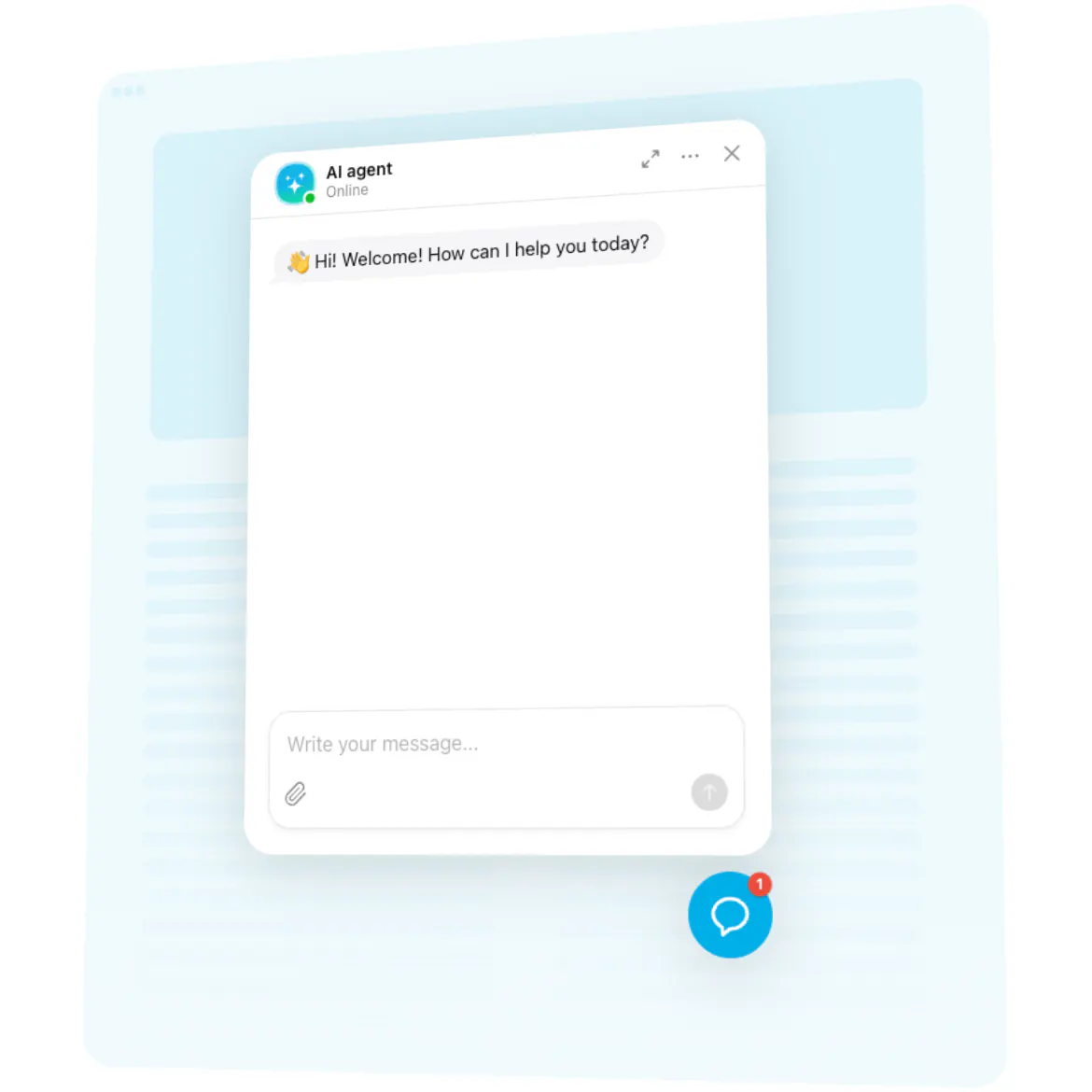
Inline or floating display – Place it right on product/FAQ pages, or show a floating bubble store-wide for one-tap help.
Answers from your content – Point it to FAQs, policies, and product info to keep replies accurate and on-brand.
Conversation insights – Spot recurring questions and tidy up friction points. Now, this is where it gets interesting.
Performance-friendly – Loads asynchronously so your pages render first – smooth for you and your shoppers.
Open the live editor and try a template – see your chatbot in action in minutes.
How to add the AI Chatbot to OpenCart
Good news: if you can drag files into a folder, you can manage this widget. Two simple paths – pick what fits your workflow.
Method 1: Inline on a specific page
Step 1. Go to the AI Chatbot page and click “Create Widget.” Pick a template, tweak the look, and set behavior.
Step 2. Click “Add to Website for Free” and copy the embed code.
Step 3. In OpenCart Admin, create or edit a Content → Information page (or your preferred CMS block).
Step 4. Switch the editor to HTML mode and paste the code where you want the conversation to appear.
Step 5. Save changes, refresh your page – the chatbot is live right where shoppers need it.
Method 2: Floating across your store
Step 1. In the Elfsight editor, choose the floating layout so the chatbot shows as a bubble.
Step 2. Pick bubble size, color, and corner position.
Step 3. Copy the script snippet.
Step 4. In OpenCart Admin, go to Extensions → Extensions, choose Modules, open HTML Content, create a new module and paste the script.
Step 5. Assign the module via Design → Layouts to the layouts you want (e.g., Home, Category, Product) in a footer or content position. Save and clear cache if needed – here’s the kicker: your chatbot now appears store-wide.
If you want a hand, our Help Center walks through each step. You can also swap ideas in the Community Forum, suggest features in the Wishlist, and keep an eye on releases in the Changelog.