













Why people love Elfsight
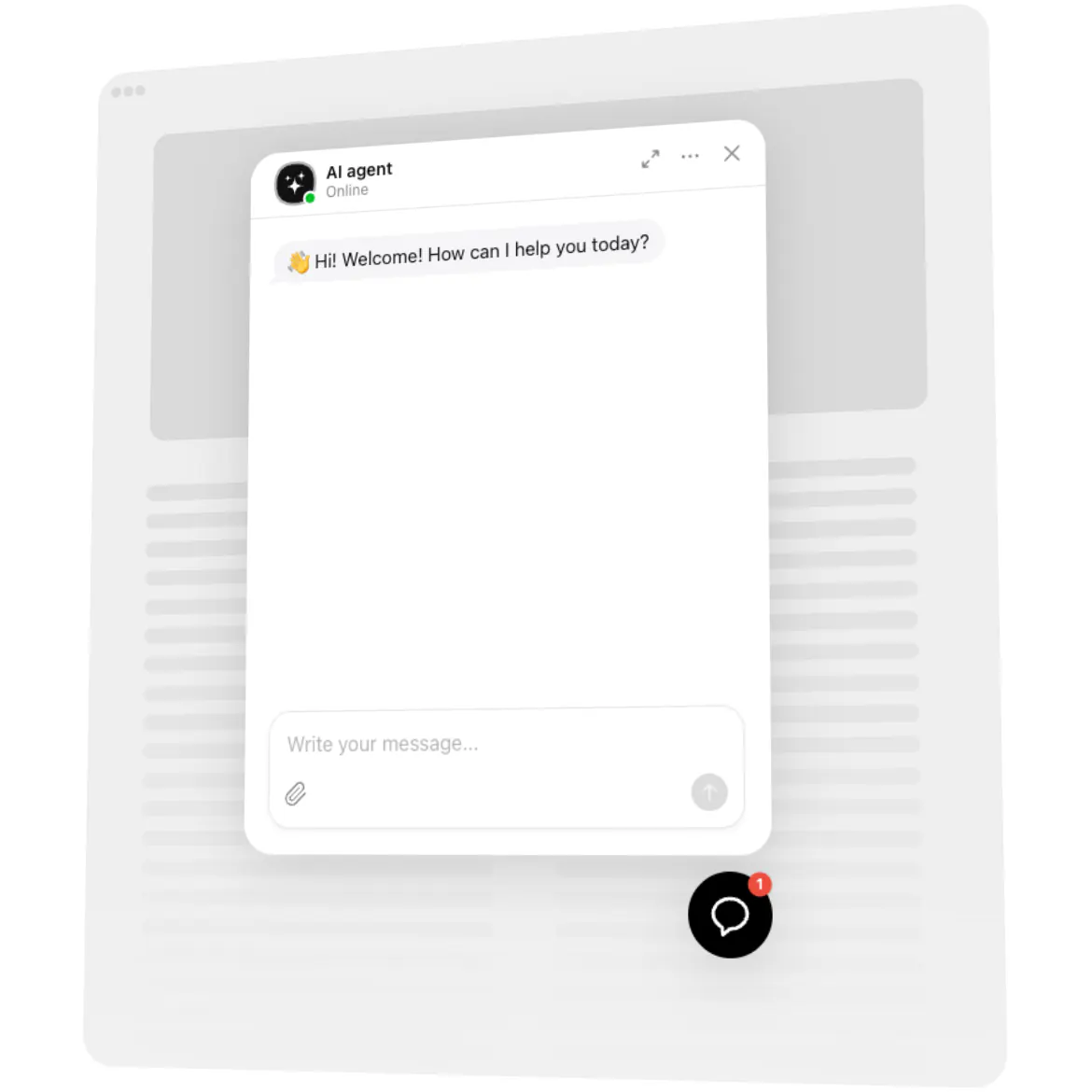
Our AI Chatbot for Squarespace feels like a helpful front-desk teammate who never clocks out. It greets visitors, handles common questions, and points people to the next step – while you focus on your craft. Setup is visual, quick, and friendly, even if code isn’t your thing.
Quick story: a local ceramics studio added the bot to their gallery page before a weekend drop. “It handled pickup times and gift-wrap questions while we packed orders,” they told us. Fewer back-and-forths, more finished checkouts, calmer Saturday.
Did you know?
According to Salesforce, 69% of consumers prefer chatbots for fast communication with brands – which means quicker answers and fewer abandoned sessions.
Give it a try today – your visitors get instant clarity and you get time back for the work only you can do.
Key features of the AI Chatbot
Always-on help – Product details, pricing notes, opening hours, shipping and returns – answered day and night.
Your brand’s voice – Make it sound expert, friendly, playful, or minimalist. Keep the tone consistent across pages.
Copy–paste launch – Installing it feels like snapping a LEGO block into place. No complex steps or downtime.
Lead capture built in – Collect emails and messages during chats so you can follow up when it matters.
Inline or floating – Embed on key pages (FAQ, pricing, booking) or show a floating bubble across your whole website.
Answers from your content – Connect policies, FAQs, and product text so replies stay accurate and on-brand.
Conversation insights – Spot repeating questions and smooth rough edges – a tiny tweak with a big impact.
Lightweight loading – Scripts load asynchronously, so your content appears first and stays snappy.
Explore templates in the live editor – build your chatbot in minutes.
How to add the AI Chatbot to Squarespace
Good news: if you can paste text, you can launch this. Two straightforward options – pick what fits your workflow.
Method 1: Inline on a specific page
Step 1. Open the AI Chatbot product page and click “Create Widget.” Choose a template and tune its behavior.
Step 2. Click “Add to Website for Free” and copy the embed code.
Step 3. In Squarespace, go to Pages → open the page → Edit → add a Code block (or Embed where available).
Step 4. Paste the code where you want conversations to appear, then Save.
Step 5. Refresh your page – the chatbot shows inline right where visitors need help.
Method 2: Floating bubble across your whole website
Step 1. In the Elfsight editor, switch layout to “Floating” to display a corner chat bubble.
Step 2. Pick bubble color, size, and position (bottom left or right).
Step 3. Copy the generated script snippet.
Step 4. In Squarespace, open Settings → Advanced → Code Injection and paste the script into the Footer field.
Step 5. Save changes. Here’s the kicker – the chatbot now appears across every page.
Need a hand? Our Help Center has step-by-step tutorials. You can also compare capabilities on the features page, swap ideas in the Community Forum, suggest improvements in the Wishlist, and follow releases in the Changelog.