













Why people love Elfsight
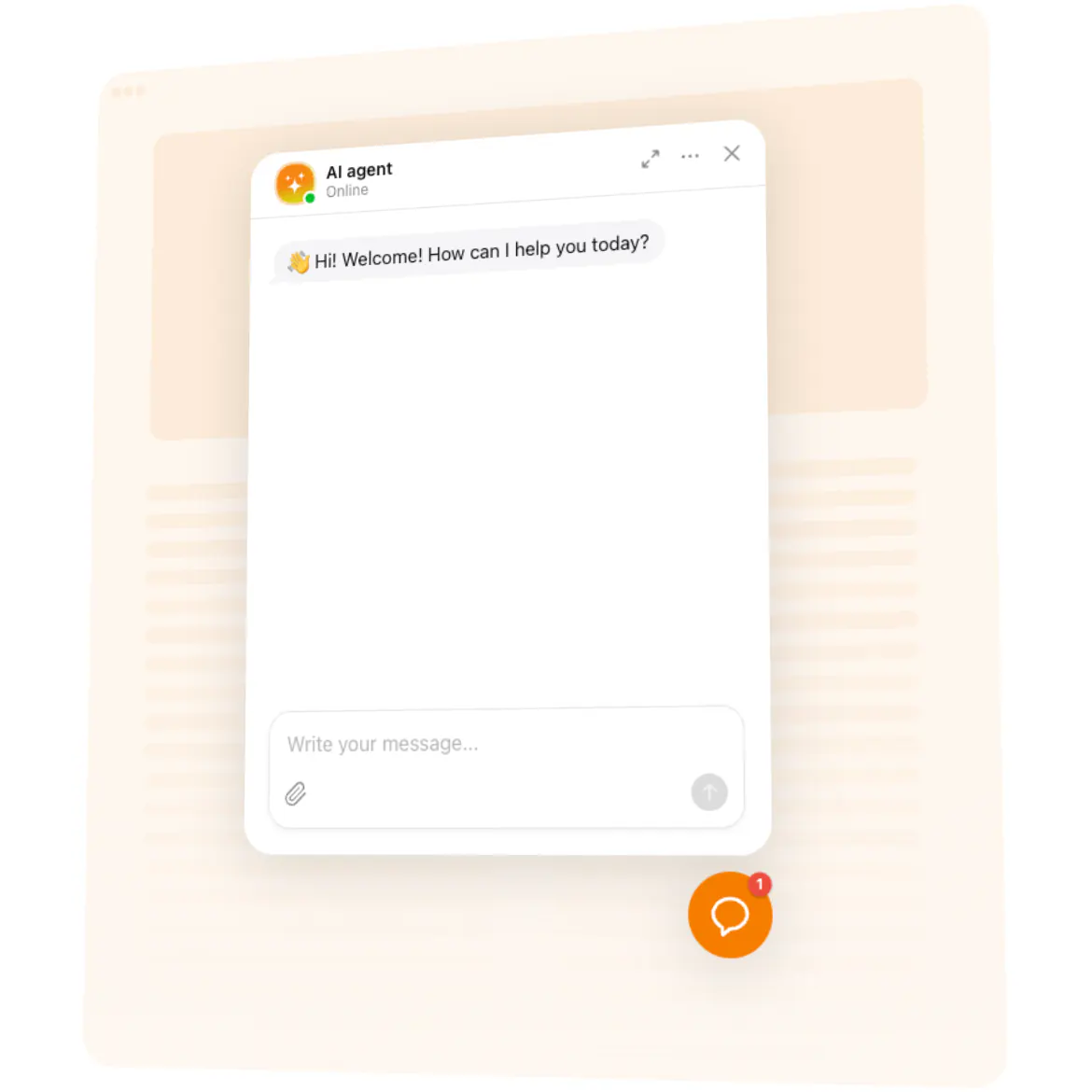
Wouldn’t it be nice if your Blogger page could chat back? That’s what our AI Chatbot does – it welcomes visitors, answers common questions, and keeps the conversation going while you focus on writing your next post. Think of it as your friendly co-host who never runs out of energy.
Did you know? According to Salesforce, 69% of consumers prefer chatbots for quick communication with brands. That means more happy readers when you make help available instantly.
Try it today and let your blog chat with readers while you sleep.
Key features of the AI Chatbot
24/7 smart replies – Readers can ask about your content, updates, or topics you cover, and the chatbot responds right away.
Custom personality – Give your bot a voice that matches your style – whether that’s casual, professional, or playful.
No tech barriers – Setting it up is as easy as pasting text. If you can post a blog entry, you can handle this widget.
Lead collection – Capture emails and feedback while chatting, so you can build a stronger connection with your audience.
Display flexibility – Float it in the corner or place it right inside your post. Subtle presence or full spotlight – you choose.
Useful insights – Check what readers ask most often and fine-tune your blog content to match their interests.
Create your free chatbot today – it only takes a few minutes.
How to add the AI Chatbot to Blogger
Adding it is simpler than brewing your morning coffee. Here’s how:
Step 1. Open the AI Chatbot page on Elfsight and hit “Create Widget.”
Step 2. Adjust the design, choose your bot’s personality, and decide what it should say – all in a visual editor.
Step 3. Copy the little code snippet we provide. That’s the magic key.
Step 4. In your Blogger dashboard, go to Theme → Edit HTML, and paste the snippet before the closing
</body>tag (for a floating chatbot). For inline placement, drop it right into a post or page with the HTML editor.Step 5. Save your changes, refresh your blog, and watch your new chatbot say hello.
Need a hand? Check out our Help Center or drop by our Community forum. You can also add requests to our Wishlist or check updates in the Changelog.