
Magento Popup extension

Create your Popup extension
Screenshots
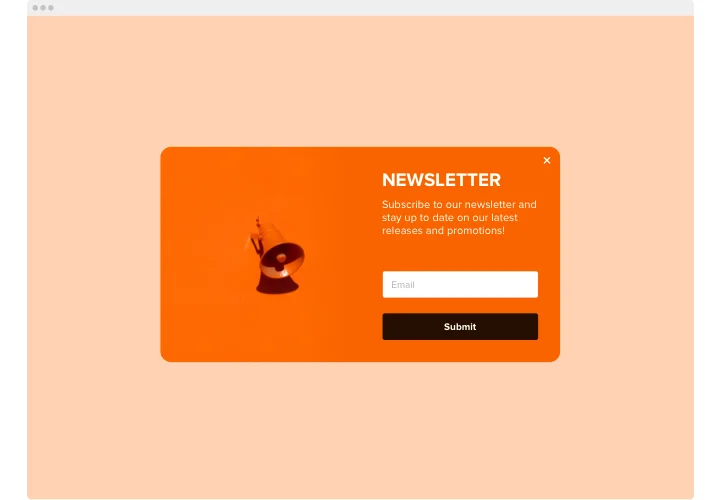
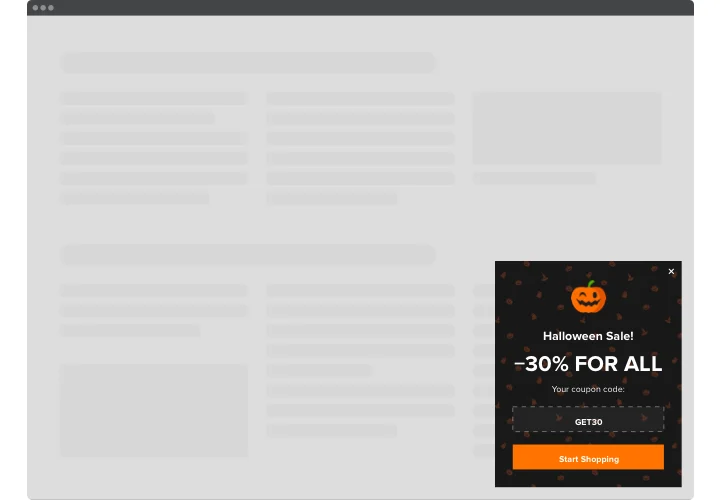
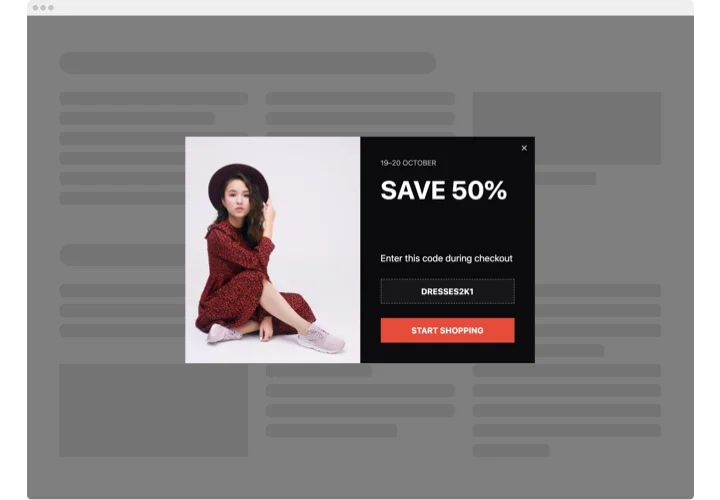
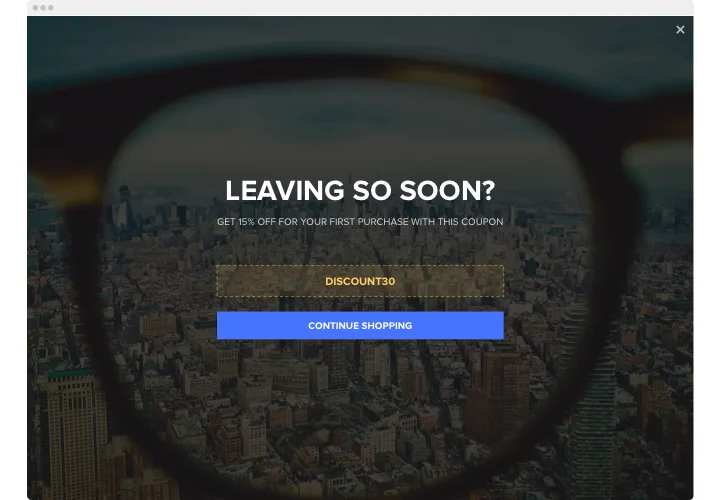
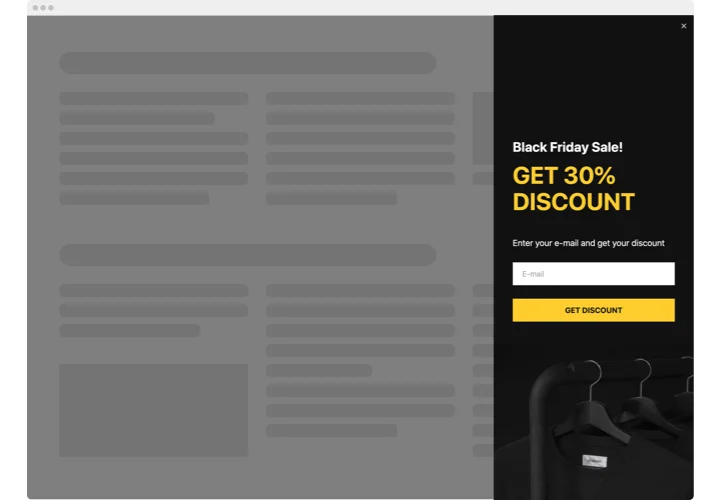
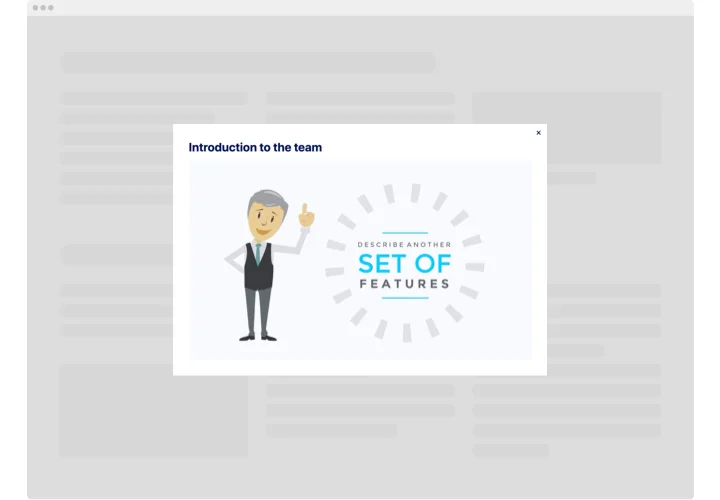
Popups for newsletters, coupons and announcements
A modal popup is a window that appears on top of your page to catch a visitor’s attention. With Magento Popup, you can collect newsletter subscribers, share promotions, hand out coupons or announce important updates.
Start from a pre-made template, then change the style and layout, set the triggers that decide when the popup appears, and fine-tune the timing. Add the code to your store, and your popup is live.
Key features of the Popup extension
The popup builder gives you a set of adjustable elements to match your goals for Magento visitors. Here is what you can do:
- Smart triggers: choose from 6 triggers (page load, time on page, scroll, scroll to element, click and exit intent on desktop only). Combine several, and the first one to fire shows the popup.
- Coupons and countdowns: visitors click the coupon code to copy it, and a timer can run separately for each visitor from the first popup display.
- Lead capture form: collect emails and send submissions to email notifications and CSV export, or send contacts to Mailchimp and Google Sheets.
- 7 layouts: Modal, Left and Right Pane, Left and Right Slide-in, Top and Bottom Bar.
- 14 elements to build a popup, plus buttons that redirect to any address and an uploaded picture for the background.
- Display rules: show the popup on all pages, on specific pages or everywhere except selected pages, and choose Desktop, Tablet or Mobile.
- AI Popup Generator: describe the popup in text and get a first version to customize.
See how it works in the free editor.
Add popups to Magento without a module
You don’t need a module: the code goes in through standard Admin tools, such as the HTML Code element in Page Builder. To show the popup on all product pages, categories or all pages, add the code to one CMS block and display it through Content → Widgets. The same code can be installed on all store views. Page Builder is available in Adobe Commerce from 2.3.1 and Magento Open Source from 2.4.3.
How to add Popup to Magento
Choose a floating layout to show the popup on all pages, or a static layout to place it inside your content.
Add to a CMS page with Page Builder (Adobe Commerce 2.3.1+, Magento Open Source 2.4.3+)
- In the Elfsight editor, choose a template and customize your popup.
- Click Add to website for free and copy the code.
- In Magento Admin, go to Content → Pages.
- Next to the page you need, click Select → Edit.
- Expand the Content section.
- In the Page Builder panel, expand Elements and drag HTML Code onto the page.
- Paste the code and click Save.
- If Magento shows a message about an outdated cache, go to System → Tools → Cache Management and click Refresh.
Need help with the setup? Contact our support team.