
HTML PDF Viewer
Create your PDF widget
Screenshots

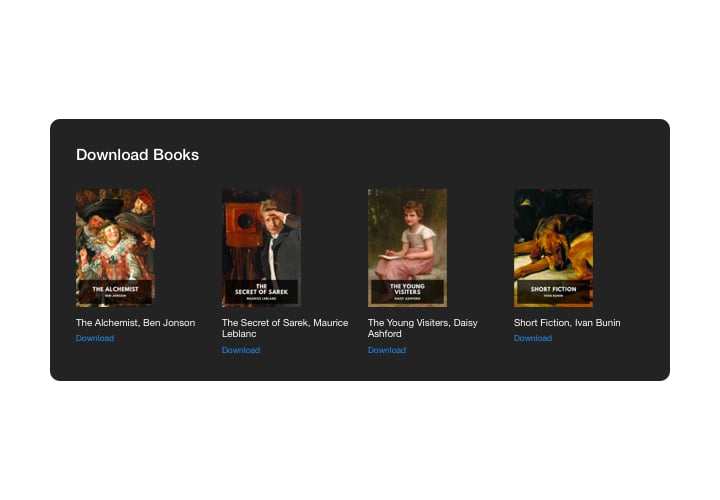
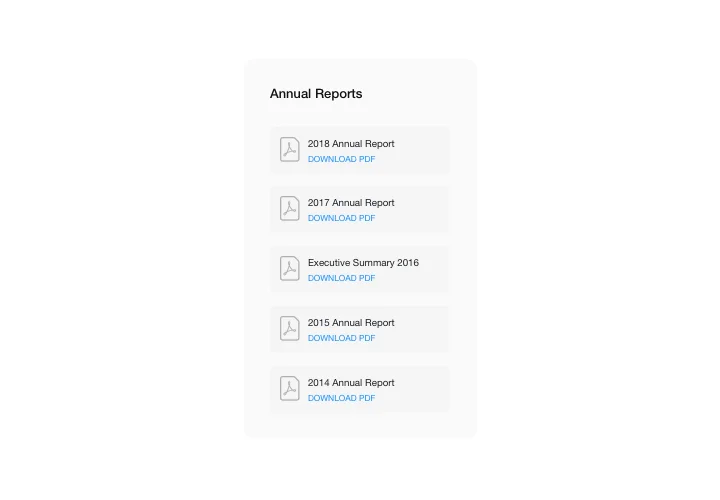
Display PDF files on your HTML page
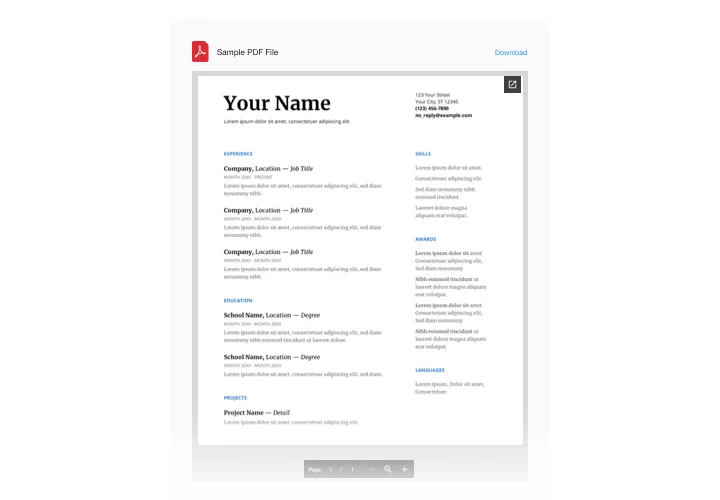
Show a PDF right on your HTML page, with no external link and no download needed. Visitors read the document where they are, whether it’s a user manual, report, menu, or whitepaper.
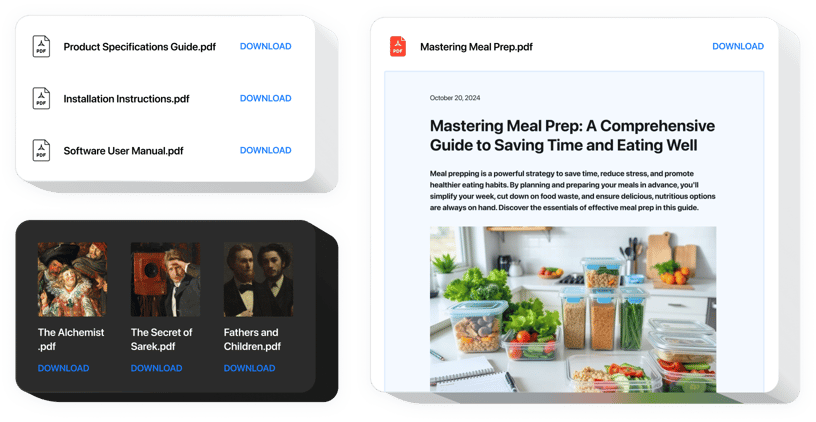
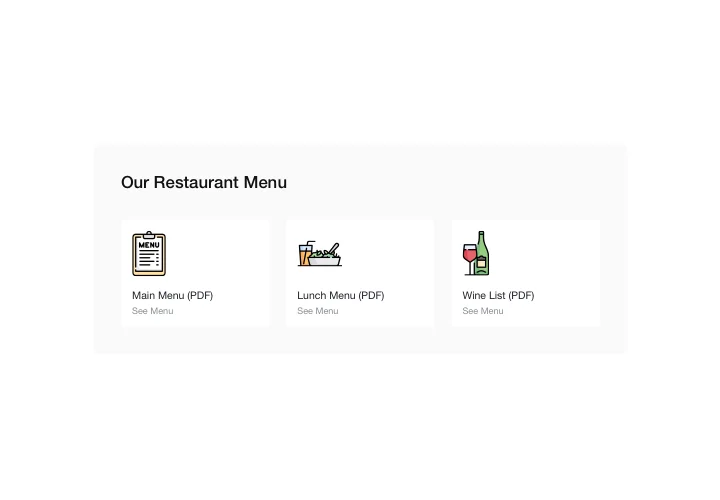
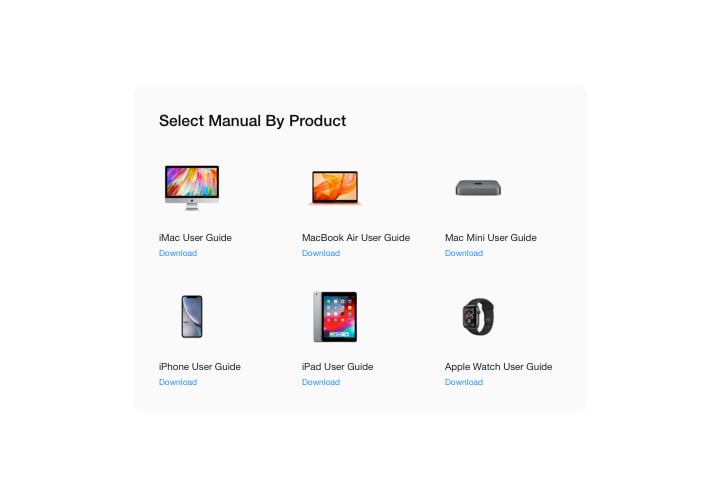
Upload your file or add a link, then choose File viewer, Grid, or List to fit your page. Embedded PDFs look good on desktops, tablets, and mobile devices without additional tweaking. Start free with Elfsight.
Key Features of the HTML PDF Viewer
Choose how your documents appear and what visitors can do with them.
- Layout options: Pick File viewer, Grid, or List for document display.
- Responsive design: Embedded PDFs look good on desktops, tablets, and mobile devices without additional tweaking.
- No file hosting required: Upload your PDF directly or insert a link – no third-party file storage is needed.
- Multiple files: Add several PDFs to a single page.
- Download button: Visitors can view the file online or download it from the page.
How to add PDF Embed to HTML
Create your PDF viewer in the Elfsight editor, then add the code to your HTML website as a static or a floating widget.
Create the viewer:
- Open the Elfsight editor.
- Select a template that fits your style and purpose.
- Upload your PDF or add a link to it.
- Set the viewer size, scroll behavior, and download button visibility.
- Copy the generated code.
Static widget (the viewer appears in the spot you choose):
- Open your website files in a code editor or use your hosting file manager.
- Open the HTML file of the page where you want the viewer to appear.
- Inside the <body> section, find the place for the viewer and paste the code there.
- Save the HTML file.
- If you edit files locally, upload the updated file to your web server or your hosting file manager.
Floating widget (the viewer floats on the page):
- Open your website files in a code editor or use your hosting file manager.
- Open the HTML file of the page where you want the viewer to appear.
- Paste the code before the closing </body> tag.
- Save the HTML file.
- If you edit files locally, upload the updated file to your web server or your hosting file manager.
To show the widget on all pages, add the code to each page manually. If your website shares common files like header.html or footer.html, add the code there to display the widget across all pages.
If you need help, contact our support team.
Ways to embed a PDF in HTML
You can embed a PDF in an HTML page by hand with one of three tags:
<iframe>shows the PDF inside your page and is easy to use. Older browsers such as Internet Explorer have limited support, and it has no fallback content if the file fails to load.<object>is easy to customize and supports fallback content, such as a link to the PDF if the file cannot be displayed. Different devices may display the PDF differently.<embed>is easy to use, but it cannot hold fallback content and offers limited controls. The PDF may look different depending on the browser or mobile device.
With each tag you set the size with width and height attributes, and the PDF file has to be available on your server or at a URL.
With Elfsight you don’t need to keep the file on your own hosting: upload your PDF or insert a link, and no third-party file storage is needed. Embedded PDFs look good on desktops, tablets and mobile devices without additional tweaking. Then show your documents in File viewer, Grid, or List mode, and keep the download button on if you want visitors to save a copy.