Joomla Cookie Consent extension

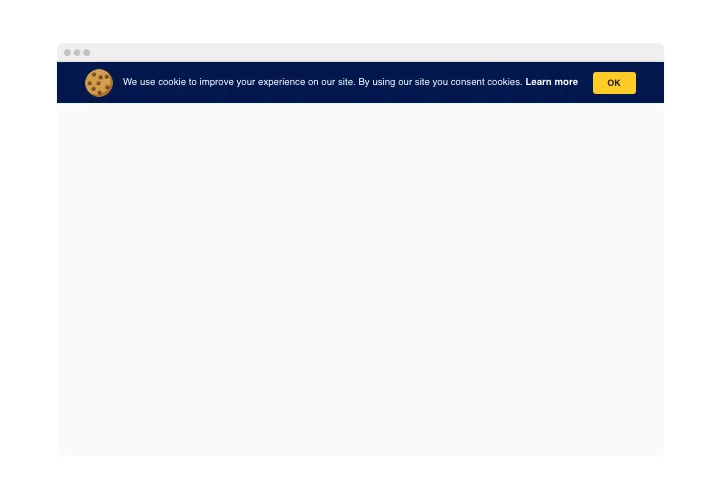
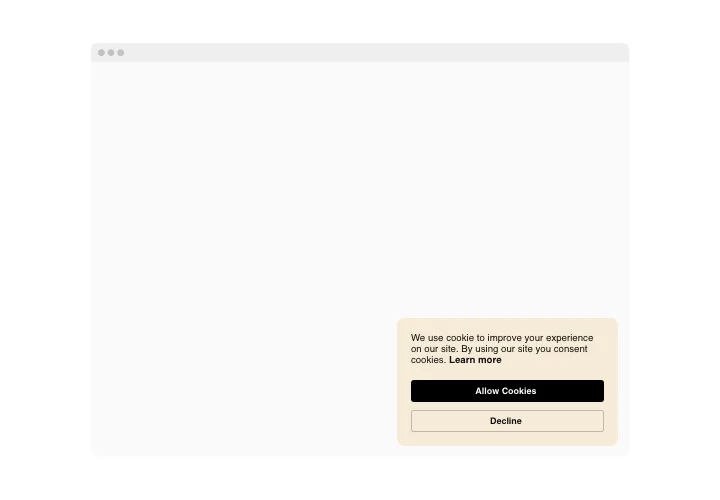
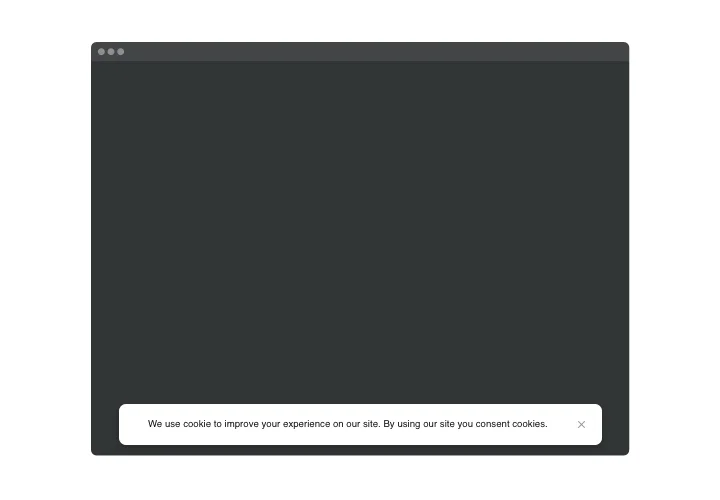
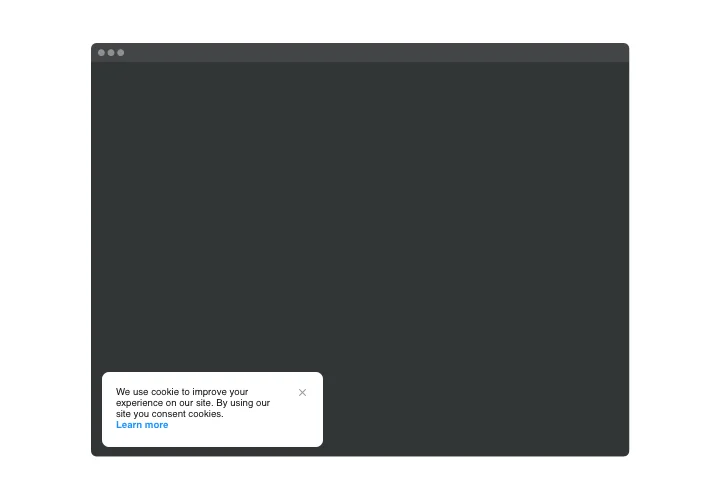
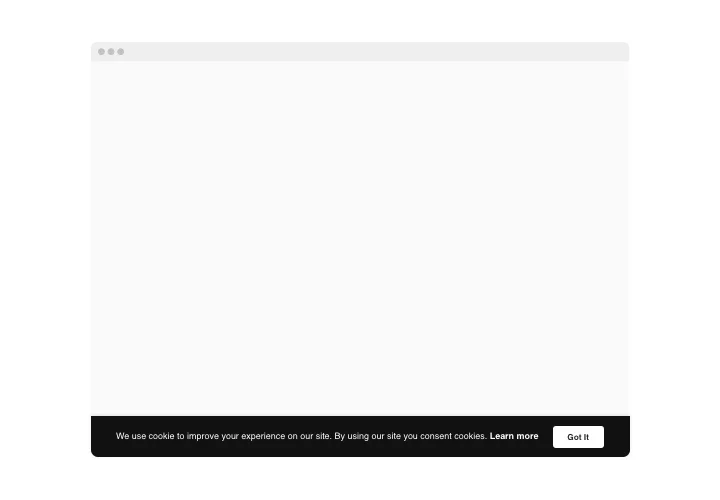
Show a cookie banner on your Joomla website with your own message, a link to your policy and buttons that ask visitors for consent, as a bar or a box.
4.8 rating
10,000+ reviews
Free plan available
Create Widget for Free
No credit card needed
Joomla Cookie Consent extension
Create your Cookie Consent plugin

Configure your Cookie Consent and add it to your Joomla website for free!

Screenshots

Joomla Cookie Consent extension
1 / 6

Add a cookie banner to your Joomla website

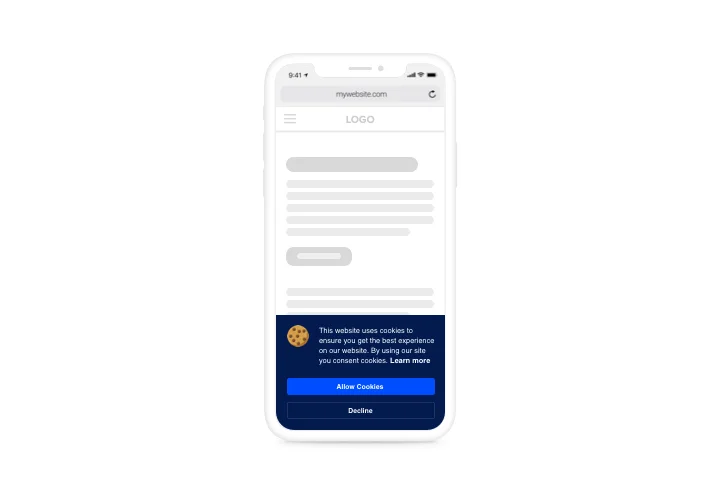
Tell visitors your website uses cookies with a banner that appears as soon as they enter a page. Write your own text, link to your usage policy and place buttons that ask visitors for approval.

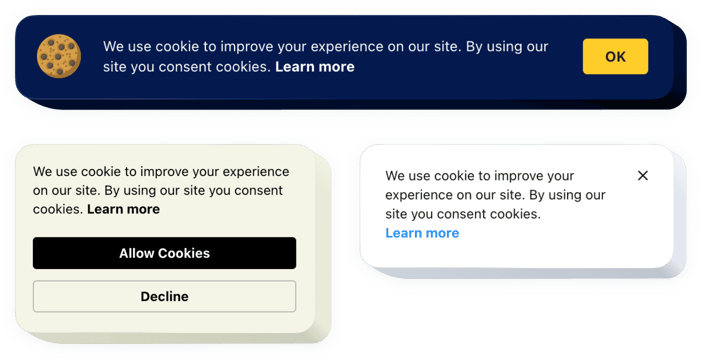
Show the banner as a bar or a responsive box, and recolor the buttons and the link to match your website style. It is translated into all widespread European languages.

Display it on any page or on all pages of your website, whichever you need.

Key features of the Joomla Cookie Consent

Everything you need to ask for cookie consent on your website:

  • Your own message – write the notification text with formatting and links.
  • Cookie policy link – show or hide it and set your own link text.
  • Bar or Box – choose a bar or a responsive box layout.
  • Consent buttons – ask visitors for approval and recolor the buttons and the link to match your website style.
  • European languages – the widget is translated into all widespread European languages.
  • Pages of your choice – show the notification on any page or on all pages; it appears once a visitor enters the page.

Want to see it in action? Try the live editor.

How to add Cookie Consent to Joomla

Build your widget in the free Elfsight editor, customize its message and appearance, then copy the installation code.

Good to know: These instructions follow Elfsight’s Joomla 4 guide. Choose installation on all pages to display Cookie Consent throughout your website.

Method 1: Add Cookie Consent to all pages

  1. Go to System → Site Templates in Joomla Admin.
  2. Select your active template and open index.php.
  3. Paste the complete installation code before </body>.
  4. Click Save and check your published website.

Method 2: Add Cookie Consent to a specific page

  1. Go to System → Site Templates and select your active template.
  2. Open index.php.
  3. Paste the first line of your installation code before </body> and save.
  4. Go to Content → Articles and open the relevant article.
  5. Click More → Source Code.
  6. Paste the second line of your installation code.
  7. Click OK, save the article, and check the published page.

Method 3: Add Cookie Consent through template settings

  1. If index.php has no body tag, look in your template settings for a custom code field such as Before </body>.
  2. Paste the complete installation code to display the widget on all pages.
  3. For a specific page, insert only the first line here, then follow Method 2 from step 4.
  4. Save and check your website.

Our support team can help you install the widget on your website.

Do I need to write code to add the banner?

No. Adding the widget is free and does not require coding. You create it in the configurator and paste the generated code into your Joomla template or article.

Can I show the banner on all pages or only on some?

Yes. You can show the notification on any page or on all pages of your website. It appears once a user enters the page, so every visitor sees it right away.

How long does it take to add the banner?

About three minutes from opening the configurator to checking the result on your website. Most of that time goes into choosing the look of the banner.

Where can I get help with the installation?

Contact Elfsight customer support. The team helps with any installation issue, so you do not have to work out the Joomla steps alone.

Can I write my own cookie message?

Yes. Write your own notification text and add buttons that ask visitors for approval, so the message sounds like your brand.

Can the notification text include formatting and links?

Yes. The text supports formatting and links, so you can highlight key words or point visitors to more information.

Can I link to my cookie policy?

Yes. You can show or hide the link to your policy and set your own link text, for example to match the wording of your website.

Can I choose between a bar and a box?

Yes. The widget can be displayed as a bar or as a responsive box, so you can pick the one that fits your page layout.

Can I change the color of the buttons?

Yes. You can recolor the buttons and the link to match your website style, so the banner looks like part of your design.

Is the banner available in other languages?

Yes. The widget is translated into all widespread European languages, which helps visitors read the notice in their own language.

Can the banner ask visitors for consent?

Yes. You can place buttons on the banner that ask visitors for approval, and visitors respond right on the notification.

Is it free to add Cookie Consent to Joomla?

Yes. Adding the widget is free, and you can insert it through the Elfsight service.

Pricing

14-day money back guarantee. Risk-free, you can cancel at anytime.
Elfsight Apps
Multi-platform software that works on any site
from $0 / month
start with free plan
Unlimited websites
24/7 company support
Charge-free installation help
Special deal for multiple apps
Easy to edit content